MiniMax H3: what the new AI video model can actually do

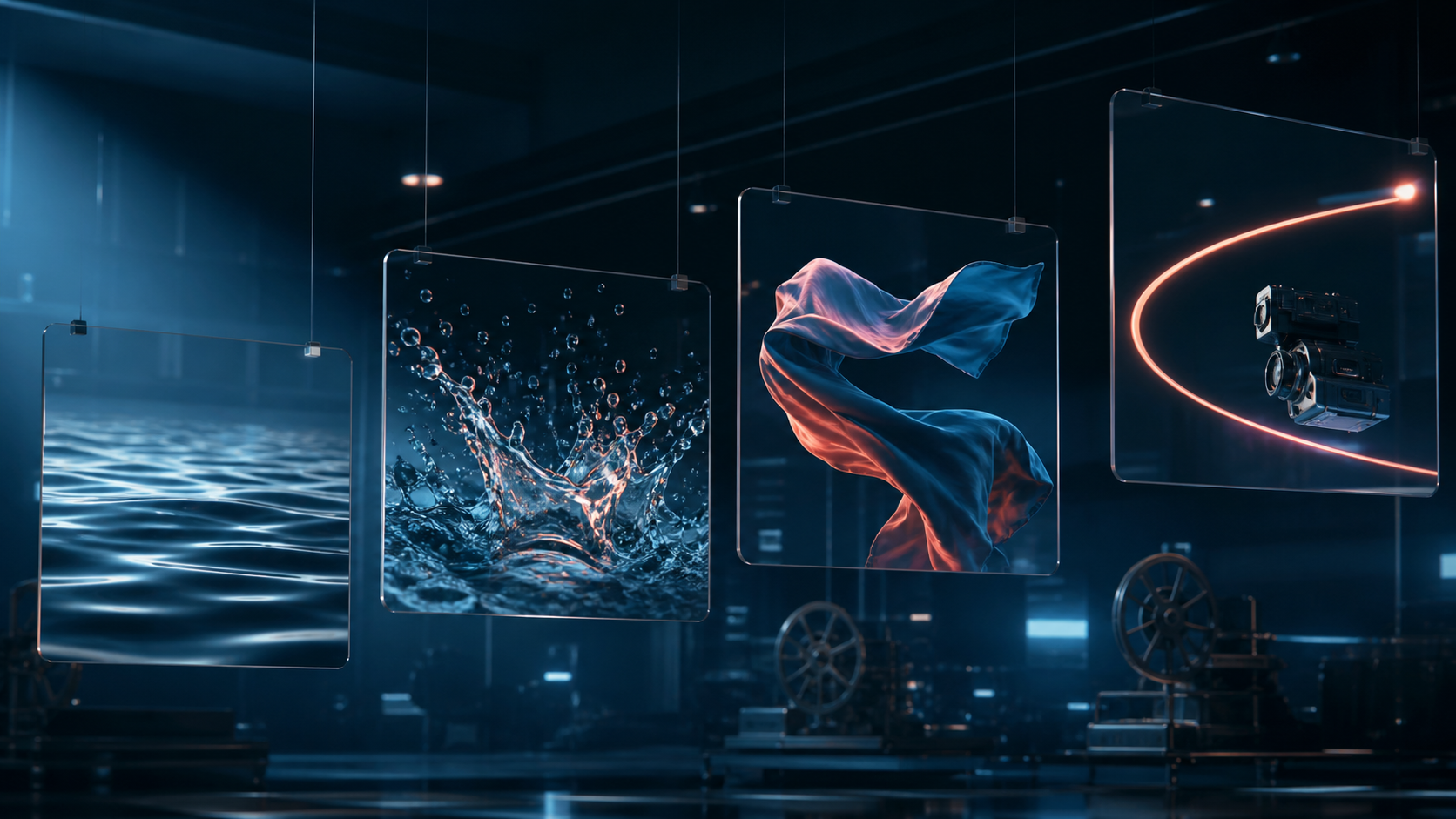
There is an easy way to expose an AI video model: ask for motion, not a pretty portrait. Twist fabric in the air, send a camera around an object, crash water into a rock—and weak generators start melting edges within a second. MiniMax H3 is interesting because its pitch is coherent motion, not one photogenic frame.
We watched the full hands-on review behind the launch and checked its technical claims against MiniMax’s documentation. Here is the useful part, minus the “cinema is dead” noise.
More than a prompt and one picture
H3 understands text, images, video and audio inside one request. You can generate from text, animate a first frame, lock both the opening and ending frames, or build a clip from references. A reference can carry a character, movement, camera path, visual style, voice or editing rhythm.
That changes the job. Instead of writing a paragraph that says “the camera moves like this and the character looks like that,” you can show a short motion clip and a separate style image. There is less for the model to misread.
The official limits are generous: up to 9 reference images, 3 video clips and 3 audio clips, with 12 mixed files in total. Reference video and audio may each add up to 15 seconds. Prompts can reach 7,000 characters—far more than a sensible short shot normally needs.
Yes, it says 2K. Read the small print
Output is 768p or 2K, and clips run from 4 to 15 whole seconds. Common aspect ratios and an adaptive mode are supported. Fifteen seconds is enough for a compact social ad: reveal the object, perform one action, show a reaction, land on the final shot.
But resolution is not quality. MiniMax also documents a separate regeneration path: once a 768p result has the right motion, it can be rebuilt at 2K using the original inputs and base clip. That is the sensible workflow. Find the take first; spend on resolution second.
Where H3 looks strongest
The review’s best examples involve fast camera moves, liquid, cloth and lighting that must remain consistent while the scene changes. Audio references are the less obvious win. They can guide a voice or musical rhythm alongside the visual material.
Picture a product shot with one still image, a six-second camera-motion reference and a short sound accent. The still anchors the product, the video supplies the orbit, and the audio sets the beat. That is much more precise than “make a premium commercial.”
The catch
Character consistency is better, not guaranteed. Add several objects that collide, occlude one another and return to frame, and stray details or shape jumps can still appear. Tiny readable lettering should be added in an editor afterwards.
And these are short clips, not finished three-minute films. A longer story still needs a shot list, stable references and an edit. Real work remains. H3 mainly makes the raw-shot stage faster.
A first prompt that will teach you something
Skip the pile of adjectives. Specify subject, action, camera and light: “A glass bottle stands on a wet black stone. A wave hits behind it; the camera arcs slowly right to left; cold morning light; finish on a close-up.” Attach a motion reference when the camera path matters. Add several angles when identity matters.
To test the idea with your own material, open AI video generation in NeuralSpace. Need a clean starting frame first? Build it in the image generator. Start with five or six seconds at 768p. Bad takes cost less; a good one earns the 2K pass.