Local AI agent: what you can actually run on your own computer and when a server wins
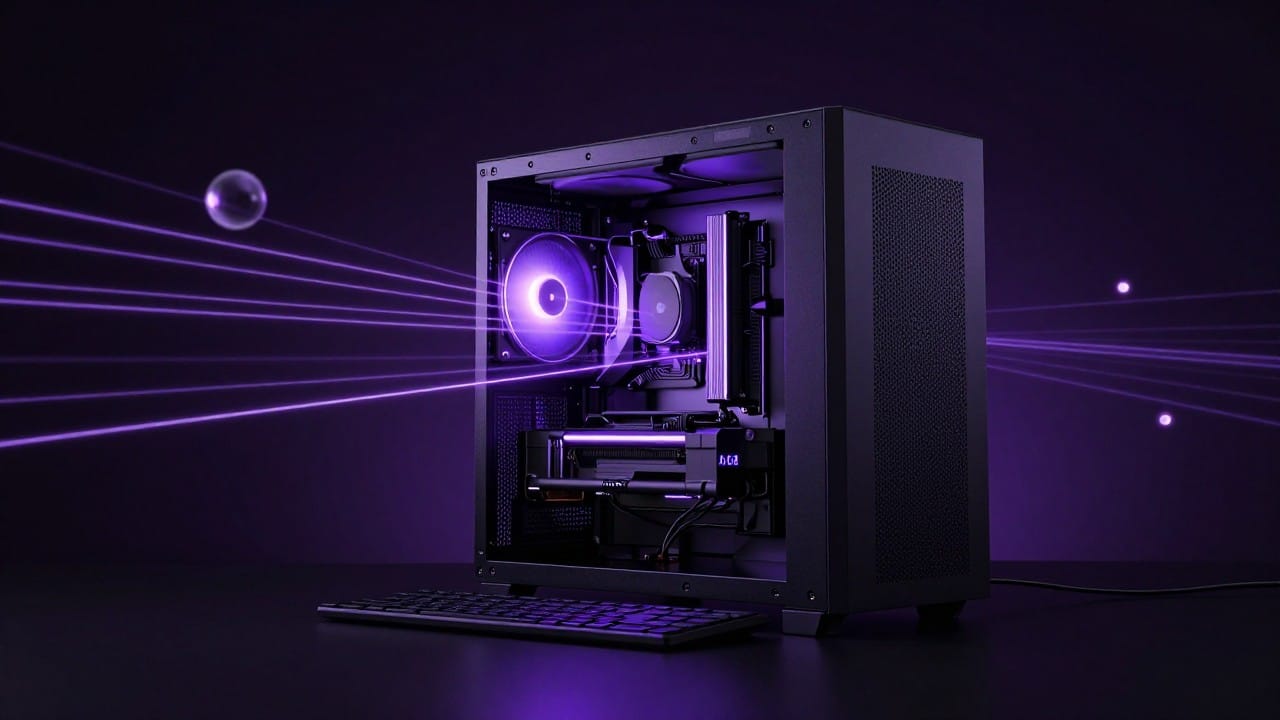
A local AI agent is a language model that runs right on your computer and gets tools: access to files, the terminal and a browser. It never sends your data to someone else's cloud, it works without internet, and it charges nothing per request. Below — what you can actually run on home hardware in 2026, which open models fit, where a local agent honestly loses to the cloud, and when it makes more sense to move to a dedicated server or a cloud chat like NeuralSpace.
What a local agent is made of
Two parts, no more. First, the model itself: tools like Ollama or LM Studio download open weights (Qwen, Llama, DeepSeek distills, Mistral, Gemma) and run them on your CPU or GPU. Second, the agent harness: a layer that gives the model a loop of "plan a step → call a tool → read the result → continue". Harnesses vary: from Open Interpreter to a hundred-line script you wrote yourself. The model is the brain, the harness is the hands.
What an ordinary computer can handle
The hardware math is simple. A laptop with 16 GB of RAM runs 7–8B models quantized to Q4 — they take 4–6 GB and work even without a GPU, though slowly: a few tokens per second on a CPU. Enough for answering questions, drafting emails and short scripts. A machine with 32 GB of RAM or a 12–16 GB graphics card can run 14–32B models — noticeably smarter and less likely to derail in multi-step tasks. The "almost cloud-level" tier starts at 70B, but that needs 48+ GB of memory and a top GPU — a separate machine with serious money behind it.
An honest downside that YouTube reviews skip: even the best open model of 2026 trails cloud flagships in long agent chains. Around step five or six a local model more often forgets the plan, fumbles its tools and starts inventing file paths. For three to five steps — fine. For an hour of autonomous work — not yet.
Where a local agent wins
Three scenarios where your own agent objectively beats the cloud. Privacy: contracts, medical records or financial spreadsheets never leave your disk. Offline: on a trip, on a plane, at a cottage with no internet, the agent keeps working. Price: an open model charges nothing per request — you pay in electricity only. Typical jobs: parsing a stack of PDFs into a table, tidying up a folder of files, drafting emails from a template.
Where it loses to the cloud
A local model's knowledge is frozen at the release date of its weights, and web search has to be bolted on separately. It cannot generate images, video or music at all — those are separate models that won't run on home hardware. And all the maintenance is on you: updates, quantization, context settings, fixing the harness after every other release. It's less "install and forget", more an aquarium: alive, but it needs care.
When a server or the cloud is the better call
Move to the cloud in four cases. The agent must run around the clock — monitoring, scheduled reports — and you can't keep a home PC always on. The task needs a strong model: code, long documents, complex chains. You need media — images, video, music. Or you need access from a phone, from anywhere.
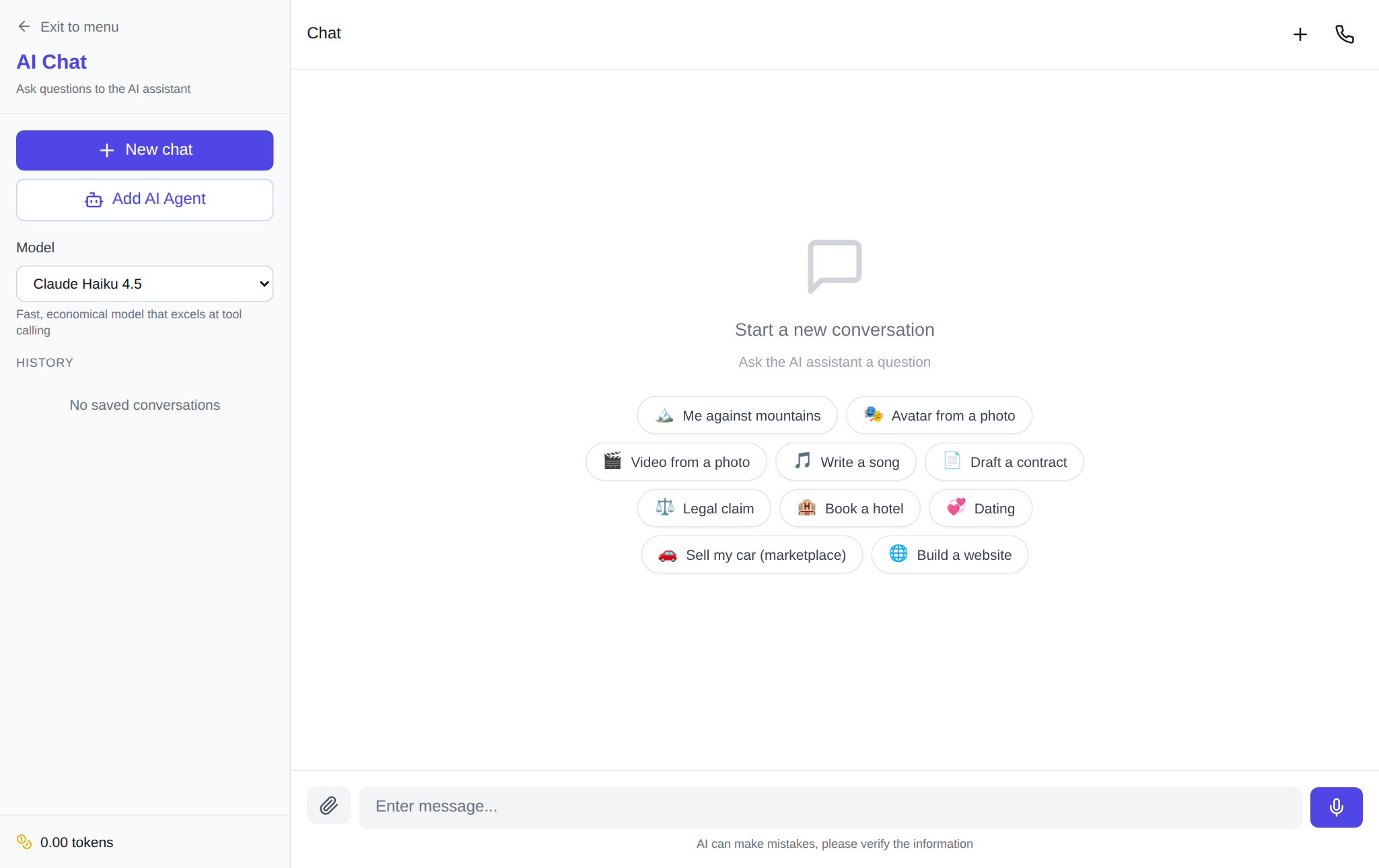
On NeuralSpace four sections cover these cases. The Chat — top GPT, Claude, Gemini, Grok and DeepSeek models with web search, file handling and dialogue memory. The Code section and vibe coding — an agent that writes and publishes projects on its own. An AI agent on a dedicated server — a server from 4 GB where the agent installs its own software and answers in Telegram around the clock. For your own integrations there are API keys. There is no subscription: new users get starter tokens, after that you pay per token, and the price of every request is shown before you run it.
Tellingly, platform users themselves vote for the "local" style of work. According to NeuralSpace chat history for the last 30 days (1,478 messages from 126 users), the three most popular models — the compact GPT-5.4 mini, DeepSeek V4.1 Flash and GPT-6 Sol — took about 37% of all requests: people pick fast, cheap models over the heaviest flagships. Cloud chat reliability is high, too: according to the generation error log for the same 30 days (2,003 records), chat accounts for only 37 failures — under 2% — and in every such case the tokens are returned to the balance automatically.
Where to start
My working order is this. First, state the task and gauge how sensitive the data is: "parse my personal statements" and "build a landing page" are different routes. If the data is private and the task is simple — install Ollama, grab a 7–8B model and try it on your laptop: an hour of setup, and you have your own agent. If you need maximum quality, media or 24/7 operation — open the NeuralSpace chat, pick a model in one click and check the price before running. The hybrid is the most honest setup: drafts and private stuff locally, final and heavy work in the cloud.
FAQ
Which model fits a laptop with 16 GB of RAM?
7–8B models quantized to Q4: Qwen, Llama, DeepSeek distills. They take 4–6 GB and leave memory for the system and the browser.
Do I need a graphics card?
No. On a CPU the model works, just slowly — a few tokens per second. A GPU speeds generation up by tens of times, so for regular use it's worth considering.
Does a local agent really cost nothing?
Open models charge nothing per request, but the hardware and electricity are on you. Cloud models on NeuralSpace are never free: new users get starter tokens, after that you pay per token with no subscription.
How is a local agent different from an agent on a server?
A local one lives on your computer and shuts down with it. An agent on a dedicated server (for example, in the NeuralSpace AI agent section) runs around the clock, is reachable from any device and can carry heavier models.