Grok Video 1.5 in NeuralSpace: quality is like SeeDance
Briefly about the main thing (BLUF)
Grok Video 1.5 - an update that came out almost without announcement: the quality has improved to the level of SeeDance, the animation of the picture accepts up to 7 references at once, and the price is a penny. We check what has really improved, and where the model is still not SeeDance.
I generated a short video for stories and, out of habit, put on SeeDance. Queue, waiting, minus a noticeable stack of tokens. Out of boredom, I switched to Grok - and got almost the same thing in a couple of seconds and at a fraction of the price. I sit and think: why did I overpay before?
An update that never happened
The funniest thing is Grok Video 1.5 came to us without fanfare. We have seamlessly updated the base Grok Imagine Video from version 1.0 to 1.5: same call, same parameters, same price. It’s just that one morning the picture became noticeably better, but nothing changed in the payment.
Previously, the site had two buttons and slight confusion: the usual Grok and a separate expensive “Grok 1.5 (preview)”. We removed it. Now in the model selection there is one line - Grok 1.5, and this is the same basic, inexpensive one. There is no additional payment for the “fresh version”.
What really improved
- Movement and physics. Objects move closer to life—less of the “jelly” effect where arms and hair take on a life of their own.
- The sound is right in the video. The sound design is not ideal, but for short clips it is often enough without a separate voiceover.
- Speed. A few seconds and you're done.
- Image-to-video - first place. It is in the “bring my picture to life” mode that Grok 1.5 is currently holding #1, and this can be seen in simple scenes.
Bring a picture to life - up to 7 references at once
This is where it shines. On the page video generation can be downloaded up to 7 reference images and refer to any directly in the prompt - write BLK0 and then what to do with it. For example: BLK1. Convenient when you need to transfer a specific person, product or background into a video, and not “something similar”.
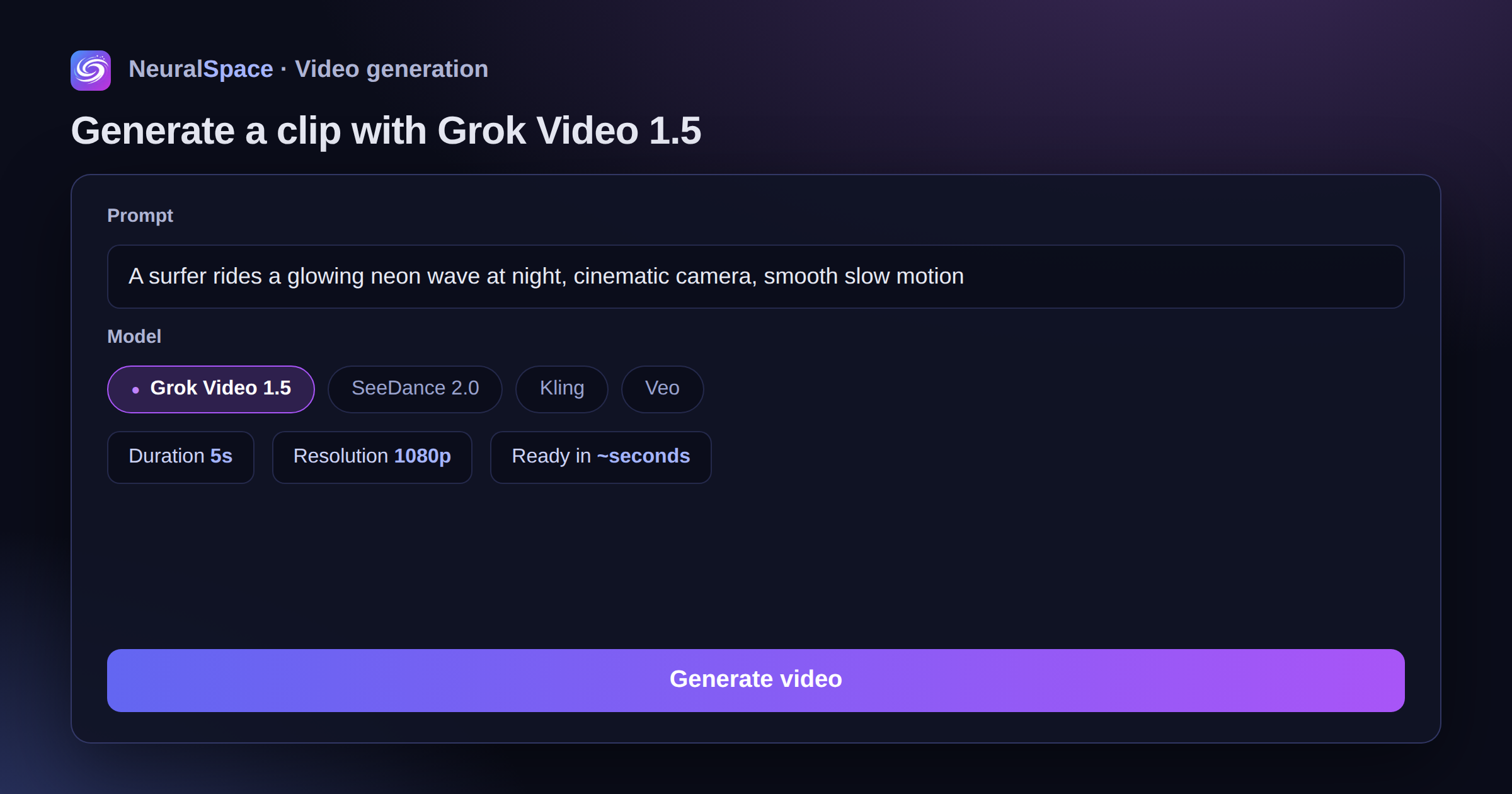
Formats for stories and YouTube, duration from 6 seconds, resolution to choose from. The price is considered dynamically and is visible under the form even before launch - no surprises after write-off.
Where is it still not SeeDance?
Honestly: on long complex scenes with a lot of details SeeDance 2.0 so far it's dragging more smoothly. If I’m making an advertising epic for 15-20 seconds with camera movement and extras, I take SeeDance and wait. And Grok 1.5 is about something else. When you need not just one perfect video, but ten working options per evening to choose from. Speed and volume versus licking.
And yes, Grok’s censorship is softer - there are fewer false blocks on normal scenes. Celebrities, by the way, are generated without whims.
How to try it right now
You go to neuralspace.pro/video, in “Model” you select Grok, add text or a picture - and in a few seconds you have a video. Ideas and ready-made prompts can be found in trends, you can see that it’s flying now. Try it on a couple of your photos - the difference with what was on 1.0 is immediately noticeable.
Frequently asked questions (FAQ)
Question: How to get the best result from a neural network?
Answer: Use detailed prompts (descriptions) in English, set the style and details of the scene.
Question: Can these materials be used for commercial purposes?
Answer: Yes, the generated content is entirely yours.