Gemini Omni Video: what video mode Google can do in real

Briefly about the main thing (BLUF)
Gemini Omni — video mode Google in real time: point the camera, and the model explains, translates or parses what she sees live. Let’s figure out where the word “Omni” came from, what the model does with video, and what the Russian user can do with all this.
Last week, colleagues posted a video of a person showing his wardrobe live, and Gemini commenting on items in real time and suggesting looks. My first thought: “well, just another demo that doesn’t work in real life.” Second thought, after testing: it works. Not perfect, but it works.
Where does the word "Omni" come from?
"Omni" means "all at once." Both GPT-4o (omni) and Gemini now have a mode where the model works with text, voice, images and video simultaneously. Not in turns. Not “first the frame, then the answer.” Just the flow.
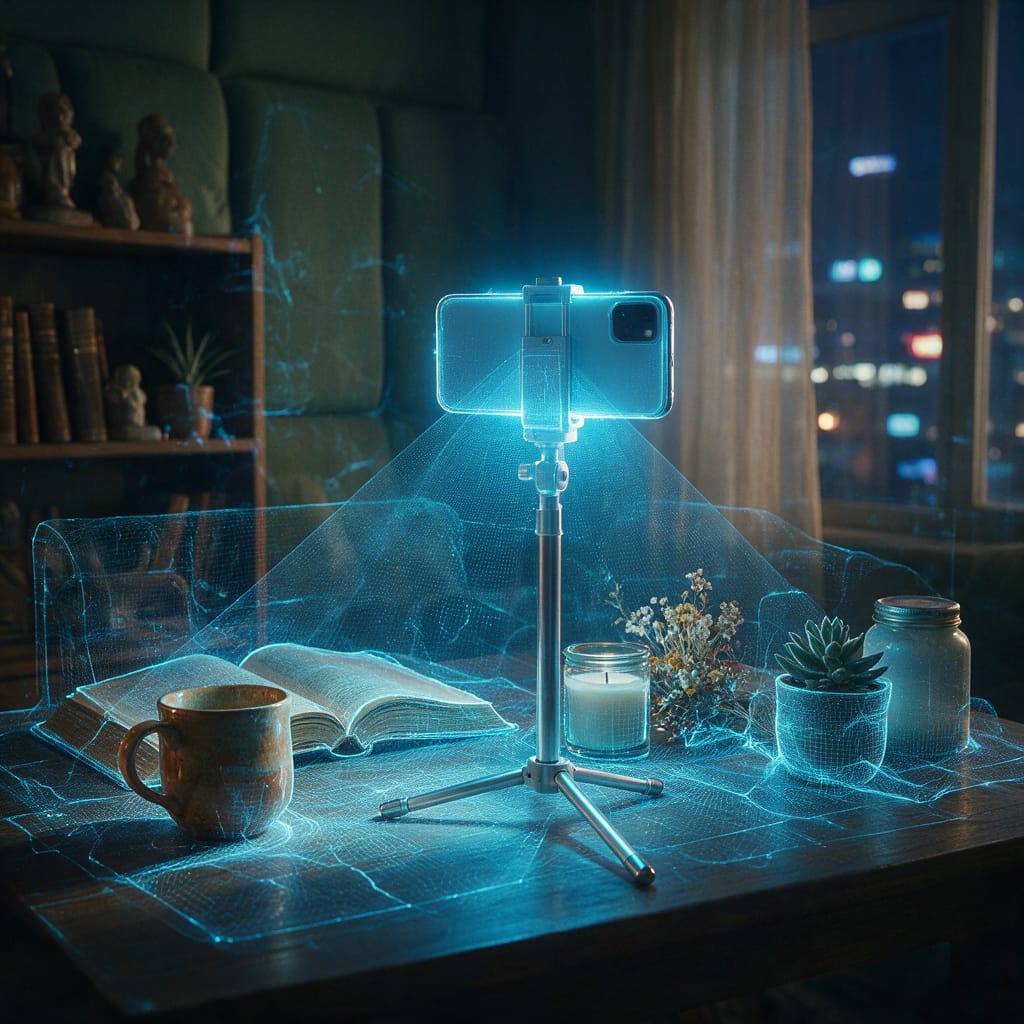
Specifically, Gemini Omni Video can receive a live stream from a camera and react to what is happening in real time. Name objects. Read text on screen. Answer questions about what is being shown in the frame right now.
Technically it's called the Multimodal Live API. The video stream goes to the Google servers, the model processes it and responds with a delay of 200–400 ms. This already looks like a conversation, not a request-response.
What exactly does the model do with the video?
It is important to distinguish between three different things:
- Analysis of downloaded video — you upload a video, ask them to describe or find the right moment. This worked back in 2024.
- Real time mode — the model looks through the camera with you. This is already fundamentally different.
- Video generation - here Google launched Veo 3 separately, this is a different story and a different tool.
In Omni Live mode, you can point your phone at a broken electrical panel and ask “what’s wrong” - and get an answer almost instantly, without waiting for it to load. Or show the dish in a restaurant and find out the approximate composition. Or show your code on the monitor and immediately get a comment.
Real case: disassembling code through the camera
One of the most workable scenarios is to stream the screen while debugging. Open Google AI Studio, turn on video mode, show the IDE. You ask: “why is there null here?” — the model sees a specific stacktrace and responds to the point.
I worked like this with a Python script for about twenty minutes. The delay is short, the answers are to the point. The only thing is that after 20 minutes the phone started to heat up, I had to switch to a laptop.
It also works well with documents. You put the paper in front of the camera, ask questions - the model reads the text and answers. For non-standard fonts it sometimes makes mistakes, but overall the accuracy is decent.
Where's the catch?
I'll tell you honestly about what annoys me.
Firstly, access. Gemini 2.0 with Omni Video lives in Google AI Studio and the Advanced subscription app. There is a trial period. Then - pay. You cannot add a Russian bank card. VPN is needed not only for registration, but also for stable operation of the stream.
Secondly, privacy. When you stream a video in Google, it goes somewhere. The company says “we don’t save,” but that’s just their word.
Thirdly, session limits. You can’t watch endlessly; there are restrictions on the length of the stream. And the quality of work drops noticeably when the Internet is poor.
What should a Russian user do?
Two ways.
The first one is VPN + Google AI Studio. It works, but with nerves: you need a stable connection, a non-Russian card, and sometimes the session just falls off.
The second is to assemble a working stack from available tools. On NeuralSpace collected AI services without VPN and without currency cards. For video there is video generation - not Omni Live, but enough for most tasks. Plus chat with multimodal models, working with images, voice instruments.
If you just need “look into the camera and communicate in real time,” none of the Russian services yet have this format. This is really an innovation Google. But if the task is “to analyze video material” or “to generate video content”, both domestic tools and register You can do it there right now without a VPN.
What to choose depends on the task. And it depends on how willing you are to tinker with a VPN for the sake of a 20-minute demo.
Frequently asked questions (FAQ)
Question: How to get the best result from a neural network?
Answer: Use detailed prompts (descriptions) in English, set the style and details of the scene.
Question: Can these materials be used for commercial purposes?
Answer: Yes, the generated content is entirely yours.