DeepSeek with starter tokens: chat, code, and vibe coding

People searching for DeepSeek often want to open it without installing anything, test it on a real task, and avoid a subscription. On NeuralSpace, a new account receives starter tokens to begin in chat; later you top up the balance and pay only for tokens used. There is no ongoing zero-price plan, but you can select a model for the job and keep an eye on usage before taking on more involved work.
Open DeepSeek in your browser
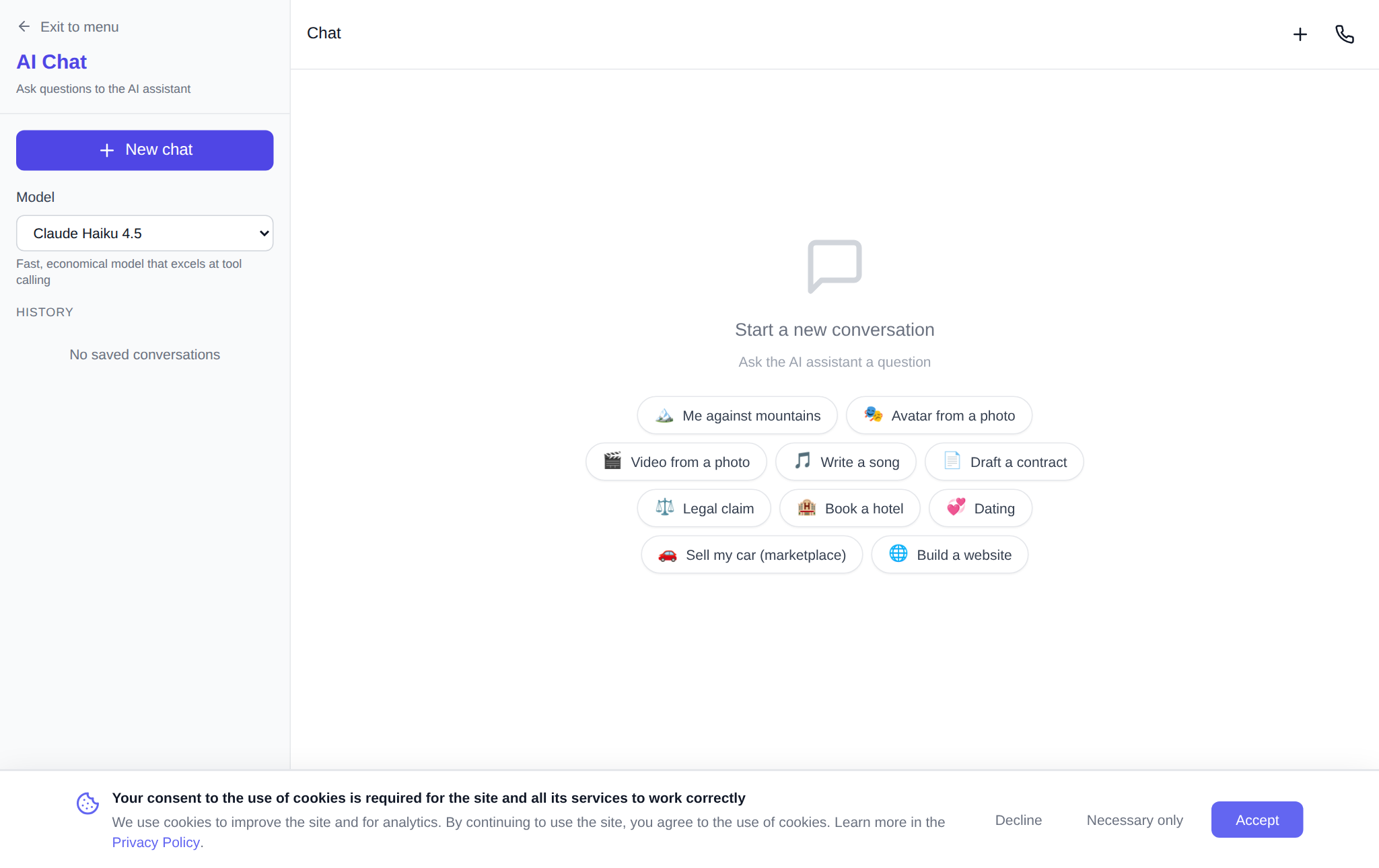
Sign in and go to the NeuralSpace AI chat. Choose DeepSeek V4 Flash from the model list. It is a fast, economical choice for everyday questions, text drafts, idea analysis and a first pass at code. Put context, the desired outcome and constraints in your opening message. For example: “Create a landing-page outline for a pottery studio: six sections, a friendly tone, and an order form at the end.” This is much more useful than simply asking to write a website.
When to choose Flash or Pro
DeepSeek V4 Flash works well when you need to compare wording quickly, make a text outline, understand an error, or get a few alternatives. Choose DeepSeek V4 Pro for work that needs longer reasoning, such as reviewing service requirements, planning database tables, or checking a non-trivial algorithm. Start with Flash and move to Pro if the answer needs more depth. You can switch models inside the interface without setting up a new tool.
Two practical coding workflows
For a snippet, a function, or an error explanation, open the Code section. Rather than saying “fix my code,” attach the fragment, error text and expected behaviour: “This JavaScript function should merge records by email, but duplicates remain. Find the cause and propose a test.” Ask for a plan first, then the changed code and a separate test checklist. That makes it easier to review instead of pasting a solution blindly.
For a whole prototype rather than a code fragment, use vibe coding. Describe the product like a task for a teammate: “Build a travel-budget calculator with city, days, lodging and transport fields, a total in dollars, and a responsive page.” Name required screens and calculation rules. After the first version, ask for one focused change, such as saved expenses, and test the result against your own scenario.
Make starter tokens count
Do not spend the opening balance on many nearly identical messages. Pick one real mini-task and work in three moves: state the goal, ask for a first result, then give a precise revision. It might be a client email, a contact form, or a one-page calculator. Save effective wording and change one requirement at a time so you can see what improved the answer. Cost depends on the model and the amount of work; continued use is paid in tokens with no mandatory subscription.
FAQ
Can I use DeepSeek without installing software?
Yes. Open the NeuralSpace chat in a browser, select DeepSeek and send your request. Code work has its own Code section.
What do starter tokens mean?
A new account receives starter tokens as an opening balance. After they are spent, usage is paid for in tokens.
Is a subscription required for DeepSeek?
No. There is no mandatory subscription; you top up tokens when needed.
Which DeepSeek model should I choose first?
Start with DeepSeek V4 Flash for quick questions, text and draft code. Try DeepSeek V4 Pro for more complex reasoning and analysis.