Best AI agents in 2026: how to choose and how to build your own

The best AI agent is the one that closes your specific task at a predictable cost and with controls you can check, not the one with the loudest promises. Below we cover the criteria for comparing agents in 2026, the three main approaches, and how to build your own agent on NeuralSpace for a single job.
Criteria for comparing agents
A six-point list won't give you a ranking, but it will weed out weak options in five minutes. Check them in this order:
- Which tools it may touch: text only, search, files, or websites and email.
- How many steps it takes without you and where it stops to ask.
- How it handles errors: retries, reports the failure honestly, or quietly returns an empty result.
- What one finished task costs, not one session. An agent's bill grows with its steps.
- Whether you can see what it did: an action log, run history, the option to roll back.
- Where it runs and who can see the data.
The most common mistake is judging by the demo instead of the log. A demo always succeeds. Ask to see how the agent behaves on a task where something goes wrong.
Three approaches and when each one fits
People call very different things an agent. Roughly, there are three groups.
A fixed workflow. A person writes the steps in advance: read the email, pull out the amount, add a row to the table. The model handles only one step, such as recognising text. This is the cheapest and most predictable option, and for routine work it is often the best. The downside: once a case falls outside the script, everything breaks.
An agent loop. The model decides the next step itself: it looks at the result of the previous step, picks the next tool, and repeats until the job is done. It is flexible but costly and hard to predict. A single task can get stuck in a loop of a dozen retries. Use it when you can't know the sequence in advance, such as researching a topic or hunting a bug in code.
A team of agents. One agent hands work to others: one searches, another checks, a third writes. It looks impressive, but every link adds errors and cost. It pays off for big tasks with independent parts; for most personal jobs it's overkill.
What breaks most often
Real platform data helps here. Over the 90 days from 6 July to 4 October 2026 (data as of 4 October), based on aggregate NeuralSpace generation counts that include only finished runs (successful and failed), the share of failed runs was: 7.8% for gpt-image-2 (out of 3,518 runs), 8.1% for seedream-45 (out of 1,127), and 20.3% for the kling-3.0 video model (out of 374). An agent that calls these models in a loop will meet failures regularly, so retries and result checks belong in its plan from day one. The takeaway: give video steps in an automated chain a margin for failure; image steps are more reliable in this sense.
How to build your own agent for one task
Don't aim for a universal assistant. Pick a job you can describe in one sentence: what goes in and what comes out. Example: an agent sorts incoming customer requests into three categories and drafts a reply. The draft goes to you, not to the customer; the agent sends nothing on its own.
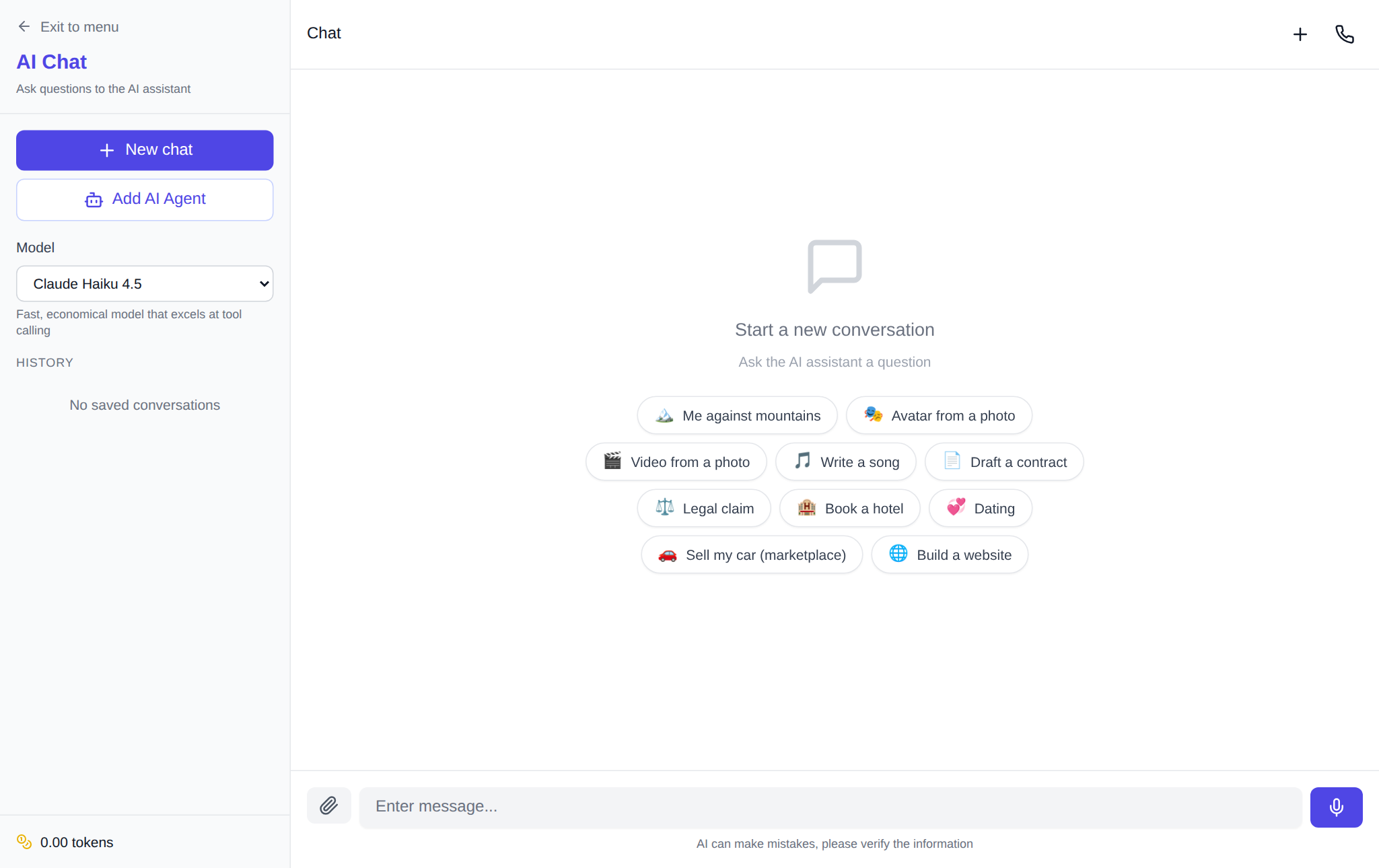
The order that works:
- Open the chat, paste three to five real requests, and ask the model to classify them and write drafts. This tells you whether the model can handle the job at all, before you involve an agent.
- Write the rules as a short brief: role, categories, what is forbidden (sending without you, quoting prices), and the reply format.
- Test the brief by hand on 20–30 requests and count how many drafts you had to rewrite. If it's more than a third, narrow the task.
- Only then set up an agent on the AI agent page and move the task to a schedule, for example every two hours.
If you need a small app for the same job rather than a chat with an agent, look at vibe coding: you describe the interface in words and the model writes the code. That is a different tool: the program doesn't think for itself, it does what you described.
Honest downsides
An agent doesn't know when it's wrong. It will confidently assign the wrong category without blinking. So check agent reports at least by sampling. The second problem is cost: a loop can make twenty model calls where a script would make one, and the bill grows unnoticed. Set a step limit per task and watch spending over the first runs.
Frequently asked questions
Which AI agent is best for a beginner?
Start with a chat where the model works on your texts and files, not with an agent that roams websites on its own. Set up an agent once the same task repeats every week.
How is an agent different from an automation script?
A script runs steps you scheduled in advance. An agent chooses the next step itself, based on the previous result. Scripts are predictable and cheaper; agents are more flexible and more expensive.
How much does an agent's work cost?
On NeuralSpace you pay by tokens with no subscription: new users receive starting tokens, and after that you pay for what you use. The exact amount depends on the model, the number of steps and the agent server plan, so watch spending during the first runs.
Can an agent be trusted to send emails or make payments?
Not at the start. Let it prepare drafts and confirm each send yourself.