Seedream 5 Pro: KI-Bildgenerator für komplexe Szenen
Bottom Line Up Front (BLUF): Seedream 5 Pro ist das Flaggschiff der Seedream-Familie auf dieser Website – ein KI-Bildgenerator, den Sie auswählen, wenn ein Bild viel auf einmal enthalten muss. Überfüllte Straßen, überfüllte Innenräume, Produkte mit lesbaren Etiketten: Dieses Modell hält die Komposition zusammen, anstatt die Kleinigkeiten zu verwischen. Es funktioniert über eine Textaufforderung, über Ihre Referenzfotos oder über beides.
Wo die Pro-Version ihren Namen verdient
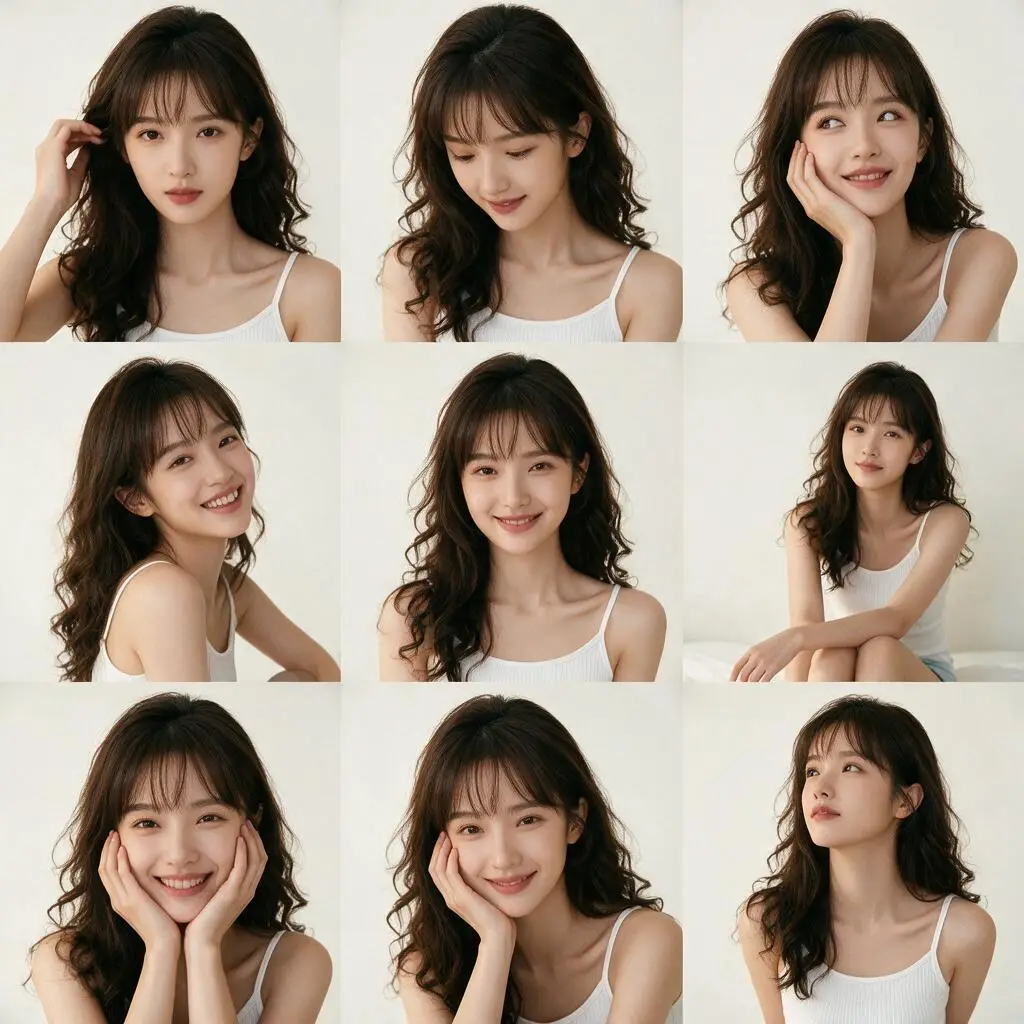
Drei Seedream-Versionen befinden sich im selben Picker, und Pro liegt an der Spitze. Die Lücke zeigt sich in mehrschichtigen Szenen. Fragen Sie nach einer Küche bei Sonnenaufgang mit Frühstück auf dem Tisch, Regen draußen und Magneten am Kühlschrank, und leichtere Modelle lassen die Hälfte der Liste stillschweigend fallen. Pro versucht, jedes von Ihnen erwähnte Objekt zu rendern und behandelt Gesichter in mittlerer Entfernung und feine Texturen – Stoff, Holzmaserung, gebürstetes Metall – mit der gleichen Sorgfalt.
Es verarbeitet auch lange Eingabeaufforderungen besser als seine Geschwister. Sie können einen ganzen Absatz schreiben: das Outfit der Figur, die Tageszeit, die Stimmung, den Kamerawinkel. Das Modell überfliegt nicht; Es fügt jede Anforderung zu einem zusammenhängenden Rahmen zusammen. Das macht es zum richtigen Werkzeug, wenn Sie einen Auftrag zusammenbringen und nicht nach einem glücklichen Zufallsergebnis fischen möchten.
Seitenverhältnis, Qualität und Dateiformat
Das Formular stellt drei Steuerelemente bereit. Das Seitenverhältnis bietet acht Optionen: Quadrat 1:1, Querformat 4:3, 3:2 und 16:9, Hochformat 3:4, 2:3 und 9:16 sowie ein ultrabreites 21:9, das für Cover und Hero-Banner geeignet ist. Legen Sie die Form fest, bevor Sie sie generieren – um dieselbe Idee später neu zu formulieren, müssen Sie einen neuen Auftrag ausführen.
Die Qualität wechselt zwischen einfacher 1K- und hoher 2K-Ausgabe. Entwurf und Ideensuche gehen mit 1K schneller; Wechseln Sie zu 2K für das endgültige Rendering, das Sie drucken oder vergrößern möchten. Dateien gibt es als JPEG oder PNG – JPEG ist leichter für das Web, PNG ist die sicherere Wahl, wenn das Bild weiter bearbeitet wird.
Verwenden Sie Ihre eigenen Fotos als Referenz
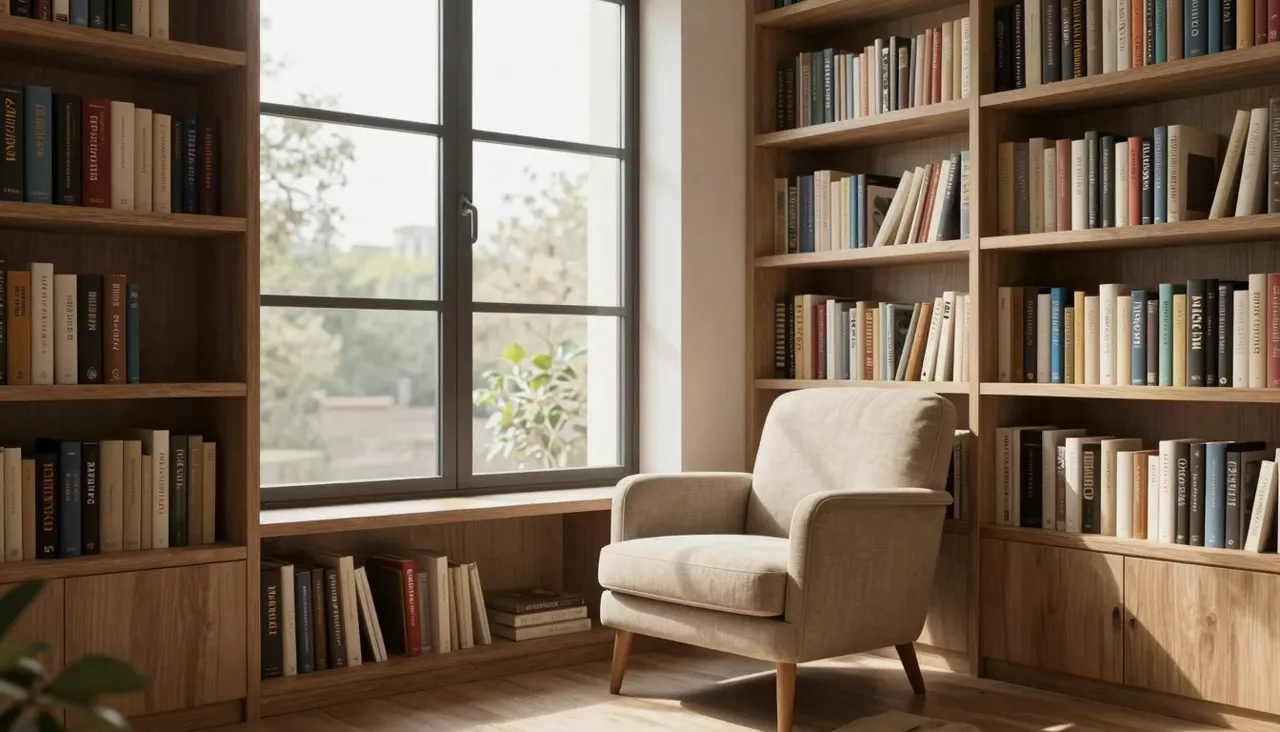
Sie können bis zu zehn Bilder an eine einzelne Anfrage anhängen. Auf diese Weise gelangen Sie von allgemeinen Szenen zu spezifischen Szenen: Ihr Produkt in einer neuen Umgebung, Ihre Figur in einer anderen Pose, Ihr Illustrationsstil auf ein neues Thema angewendet. Das Modell liest die Uploads und überträgt deren Objekte, Farben und Art in die Ausgabe.
Ein praktischer Trick ist das Mischen von Referenztypen – ein Foto für das Objekt, ein anderes für die gewünschte Beleuchtung und ein drittes für die Komposition. Formulieren Sie dann die Zuordnung in der Eingabeaufforderung: die Flasche aus dem ersten Bild, beleuchtet wie das zweite. Je klarer die Anweisung, desto weniger Überraschungen erleben Sie.
So teilen Sie ein fertiges Bild in Ebenen auf
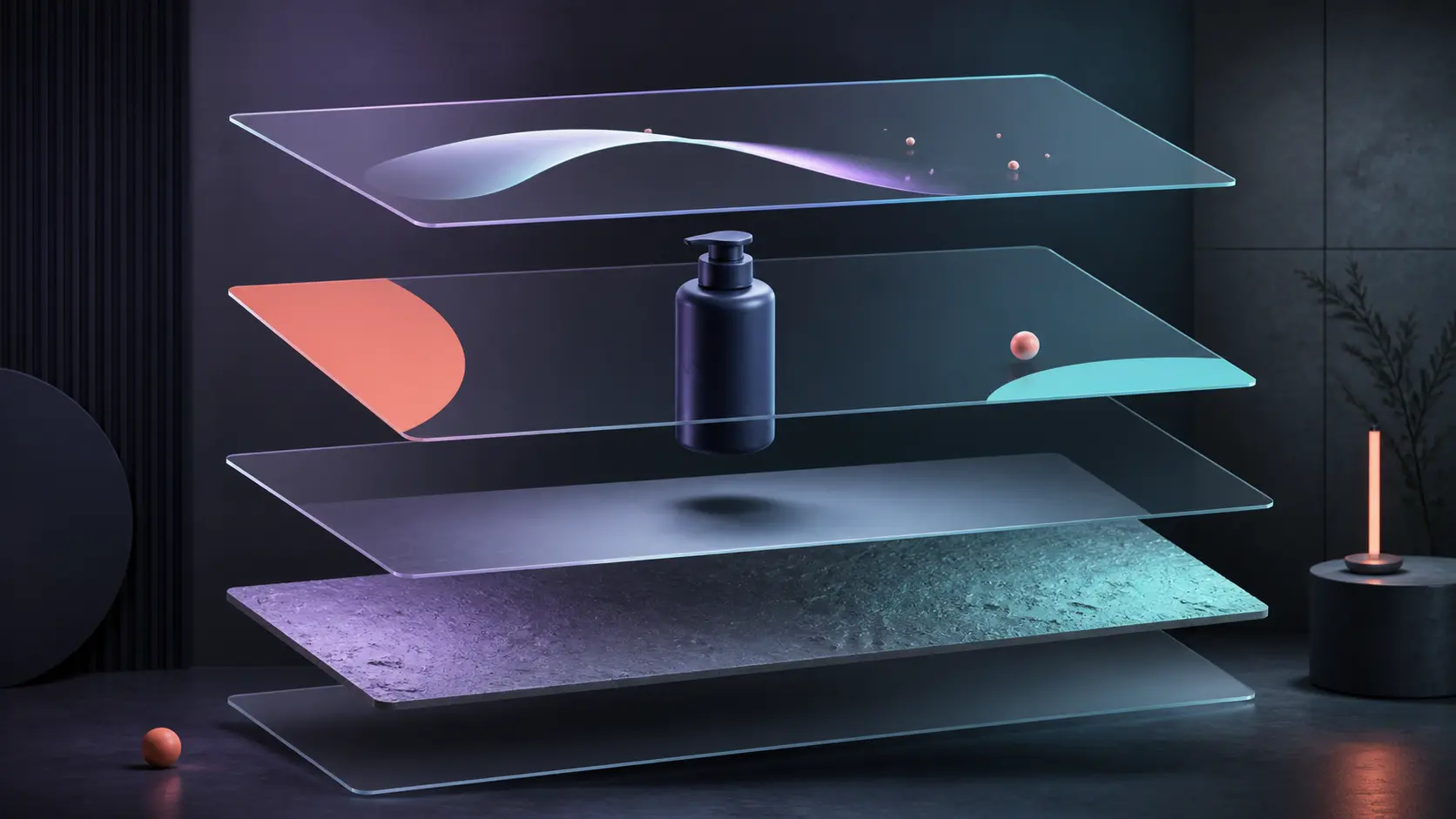
Im Modus „Bild in Ebenen aufteilen“ nimmt Seedream 5 Pro ein fertiges Bild und gibt ein Basisbild plus getrennte Objekte, Hintergrund, Schatten und andere Szenenelemente zurück. Dies ist nützlich, wenn die ursprüngliche PSD nicht mehr vorhanden ist und Sie ein Produkt verschieben, einen Hintergrund ersetzen oder separate Ebenen für eine einfache Animation vorbereiten müssen.
Wählen Sie den Modus, laden Sie ein JPEG oder PNG hoch und wählen Sie dann Auto, 1K, 1,5K oder 2K. Jedes zurückgegebene Teil verbleibt auf einer Historienkarte und kann separat heruntergeladen werden. Dies ist kein perfekt beschriftetes PSD: Haardünne und durchscheinende Kanten müssen möglicherweise noch bereinigt werden, aber das Modell übernimmt die zeitaufwändige erste Trennung automatisch.
Jobs, in denen dieses Modell am besten ist
Typische Erfolge: eine Produktkarte mit einer realen Umgebung anstelle eines flachen weißen Hintergrunds, ein Veranstaltungsplakat mit mehreren Charakteren, eine redaktionelle Illustration, die einen mehrstufigen Prozess in einem Rahmen zeigt, ein detailliertes Innenkonzept, über das ein Kunde tatsächlich sprechen kann. Überall dort, wo der Betrachter sich hinlehnt und das Bild betrachtet, zahlt sich das Flaggschiff aus.
Für schnelle Arbeiten – ein Avatar, ein Meme, ein schlichter Hintergrund – reicht ein leichteres Modell von derselben Seite aus. Die Erzeugungskosten hängen von den von Ihnen gewählten Einstellungen ab; Ein Token-Guthaben deckt jedes Tool auf der Website ab. Fertige Bilder landen in Ihrem Verlauf, wo Sie sie herunterladen oder die Eingabeaufforderung mit Änderungen erneut ausführen können.
Häufige Fragen
Was ändern sich durch die Optionen 1K und 2K?
Nur die Ausgabeauflösung. 2K verdoppelt ungefähr die Details auf jeder Seite, was für Druck, große Banner und große Bildschirme wichtig ist. Für Telefone und soziale Feeds reicht normalerweise 1K aus. Das Thema und der Stil bleiben in beiden Fällen gleich.
Kann es mein eigentliches Produkt in einer Szene platzieren?
Ja. Laden Sie Fotos des Produkts als Referenz hoch – bis zu zehn Dateien pro Anfrage – und beschreiben Sie die gewünschte Umgebung. Erwarten Sie eher eine starke Ähnlichkeit als eine pixelgenaue Kopie. Überprüfen Sie daher das Ergebnis vor der Veröffentlichung.
Auf dem Bild fehlen Dinge, nach denen ich gefragt habe. Warum?
Überladene oder widersprüchliche Eingabeaufforderungen sind die übliche Ursache. Trennen Sie das Wesentliche vom Extra: Geben Sie zuerst die Szene und die Komposition an, dann die Details. Platzieren Sie ein beliebiges Objekt, das unbedingt vorhanden sein muss, am Anfang der Eingabeaufforderung und generieren Sie es erneut.