Grok Imagine Video 1.5 — keyframe video generation
Bottom Line Up Front (BLUF): Grok Imagine Video 1.5 creates a clip from a description, a reference and keyframes. Rather than asking only for a general scene, you can show the opening, ending and several intermediate moments you need. That is useful when composition, action order or a transition between prepared scenes matters. Select the model, upload the frames and set the seconds at which the intermediate images should appear.
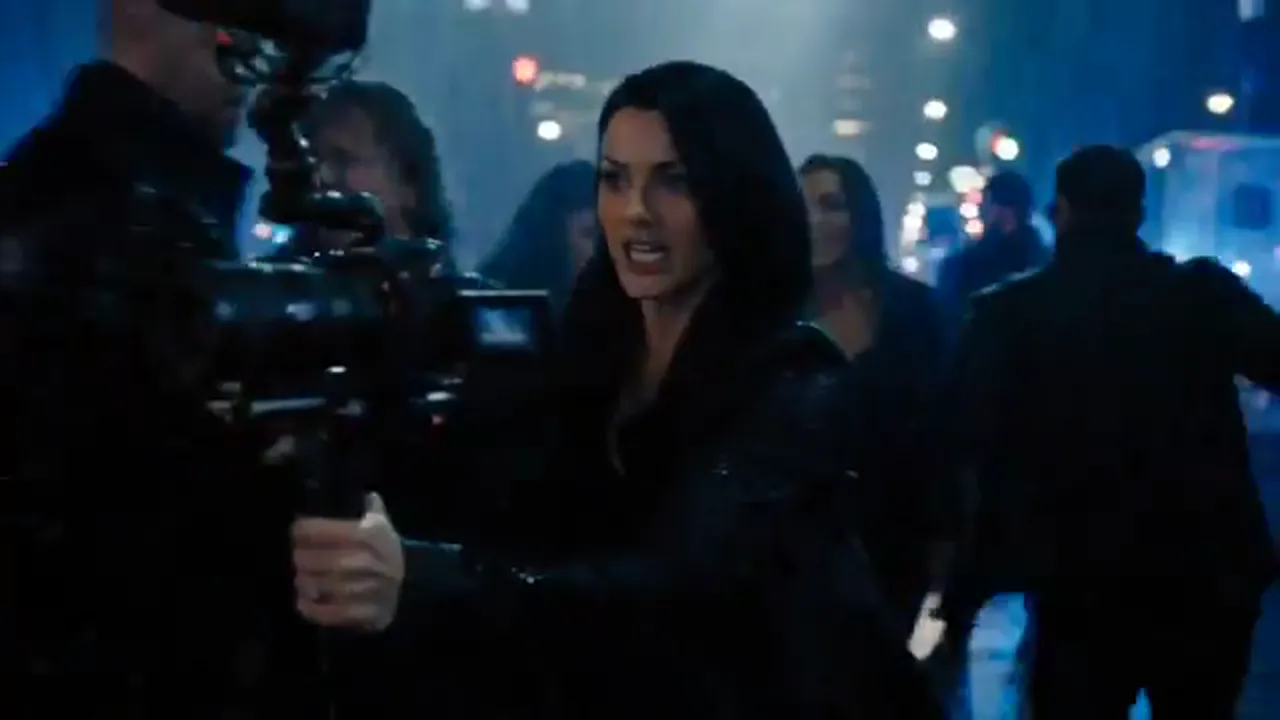
What keyframes control
The first frame defines how the clip opens, while the last frame defines the composition it reaches. Use them together, or upload only one of them. A separate reference remains its own guide for a face, object or visual direction; it does not replace the opening and ending frames. Use the text description for camera motion, action, atmosphere and sound.
This approach works well for a short advert, a product moving between two angles, an animated illustration or a compact scene in which a character needs to reach a known destination. When the opening and ending differ clearly, describe the journey between them: a camera turn, a step forward, a lighting change or a move toward an object.
Intermediate moments and looping
Add up to four intermediate images. Each one uses a whole second inside the clip: it must be greater than zero, lower than the selected duration and different from every other frame time. In an eight-second scene, frames at seconds two, four and six can show the development of the action without unnecessary cuts.
You do not need to fill every slot. One intermediate frame is useful for a decisive turn in the story; two or three can guide motion through several shots. If the clip needs to repeat seamlessly, upload the first frame and enable Loop video. The same image is then used at the end, making the transition back to the beginning more consistent.
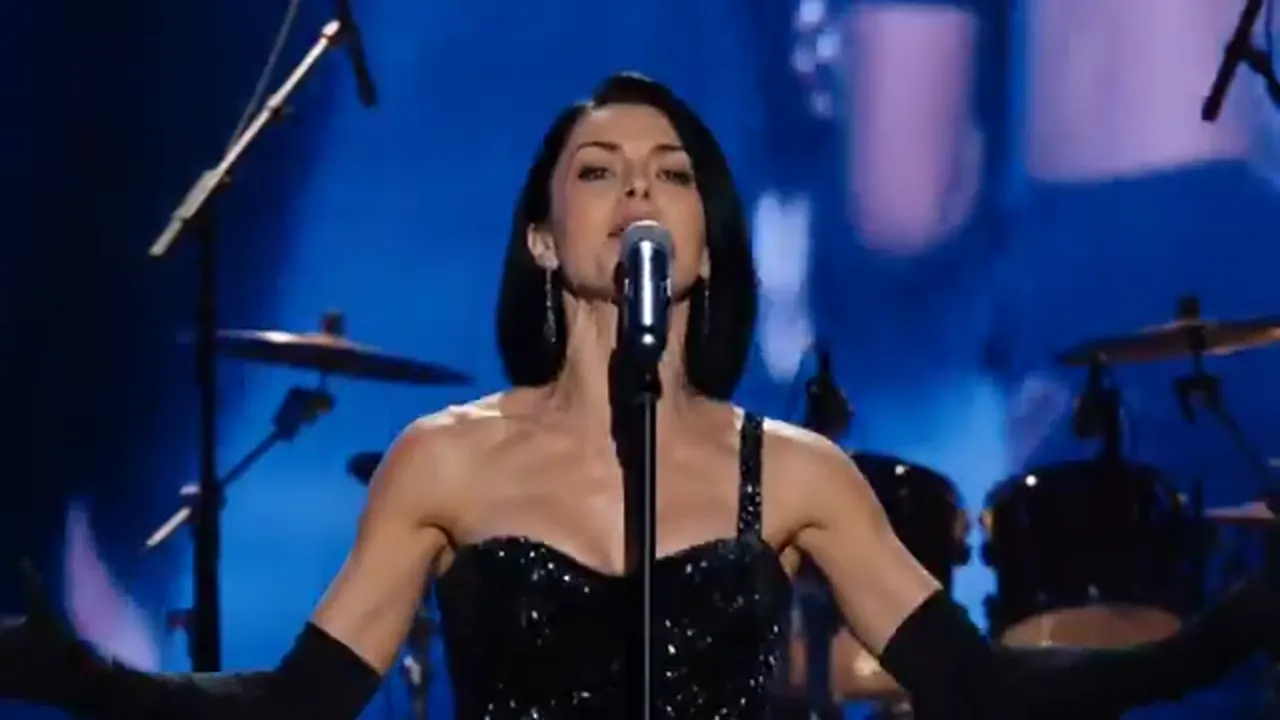
Preparing a sequence
Choose the duration first, then distribute the story over time. In a six-second clip, you might keep the opening image at the start, place a key moment at second three and finish with an ending image. For a longer sequence, spacing frames evenly helps the description explain what happens between neighbouring states instead of forcing several unrelated actions into one short interval.
Keep a character, object and location recognisable across frames when continuity matters: similar angle, clothing and lighting make the transition easier to understand. When the composition should change noticeably, say so in the description, for example from a wide shot to a close-up of an object. Keyframes establish the landmarks; the text connects them with motion and pacing.
Launch settings and cost
Choose a duration from 1 to 15 seconds, 480p, 720p or 1080p resolution, automatic framing, or 1:1, 16:9, 9:16, 4:3, 3:4, 3:2 and 2:3 ratios. Audio generation has its own on/off switch. The price is shown before launch and changes with duration and resolution, so the selected option is visible before tokens are charged.
Pick 9:16 for a vertical story, 16:9 for a wide clip, or leave automatic framing when the source composition is unknown. If your keyframes already have the right proportions, avoid mixing sharply different orientations in one sequence. That helps retain important objects throughout the video.
API and MCP
Use model grok-1.5 in the public API. first_frame_url and last_frame_url set the endpoints, loop_url supplies the shared opening and ending image, and keyframes contains the url and timestamp_s for every intermediate frame. The same fields are available through the generate_video MCP tool, so a sequence can be prepared in the site form or an automated workflow.
Image links may be supplied as regular URLs or Base64. Before a task is created, the service checks the number of frames, intermediate times and whether looping is compatible with the endpoint frames. If a parameter is invalid, the request is rejected before tokens are charged, allowing you to adjust a second or replace an image and send it again.
Vanliga frågor
How many intermediate frames can I add?
Up to four. Give each a unique whole second inside the clip duration: not zero and not the final second.
Can I use only a first or only a last frame?
Yes. The fields are independent: lock the opening, the ending or both edges of the sequence, then describe the remaining details with text and a reference.
How is looping different from a last frame?
With looping, the uploaded first frame also becomes the ending image. It suits a clip that should repeat without a visible jump.
Where can I find the automation parameters?
Use the public API documentation or the MCP tool. Send first_frame_url, last_frame_url, loop_url and a keyframes array with an image URL and second number.