SeeDance 2.0: Omni AI Video Generation from Text, Images, Video and Audio
SeeDance 2.0 is an omni AI video generator: alongside a text prompt it accepts images, video clips and audio tracks as input — all at once. Instead of describing everything in words, you assemble the scene from real material: show the model your character in a photo, define motion with a video reference, drop in a soundtrack, and let the prompt tie it together.
What omni input actually means
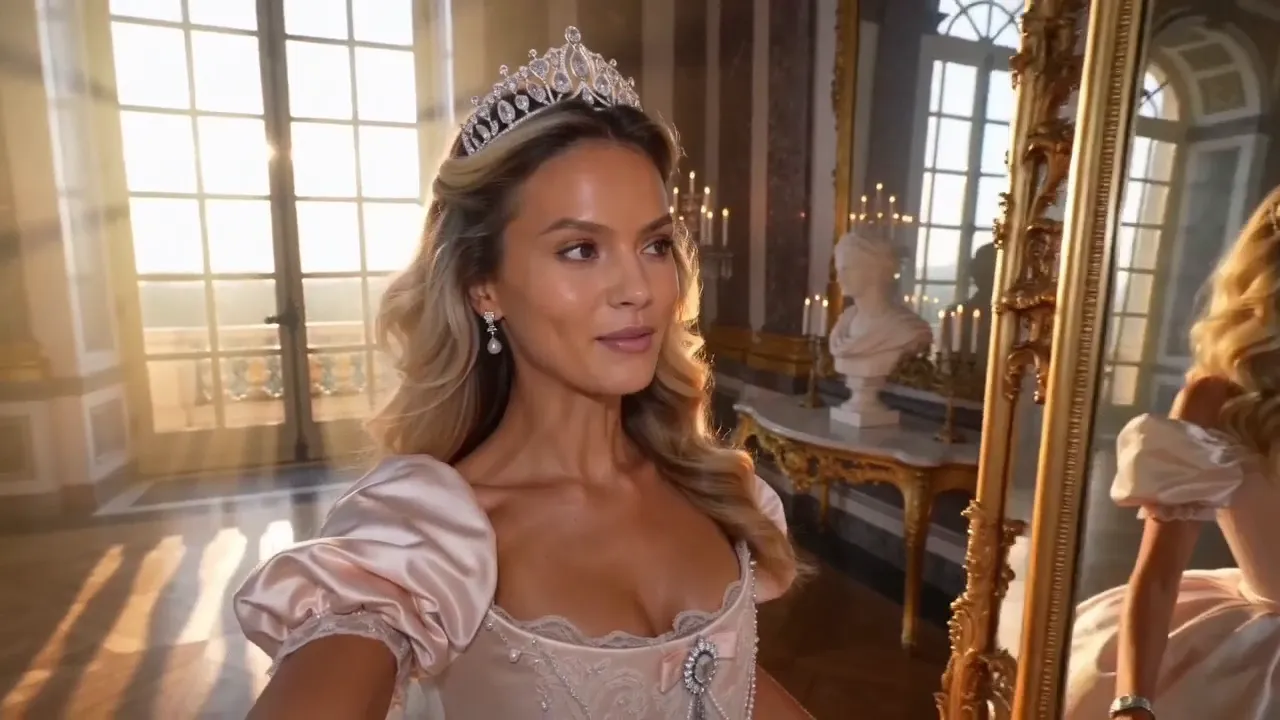
Most generators understand either text or a single picture. SeeDance 2.0 reads several kinds of material in one request and treats them as a single brief. A photo fixes how a character or object looks, a video clip defines how things move or how the camera behaves, audio sets rhythm and atmosphere, and the text connects it all and fills in the details.
In practice this removes the biggest frustration of AI video: writing paragraphs to describe something that is easier to show. Rather than explaining 'a smooth left-to-right tracking shot' in words, you attach a short example of that exact shot. The less the model has to guess, the closer the output lands to what you imagined.
Building complex multi-element scenes
The headline strength of version 2.0 is staged scenes where several elements interact. Two characters from separate photos meet in one shot; a product from a catalog image ends up in someone's hands; a car from a reference clip drives down a street you described in text. The model keeps each element's appearance intact while composing coherent action between them.
Work like this used to require editing and compositing — here it's a single generation. Commercial setups come out particularly well: product, actor, location and mood arrive as separate files while you direct only the script. If one element drifts, clarify its role in the prompt: state who leads the scene and what exactly they do.
How to combine your references
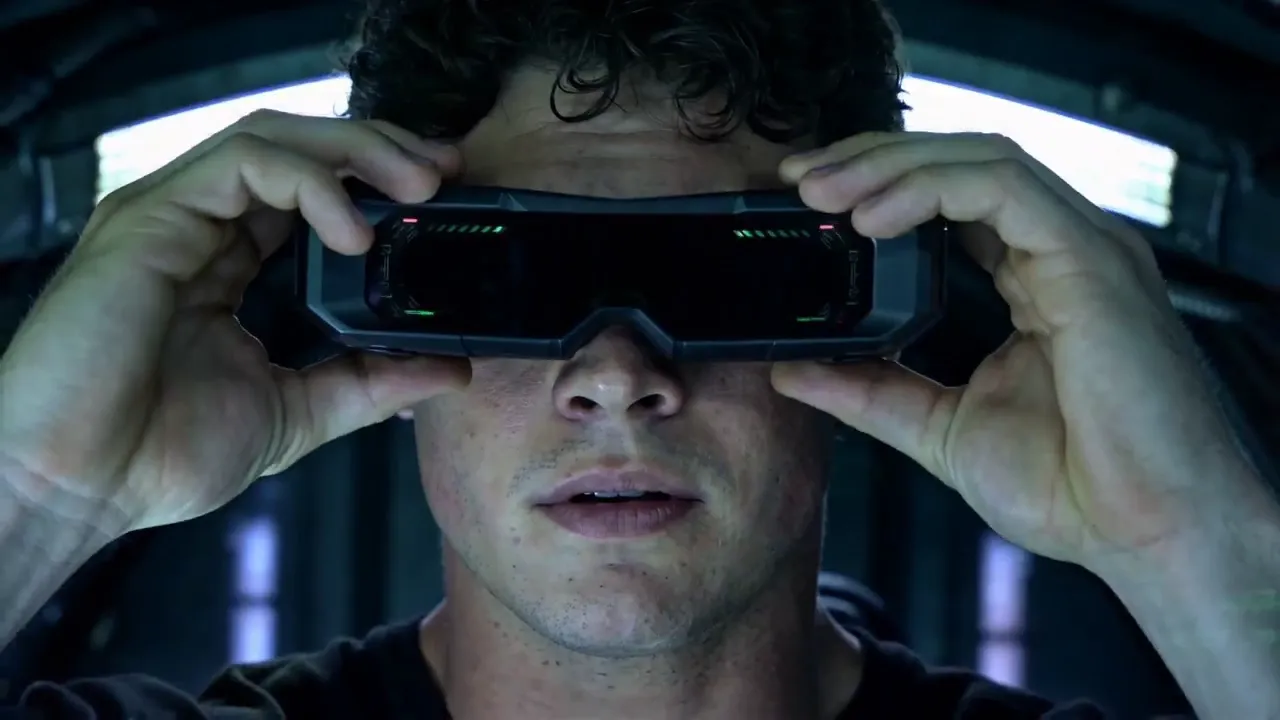
Start with the text, written as if you were briefing a director. Then attach files and refer to them naturally in the prompt: 'the person from the first photo sits at a table', 'the camera moves like in the attached clip'. Don't upload extras — every reference should own one job: appearance, motion, or sound.
Add audio when the clip is built around existing music or a voiceover: on-screen movement aligns with the track, so the result feels edited rather than random. Frame format, duration and quality are chosen in the form; there is a faster mode for rough drafts and a more careful one for the final render. In the form you also pick aspect ratio, duration and a quality mode: Seedance 2.0 Fast suits quick drafts, while Standard is for final renders.
How to use Seedance 2.0 online
Open the Seedance 2.0 generator, choose a mode, and describe the character, action, location, lighting and camera movement in one short paragraph. Upload a source frame for image-to-video; for a controlled scene, add only the image, video or audio references you explicitly mention in the prompt.
Before generation, the service shows duration, resolution and the final token cost. The result is saved in your history, where you can download it or rerun an improved prompt. There is no software to install and no separate ByteDance subscription to manage.
Projects where SeeDance 2.0 shines
A commercial where your product looks professionally filmed; a music-driven clip that hits the beat; a continuation of existing footage in the same style; a recurring character across a series of videos; a storyboard of sketches brought to life. These are all multi-source jobs, and that is exactly where the omni approach pays off.
Every render is saved to your generation history: download it, extend it, pull the last frame to seed the next scene, or rerun the prompt with tweaks. Cost depends on length and quality and is charged from a single token balance shared with every other tool on the site.
Do I have to upload references?
No — plain text prompts work fine. But combining inputs is where this model earns its keep: a photo of your character plus a short motion example gives far more control than even the most detailed written description.
Will the person from my photo stay recognizable?
The model carries facial features and clothing from the reference into the video, and the character usually remains clearly recognizable. Use a sharp, front-facing photo without heavy shadows, and avoid crowding the scene with too many other people.
How is SeeDance 2.0 different from V1?
V1 takes only text or one image and suits simple clips. Version 2.0 accepts images, video and audio together and handles complicated, multi-part scenes far better — it is the tool for staged, layered work.
Where can I try Seedance 2.0 online?
Seedance 2.0 is available on this NeuralSpace page: select the model in the video generator, add a prompt and optional references. NeuralSpace is an independent model-access platform; the official developer of Seedance is the ByteDance Seed team.
Is there a Seedance 2.0 Pro version?
Version 2.0 has no separate Pro tier: it ships in two quality modes — faster, cheaper Fast and more thorough Standard. The Pro name belongs to the previous-generation SeeDance V1.5 Pro model, which is also available on NeuralSpace. For maximum quality on 2.0, choose the Standard mode.
How does SeeDance 2.5 differ from 2.0?
SeeDance 2.5 is the newer version: clips up to 30 seconds, up to 30 images, 10 videos and 10 audio files, generated sound, first and last frames, and MP4 or MOV output. If you need maximum length and control, choose 2.5 — it is also available on NeuralSpace.