ChatGPT Images 2.5 — AI image generation and editing
Bottom Line Up Front (BLUF): ChatGPT Images 2.5 is the new generation of the family for creating and editing images: sharper details, more natural light, and edit series that hold together. Both variants are on the site — precise Sunburst and fast Flare — with text-to-image generation, reference-based editing and 1K, 2K and 4K output. All in the browser, the price is shown before the run, and every generation stays in your history.
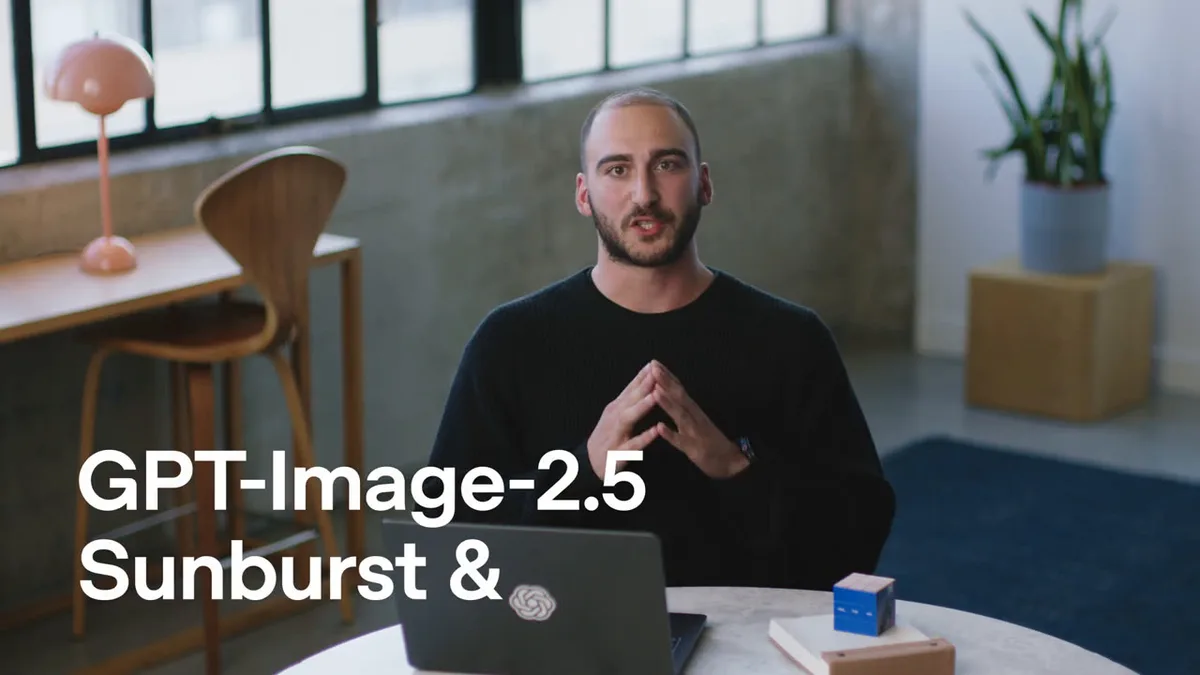
Two variants: Sunburst and Flare
Sunburst is the quality variant: sharp details, natural lighting and careful edit series where every step changes only what was asked. Flare is the fast variant for trying ideas: a finished frame noticeably faster. The price does not depend on the variant — only on the resolution.
The economical strategy: iterate on fast Flare 1K, then do the final on Sunburst 2K or 4K from the best prompt. You can switch variants at any time.
1K, 2K and 4K output — the resolution sets the price
Instead of a quality scale the model has three resolutions. 1K is for drafts and trying ideas, 2K is the working middle for social media and websites, 4K is the final for print and large format. The price is counted per picture and shown before the run — it never changes after confirmation.
If the generation fails, tokens are refunded automatically. No balance surprises.
Aspect ratios
A dozen ratios to choose from: auto, 1:1, 3:2, 2:3, 16:9, 9:16, 4:3, 3:4 and 21:9 work at every resolution. Four unusual ones — 27:16, 16:27, 9:8 and 8:9 — only work at 1K: pick them with 2K or 4K and the form will not let you launch, while the server rejects the request before any charge.
Take the square for avatars and cards, landscape for covers and headers, portrait for stories and posters.
References and precise edits
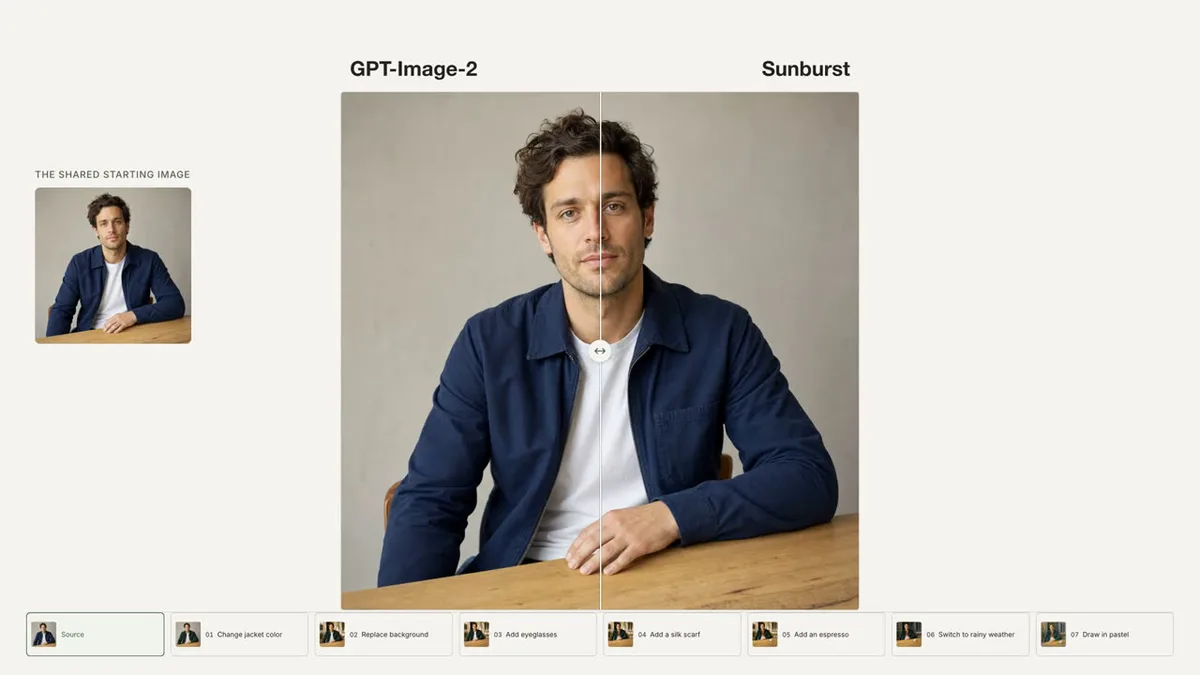
You can attach up to sixteen images of up to 30 MB each. One shot plus an instruction is editing: replace the background, remove what is in the way, recolour an object. Several shots is assembling a new scene from your own sources. There is no separate editing switch: the moment references are attached, the model moves into it by itself.
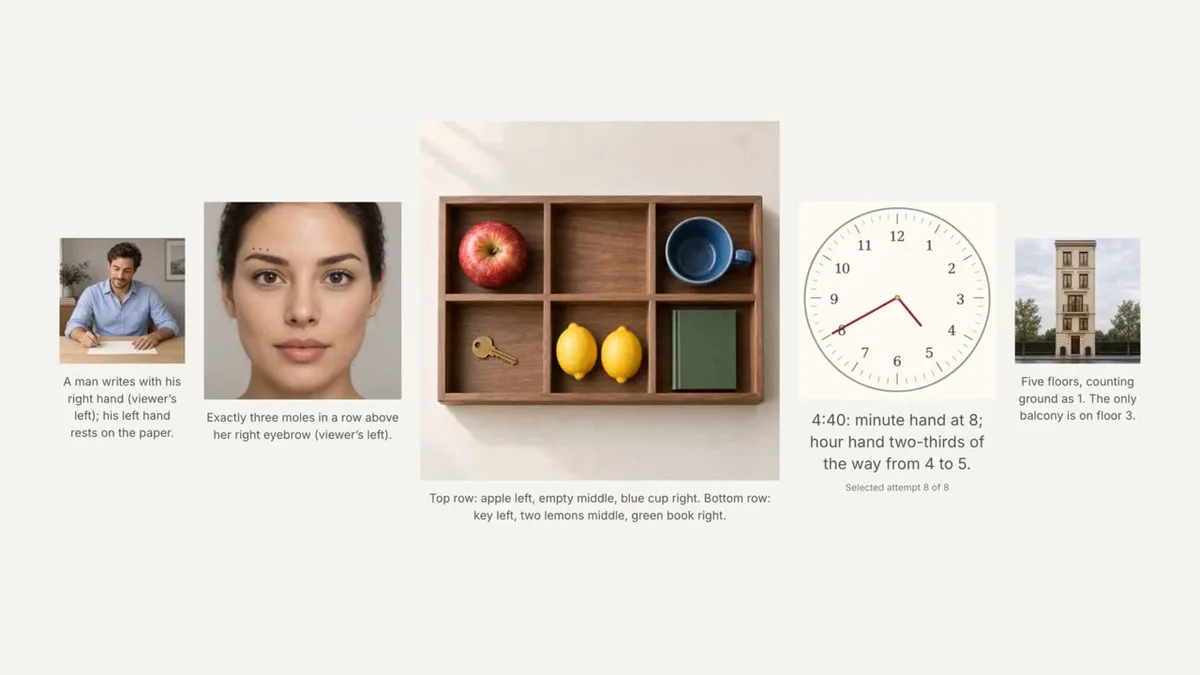
This generation is strongest right here: edits respect boundaries — what you asked to change changes, the rest of the frame stays put. Every step is visible in the generation history.
Domande frequenti
How is ChatGPT Images 2.5 different from GPT Image 2 Pro on the site?
It is the next generation of the same family: sharper details, more natural light, more precise edits. The controls differ: instead of quality levels and canvas sizes there is a variant (Sunburst/Flare) and a resolution (1K/2K/4K). Pro is enough for quick tasks; for final quality and complex edits pick 2.5.
How much does a generation cost and what drives the price?
Only the resolution: 1K is cheapest, 4K costs more. The variant, the aspect ratio and the number of references do not affect the price. The exact amount is shown on the page before the run and never changes after confirmation; if the generation fails, tokens are refunded automatically.
What does the model not offer on the site?
Honestly: no quality scale, no file format choice, no transparent background and no multi-image runs — one run produces one picture. If you need transparency or a batch of variants, look at the neighbouring models in the list.