How to correct iPhone 0.5x lens stretching online
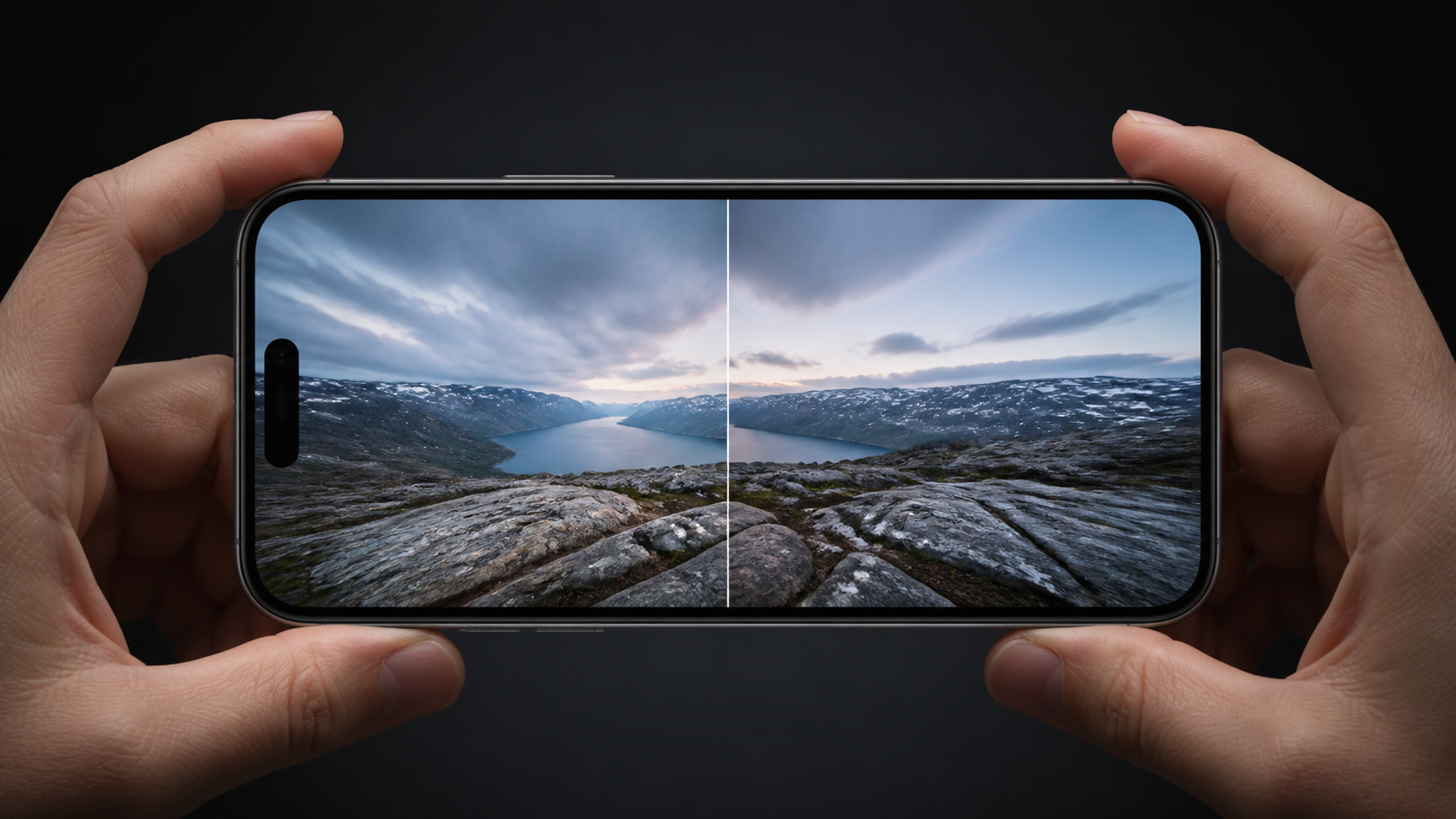
The iPhone Ultra Wide lens compensation in NeuralSpace Trends reduces the noticeable stretching of faces, objects and architecture near the edge of an Ultra Wide photo. It runs in the browser: the photo stays on your device while WebGL performs the adjustment and creates the downloaded result locally.
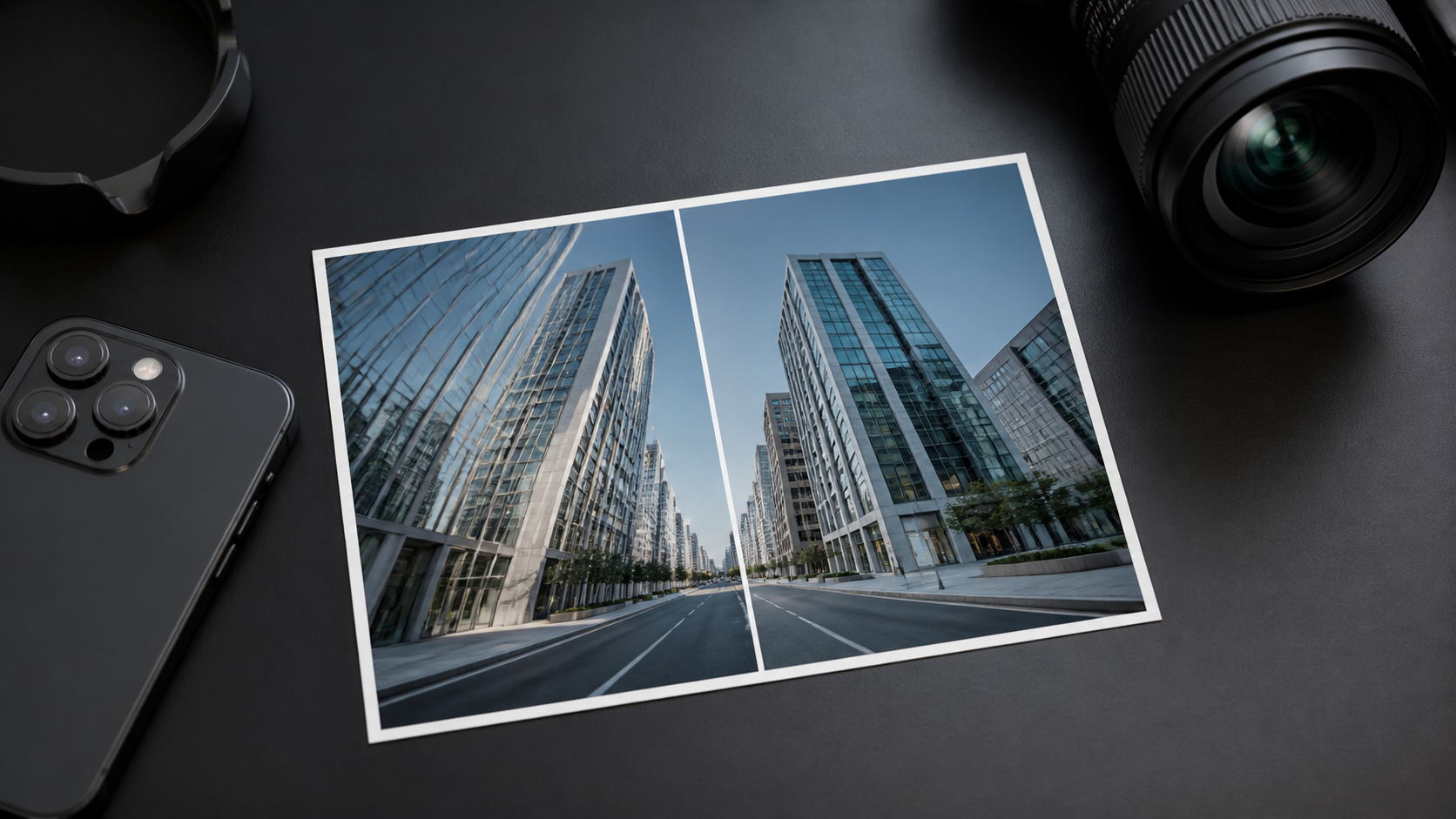
Why 0.5x photos stretch at the edges
An Ultra Wide camera fits more of a scene into one frame, but perspective distortion becomes more apparent near the perimeter. A person photographed off-centre can look wider and building lines can diverge more strongly. That is an optical perspective effect, not damage to the image file.
What iPhone Ultra Wide lens compensation does
The page lets you choose an iPhone model and correction strength, then drag a before-and-after divider across the preview. The algorithm enlarges the centre and smoothly compresses the edges while preserving the proportions of the frame. When the adjustment looks right, you can download a JPG.
How to use it
- Open the iPhone 0.5x correction tool.
- Choose a HEIC, HEIF, JPEG or PNG photo.
- Select the iPhone model and tune the correction strength.
- Compare both sides with the slider and download the finished photo.
Privacy
The tool does not upload your image to a cloud service. Your browser reads the chosen file, makes the preview on your device and creates the downloadable JPG locally. That is useful for personal photos you do not want to send to a third party.
FAQ
Will it fix every kind of distortion?
No. It is designed to soften the stretching visible near the edge of an iPhone 0.5x photo; the best setting depends on the scene.
Do I need to install an app?
No. A current Safari or Chrome browser with WebGL 2 support is enough.
Does the photo leave my device?
No. Processing stays in your browser.