Gemini Omni Flash 1.1: video from 360p to 4K
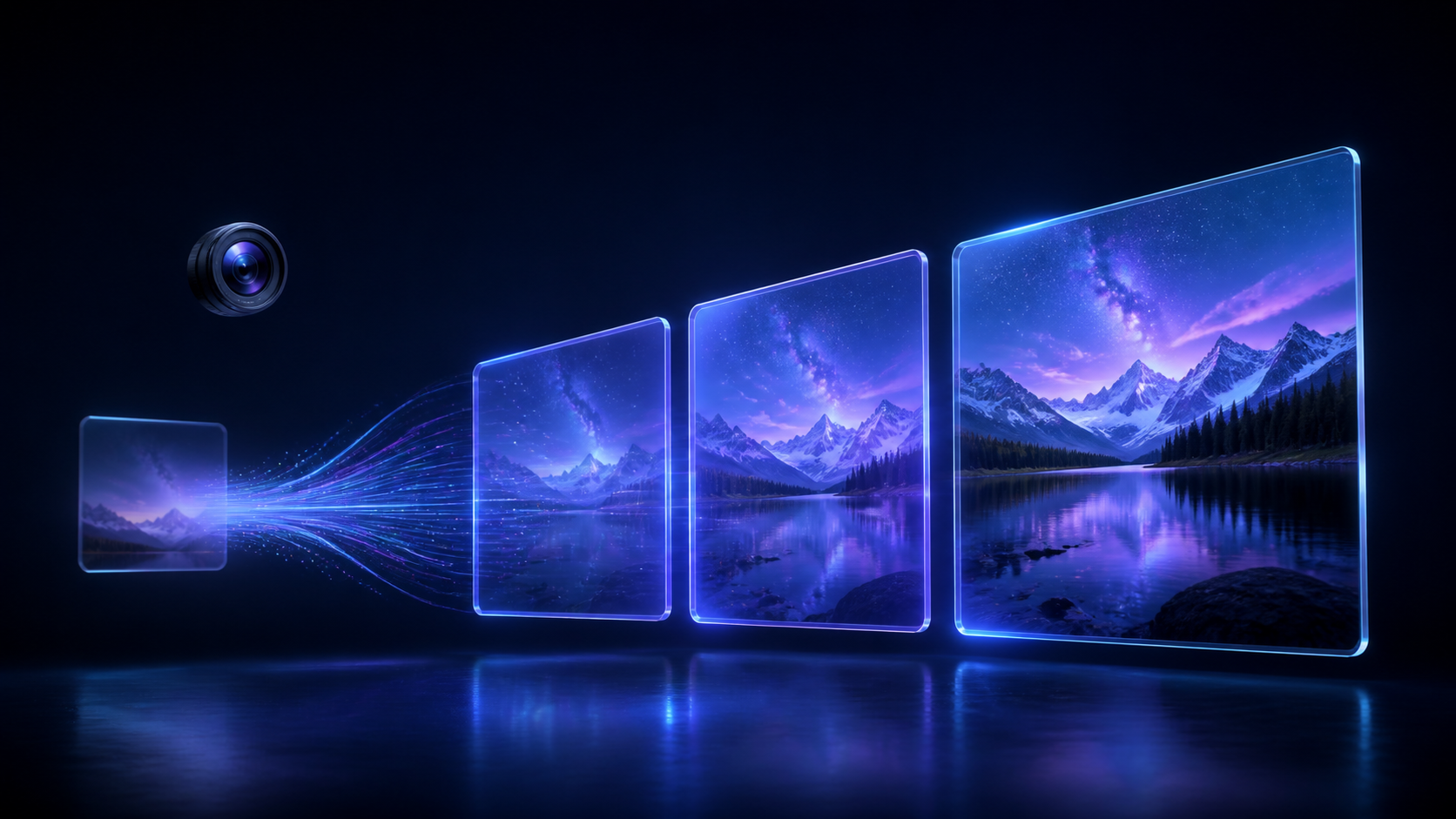
Gemini Omni in NeuralSpace video generation is now Gemini Omni Flash 1.1. Its practical upgrade is a single workflow that spans 360p through 4K: choose a quick draft or a final-quality clip before you generate.
Choose quality for the job
Use 360p to test an idea or camera motion, 720p for an everyday social clip, 1080p for a publishable result, and 4K when the frame will be shown large or cropped later.
Start from a chosen image
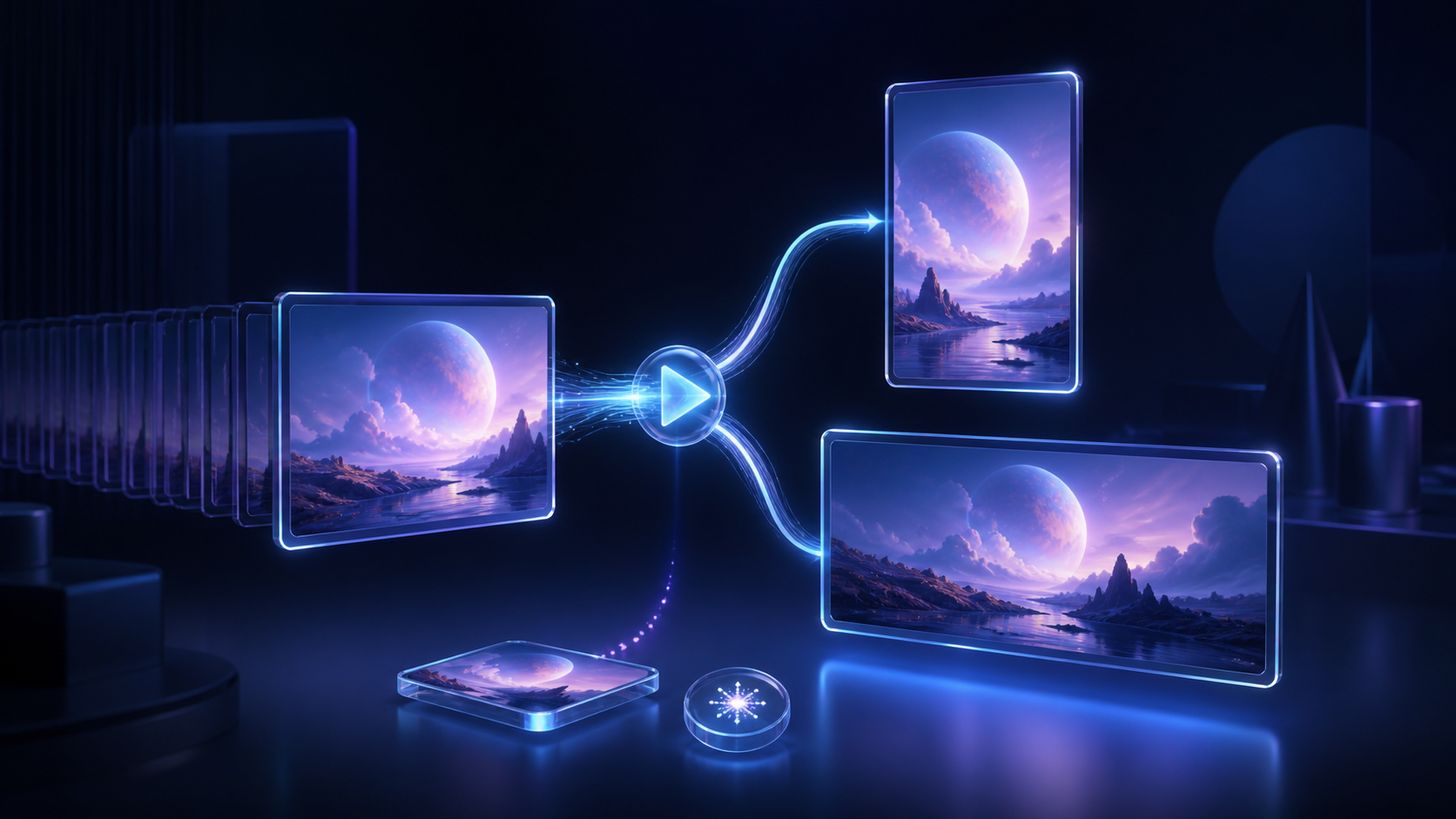
Upload an image and enable the first-frame option when the opening composition matters. The model begins from that frame. It deliberately does not mix that frame with other references, so the starting image stays unambiguous.
Make experiments comparable
Seed helps you revisit a promising direction after changing only a detail of the prompt. Leave it empty for a fresh variant, or enter a number for more comparable runs. Video generation remains probabilistic, but seed gives the process a useful anchor.
Try it
Open the video generator, select Gemini Omni, describe the scene, choose resolution and duration, and add a first frame or seed when needed. Gemini Omni Flash 1.1 is also available through the NeuralSpace public API as gemini-omni-flash-1-1.