Free AI for photos: generate and edit pictures in your
Searching for a free AI for photos usually means two jobs: generating a picture from a text description, and fixing up an existing photo — enhancing it, swapping the background or restyling it. Both are available in a browser on NeuralSpace in the image generation section: new users receive starter tokens, and later tasks are paid for with tokens, with no mandatory subscription. Below is what to pick for your task and how to write the first prompt.
Generate from scratch: from description to result
Open the image generator and choose a model and aspect ratio first — landscape for scenery, square for avatars, portrait for stories. Then describe the subject, setting, light and camera angle: “a wooden house on a lake shore at sunset, reflection in the water, wide shot, calm photography.” Start with few details: keep a composition that works and change one element on the next run.
Edit your own photo: upload a reference, describe the change
If you already have a photo — a dull shot or a wrong background — upload it as a reference in the same section and describe only what should change: “same photo, warm sunset sky instead of grey, natural colors, keep faces as they are.” Do not re-describe the whole picture: the model sees the original, your job is to name the edit. For portraits, explicitly ask to preserve facial features; for product shots, ask to preserve shape and labels.
Which model to choose
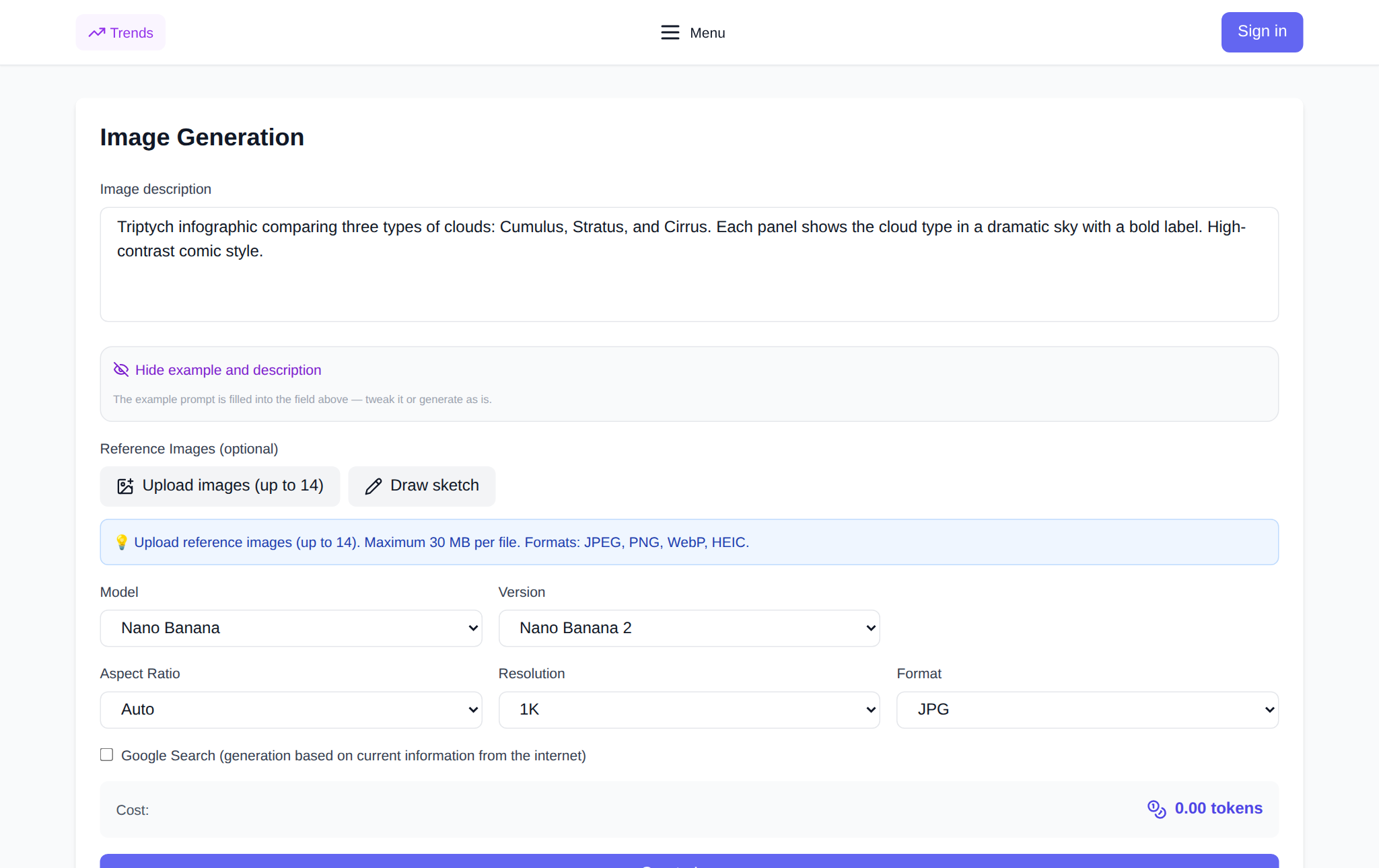
The catalog lists models under their public names — including Nano Banana, GPT Image and Seedream. The practical rule: start with a budget-friendly model for drafts and locking the composition, then switch to a stronger one for the final save. Token cost depends on the model and settings and is shown before you run, so compare options on your own task rather than on the name.
How not to waste starter tokens
Make the first run short and checkable: one frame instead of four, standard quality instead of maximum. Change one variable between attempts — background, light or style — otherwise you will not know what improved the result. Save good versions immediately: returning to a composition you like is cheaper than generating it again.
FAQ
Do I need a subscription?
No mandatory subscription. New users start with starter tokens; later tasks are paid for with tokens depending on the model and settings.
Where do I start with an existing photo?
In the image section: upload the photo as a reference and describe only the change you want — background, light or style.
How do I keep faces intact in portraits?
Write “preserve facial features as they are” in the prompt and change one thing at a time — background first, then light.
What if I dislike the result?
Do not rewrite everything: lock what worked, adjust one element, or try another model on the same prompt.