How to restore an old photo online: restoration using a neural network in a couple of minutes
Briefly about the main thing (BLUF)
The neural network restores an old photo with scratches, faded faces and low resolution in a couple of minutes - without installing programs. Let's look at what restoration can do in general, how to go through it step by step and what you should know from practice so as not to spoil the picture.
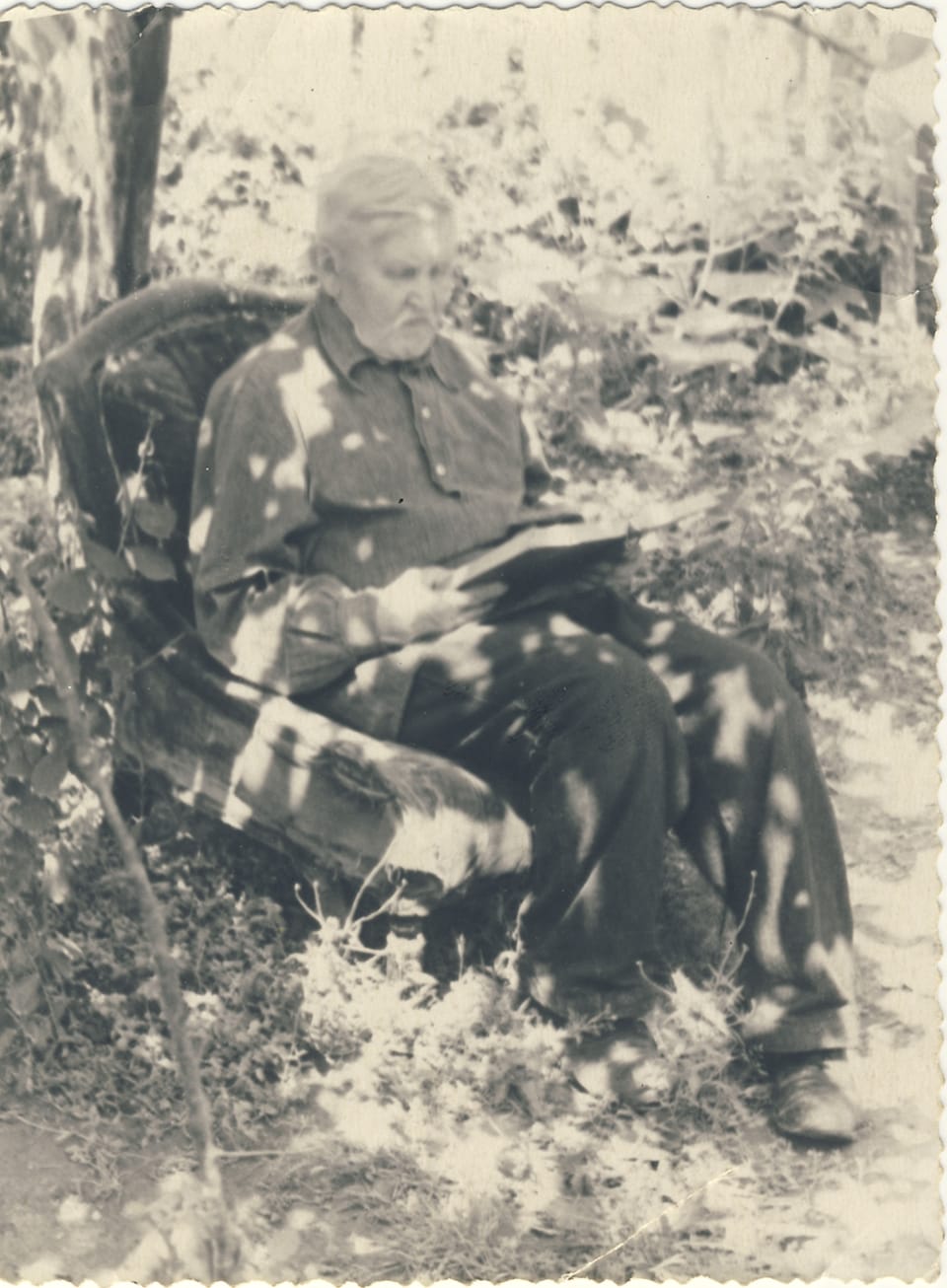
I have a box of old photographs at home. Grandmother's wedding, father as a schoolboy, some courtyards that no longer exist. Half of them are faded, some have a corner torn off, and a couple have a crack right across the face. I scanned them a couple of years ago “just in case” and forgot. And recently I decided to check what a neural network can do with them. Spoiler: the result surprised me more than I expected.

What can a neural network do with an old photo?
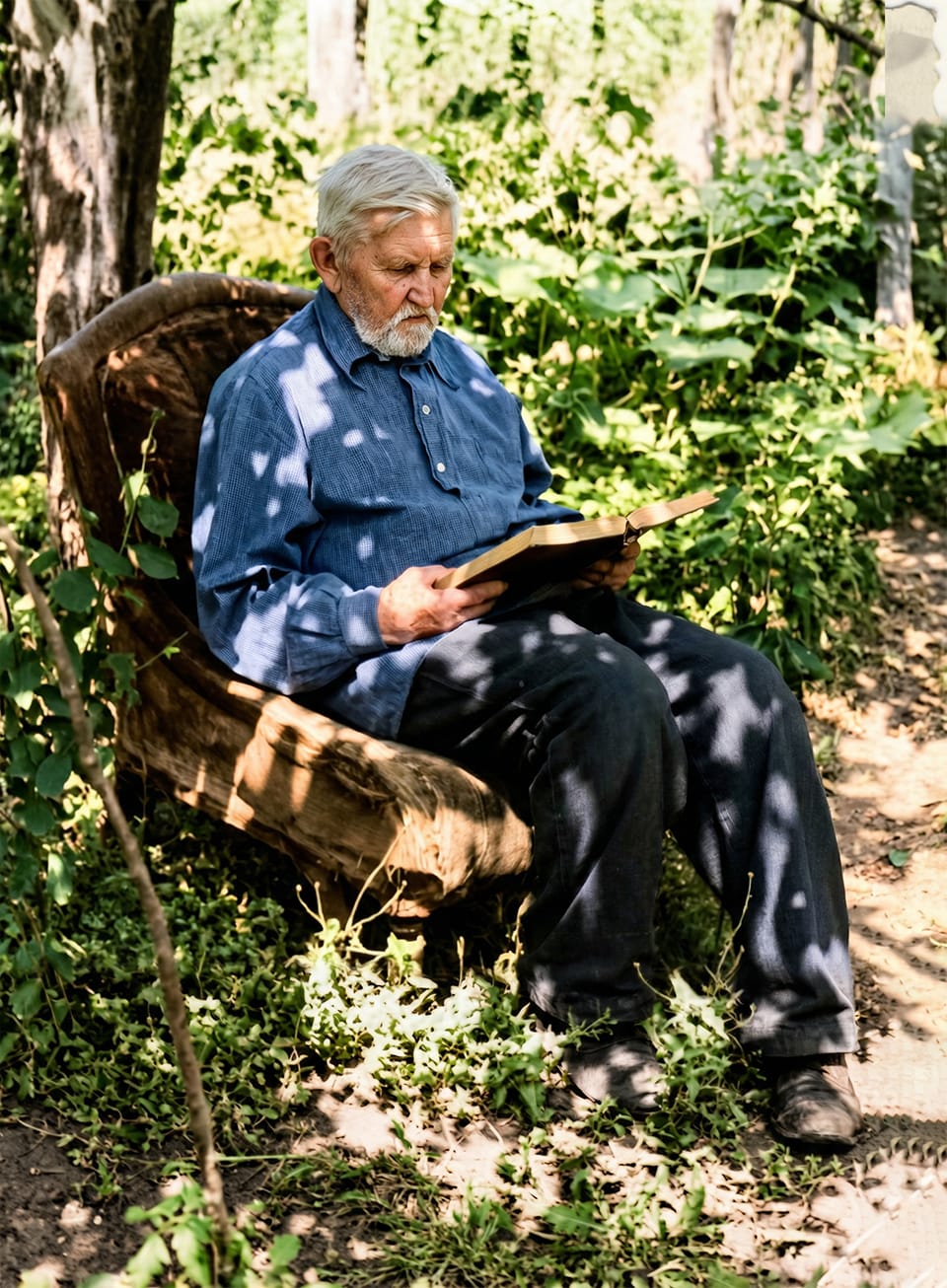
Previously, photo restoration involved Photoshop, brushes, hours of work and the hand of a master. Now the model does most of the dirty work herself. In my experience, this is what she pulls out:
- removes scratches, dust, creases and stains;
- repairs fading - restores contrast and depth;
- increases sharpness and “completes” blurry details of the face;
- colors in black and white, and the colors are believable and not acidic;
- raises the resolution - you can then print, and not just watch on your phone.
Not magic, of course. If the face in the photograph has turned into a white spot, no one can piece it together out of thin air. But where the features are at least somehow readable, the result is honestly pleasing.
How to do this - without installing programs
The point is that you don't need to download anything. Everything is done in the browser. The order is:
- Opening trend store NeuralSpace and select the ready-made “Restore and decorate photos” preset.
- Upload your photo - you can directly take a photo from your phone of an old fingerprint, a scan is not required.
- You press one button. The request to the neural network is already embedded inside - with a note to keep the face recognizable, so there is no need to write the prompt manually.
- In a couple of minutes you get the result. If you didn’t like it, repeat, it’s inexpensive.
A special thrill is that the prompt has been verified in advance. At first I tried to write myself “remove the scratches, make it in color, keep the face 100 percent” and each time I forgot half of it. This is already taken into account in the preset.
A couple of honest tips from practice
Upload a larger picture. The more source pixels, the better the neural network understands where the face is and where the background is. A small, cloudy scan of 400×300 is harder to pull out.
If there is a group photo and there are a lot of people, sometimes it’s worth running it twice: first for general restoration, then again for sharpness. And yes, it’s better to check the faces of loved ones with your eyes: the model tries to preserve the features, but the final word is yours.
When coloring, don’t go for brightness. Muted tones in an old photo look more natural - as if the photo was simply well preserved, and not repainted in Photoshop.
How much does it cost and what else is nearby?
One recovery - several tokens, that is, literally pennies per snapshot. The starting balance on a new account already allows you to try it for free, without linking a card.
And restoration is not the only “everyday” preset. Nearby in the trends are “Live a photo” (turn a static portrait into a short video), “Replace the background”, “Change into a new look” and “Pet photo shoot” - all according to the same scheme: upload a photo, click, receive. Convenient when you want results and not fiddling with settings.
In short, if you also have a box (or a folder on a disk) with old photos that you would hate to lose, try it. You can download the snapshot and restore it here. Start with the one most dear to your heart. After the first frame, my hands itched to go through the entire box.
Frequently asked questions (FAQ)
Question: How to get the best result from a neural network?
Answer: Use detailed prompts (descriptions) in English, set the style and details of the scene.
Question: Can these materials be used for commercial purposes?
Answer: Yes, the generated content is entirely yours.