Video from the text: how to describe a scene so that it turns out what you intended

Briefly about the main thing (BLUF)
The first video from the text for almost everyone turns out to be a three-second mess - because the description does not contain the main thing. We break down the scene into five layers: who does what, how it’s shot, light and style. With examples of “bad → good” and analysis of where it most often breaks down.
The first video from the text is unsuccessful for almost everyone. A person writes “a beautiful video with a cat,” gets a three-second mess and concludes that neural networks are overrated.
It's not about the model. The fact is that a scene description is not a search query, but a small technical task for the operator. I'll tell you what it consists of.

Five layers of normal description
The model guesses everything you didn't say. The less they say, the more she guesses, and the further the result is from what was in her head. Therefore, we speak in layers:
- Who or what is in the frame. Not “cat”, but “a red cat is sitting on the windowsill.”
- What's happening. One action, not three. “Turns his head towards the window.”
- Where is the camera and how does it move. "Medium shot, camera slowly zooming in." This layer is most often skipped, but it solves half the problem.
- Light and time of day. “Warm sunset light from the window, soft shadows.”
- Mood or style. “Calm, homely, like in a documentary.”
We collect: “The red cat sits on the windowsill and slowly turns its head towards the window. Medium shot, camera slowly zooms in. Warm sunset light, soft shadows, calm homely atmosphere.” This is a technical specification, not a wish.
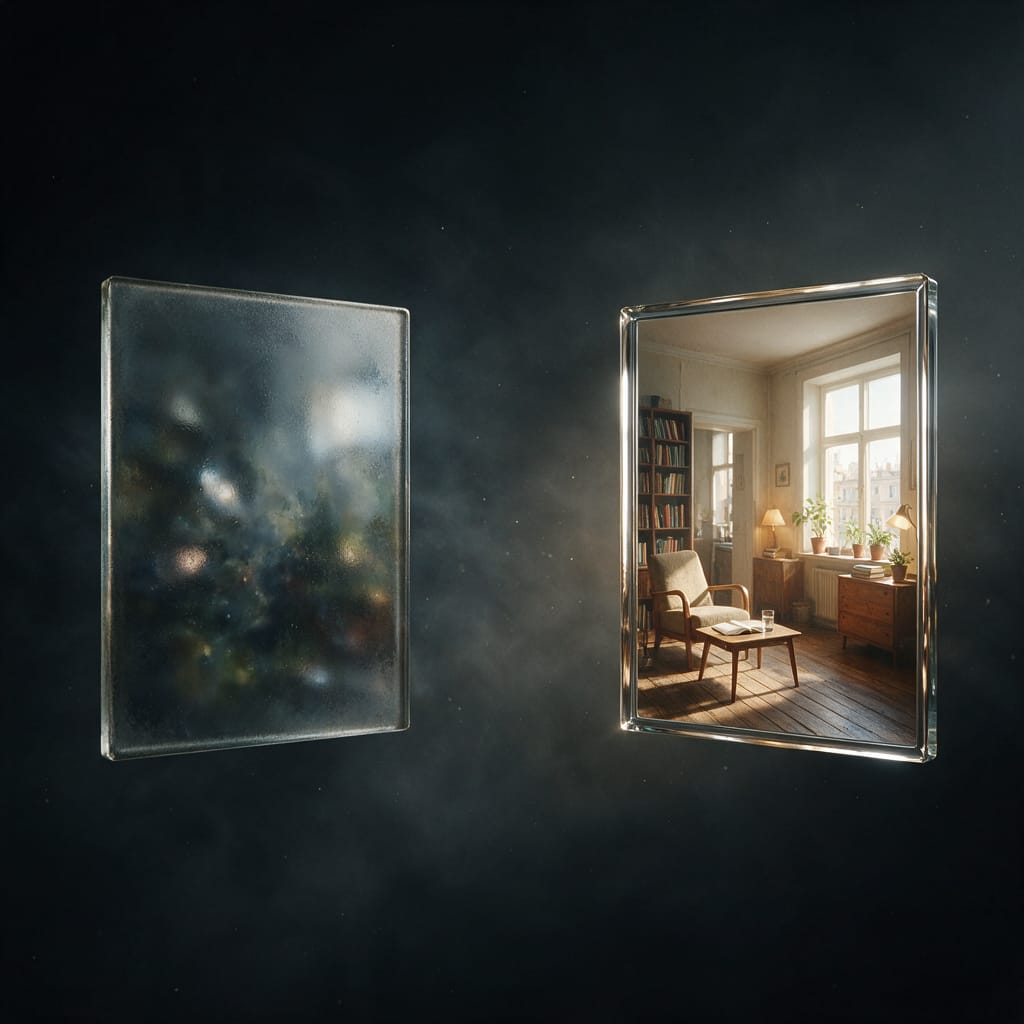
Bad → good
A few pairs from real practice:
- “City” → “Night street in the rain, neon reflected in puddles, camera slowly moving forward at eye level.”
- “Beautiful coffee” → “Close-up: milk pours into black coffee in a thin stream, the pattern spreads in circles, soft side light.”
- “The girl is walking” → “Medium shot from the back: a man in a long coat walks along an empty embankment, the wind ruffles the coat hem, gray morning.”
Notice a pattern? All “good” options have exactly one action. This is the main rule: four seconds is one movement, not a plot.
Where does it break most often?
Three mistakes I see all the time.
Too many things. “A man leaves his house, gets into a car, drives around the city and comes to the sea” - this is not a video, this is a storyboard for four videos. The model will try to fit everything in and do nothing.
Abstractions instead of pictures. “Atmospheric”, “stylish”, “wow effect” - the model doesn’t know what it looks like. But he knows “low backlight, smoke in the frame, long shadows.”
Text in frame. The model still draws inscriptions poorly: the letters come out crooked or even fictitious. If you need text, add it later in any editor.
About the format
Decide in advance where the video will go. Vertical 9:16 - for tape and shorts, horizontal 16:9 - for the site and presentation. It will not be possible to redo the format later without losing the edges; it’s easier to generate it right away as needed.
You can try to write your own description in the section video generation, a short landing for this task - video from text. If you want not from scratch, but according to a ready-made template, take a look trends, the scenes are already described for you, all you have to do is add your own.
By the way, if you have a suitable picture, it is often faster to bring it to life than to describe the scene in words: analysis of free ways to generate videos And review of models for video will help you choose where to start.
Start with one action and one phrase about the camera. From there it will go on its own.
Frequently asked questions (FAQ)
Question: How to get the best result from a neural network?
Answer: Use detailed prompts (descriptions) in English, set the style and details of the scene.
Question: Can these materials be used for commercial purposes?
Answer: Yes, the generated content is entirely yours.