Trend: girl in the stands of a Korean match - how they do it
Briefly about the main thing (BLUF)
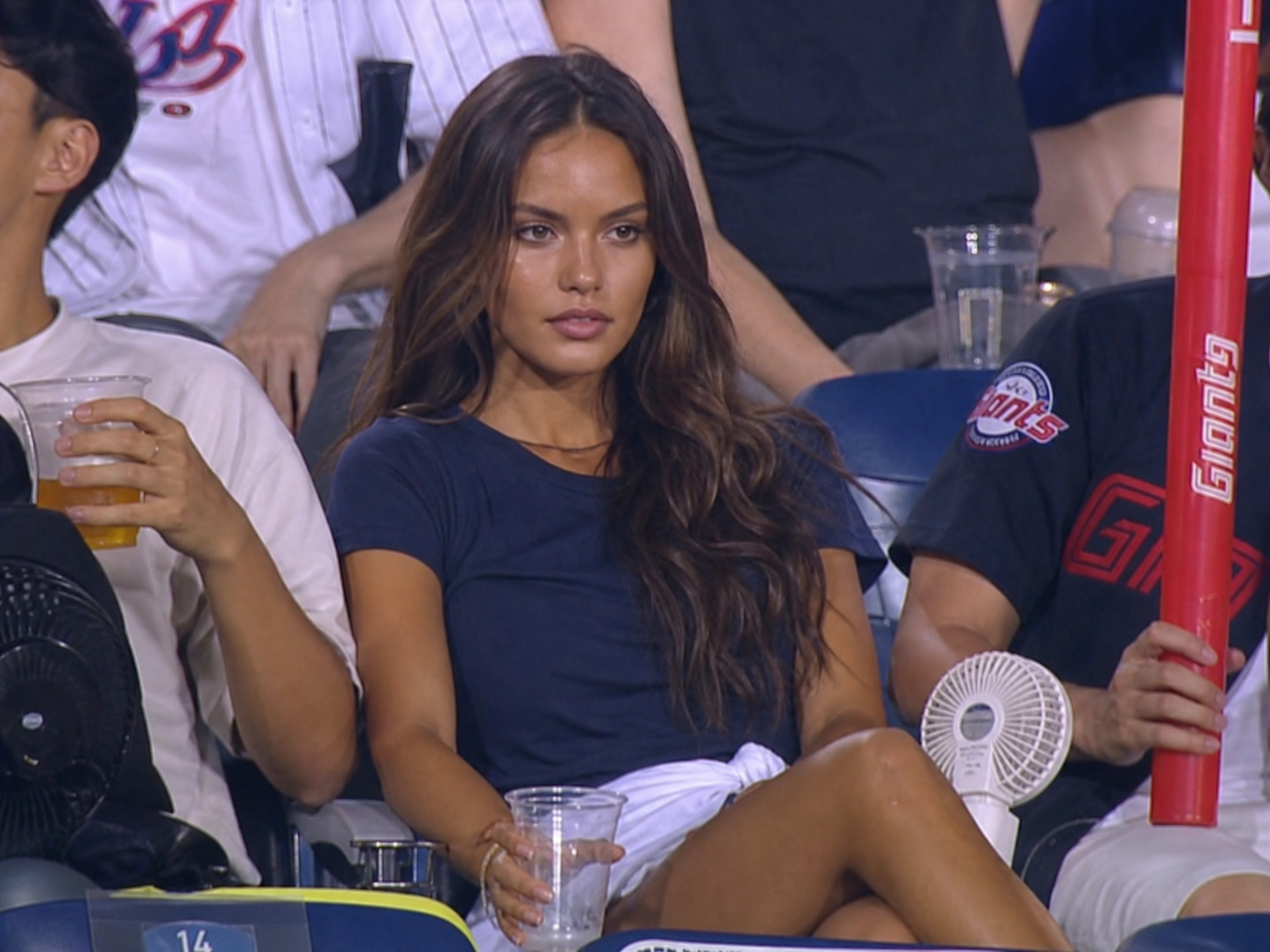
A girl on the stands of a Korean match is a trend that has collected millions of views: the camera finds the heroine among the fans, but she doesn’t seem to notice the filming. Let's look at two templates - photos and videos, how it works under the hood and where the trend breaks.
Look at any of these rails carefully. Korean TV channel, SPOTV logo, scoreboard with innings. The camera looks at the podium - the girl is sitting, not looking at the lens, looking somewhere towards the field. 5 seconds. All.
The video has a million views. In the comments: “where did you get this video”, “were you really in Korea”, “is this a neural network or a live one”. And most people can't figure it out. Here's why.
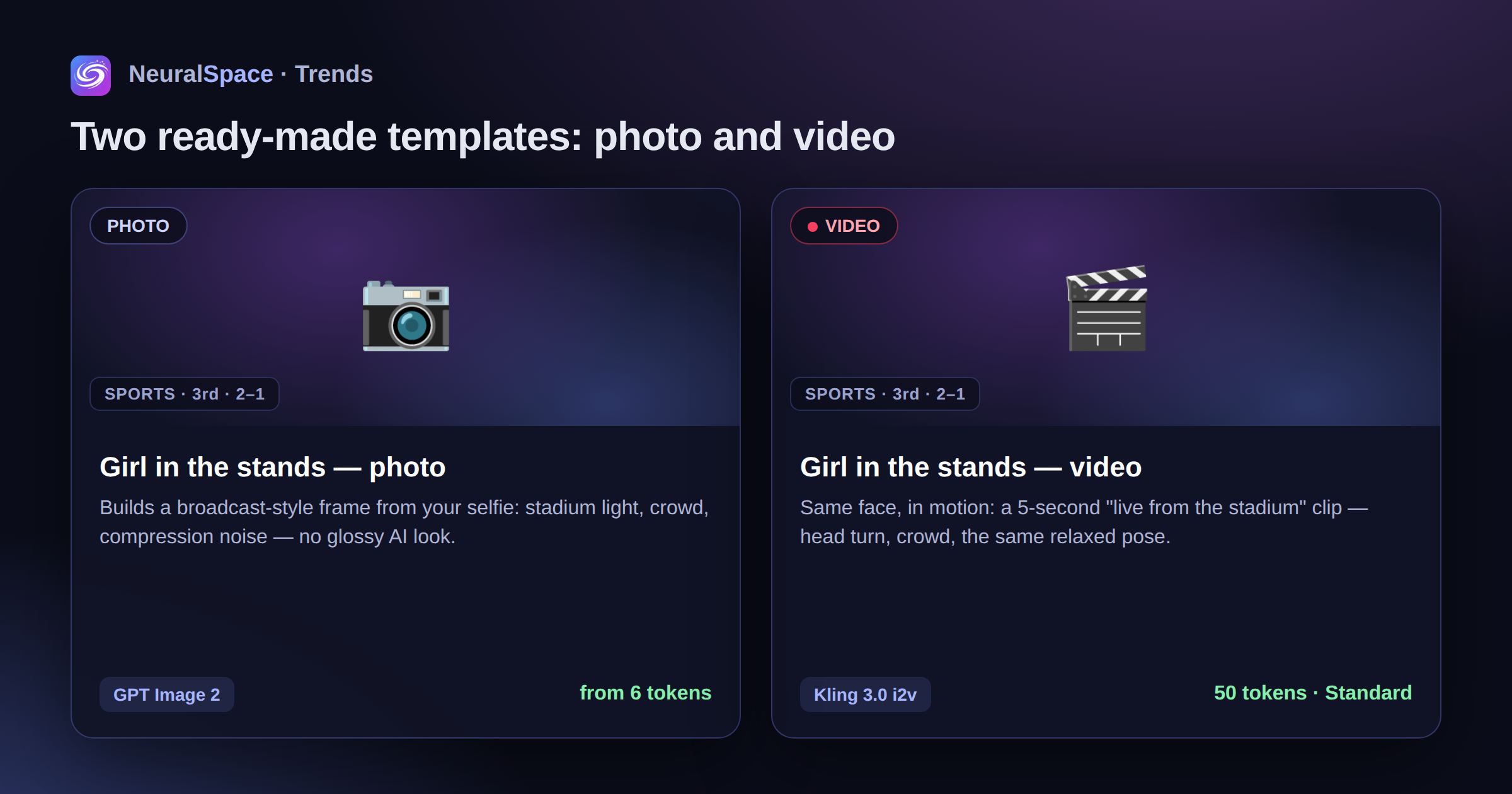
Two templates: photo and video
"Girl on the podium - photo." He takes a photo of your face and puts together a frame from scratch in the style of a SPOTV broadcast: stands, stadium lights, typical Korean fans in the background, a plastic glass in your hand, a fan on the side. Without a polished AI appearance - on the contrary, with compression noise, light motion blur and real skin. The goal is to make it look like a randomly caught broadcast shot, and not like a fashion shoot. Under the hood - GPT Image 2. From 6 tokens per generation.
"Girl on the podium - video." The same face, but in motion. You upload a photo - the Kling 3.0 image-to-video model makes a 5-second clip “live from the stadium”: the same broadcast camera angle, the crowd in the background, the same relaxed pose. 50 tokens in Standard mode, or more in Pro mode.

How it works under the hood
Photo. There is no frame, it is generated from scratch. But with strict rules: no retouching, no “enlarging the eyes,” no plastic gloss. The request explicitly states: it should look like real footage from a low-quality broadcast camera, with all its shortcomings - slight smearing, digital noise, glare from sweat. This is what gives the feeling of a “real frame”, and not a “neuron”.
Video. Kling 3.0 image-to-video takes your photo as the first frame and animates the scene on demand: a slight turn of the head, movement of the crowd in the background, blinking, facial expressions of a “surprisedly focused look at the field.” The prompt clearly requires a horizontal 16:9 frame and broadcast quality so that it fits into the cropped rils format and doesn't look like I2V with vertical stretching.
How to do it manually
If you don't want to use the template:
For photos. Are you going to images section, select GPT Image 2, attach a selfie as a reference and write a request in Korean (the model understands it better in the context of Korean TV):
For video. Are you going to video section, select Kling 3.0, attach the same photo (you can first take it in a photo template), 16:9, request:
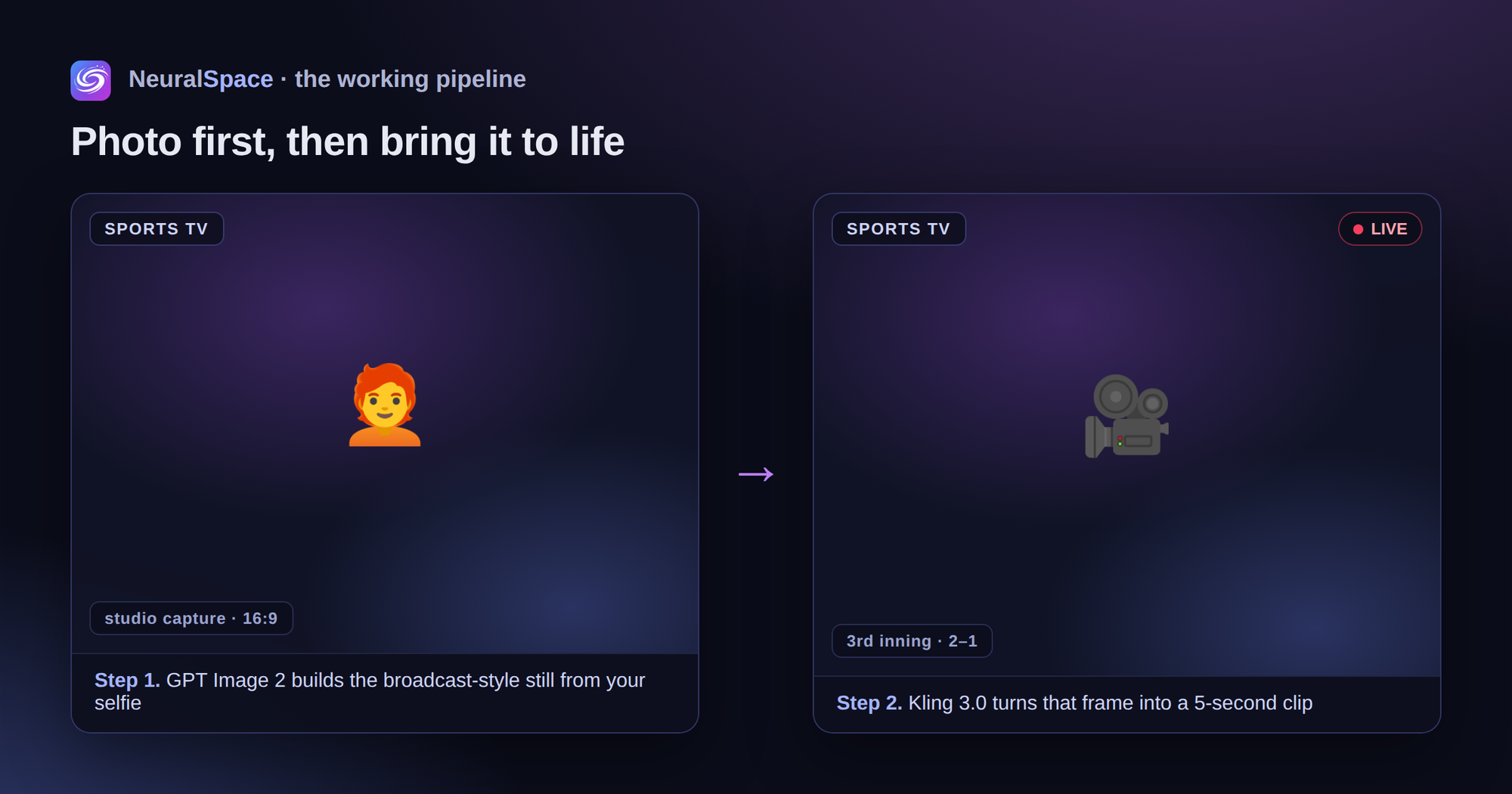
That is, a working pipeline: first a photo template (you get the perfect “broadcast” frame), then you throw this frame into a video template - and you get 5 seconds of an animated version of the same person on the podium.
Where it breaks
Photo. The reference selfie is too clear and bright - the model tries to drag its “glossyness” into the frame, and the result is not a broadcast, but a fashion shoot. A simple selfie without filters works better. If the result is too beautiful, regenerate it, the request already contains all the prohibitions on retouching, but sometimes the model is still drawn towards the “influencer”.
Video. Kling 3.0 gives good movement of the head and background, but if the photo is too “studio” (flat white background, perfect light) - it pulls this light into the stadium scene, and you get a strange mix. Portrait photos work best with medium light, without hard shadows.
Try
Two ready-made templates in Trends section. If you want a static frame for a post, use a photo card on GPT Image 2. If you want a 5-second video for a reel, use a video card on Kling 3.0. You can do it in a bunch: first a photo, then from this photo - a video.
Frequently asked questions (FAQ)
Question: How to get the best result from a neural network?
Answer: Use detailed prompts (descriptions) in English, set the style and details of the scene.
Question: Can these materials be used for commercial purposes?
Answer: Yes, the generated content is entirely yours.