Suno without subscription: how to generate music and pay only for tracks

Briefly about the main thing (BLUF)
Suno makes an entire song with vocals in a couple of minutes, but the subscription is issued with a foreign card and is charged every month. In NeuralSpace, music is generated without a subscription: you only pay for the tracks. Let's look at how to make a song, what else generation can do and how much it costs.
Suno makes an entire song - with vocals, verses and chorus - in a couple of minutes. There is only one catch: to use it normally, you need a subscription, and it is issued with a foreign card and is debited every month, even if you wrote one song this month. IN NeuralSpace the same models Suno work without subscription: You pay for actual generation and top up your balance.

What's wrong with subscription
Let's look point by point at what exactly you pay for (data from the tariff page Suno as of July 31, 2026).
- Free plan — 50 credits per day, access only to the older model, no track separation and no commercial use.
- Pro – $8 per month: 2,500 credits per month, best model, advanced installation, track separation.
- Premier - $24 per month: 10,000 credits and all possibilities.
And the main point in small print: subscription credits do not transfer - not from day to day, not from month to month. If they didn’t work out, they burned out. And additional credits purchased from above do not expire, but you can use them only while the subscription is active: unsubscribed - what you bought is dead weight.
Then Russian specifics begin. The subscription is issued with a foreign card, is renewed automatically and is written off in dollars. Anyone who has tried it knows: the card does not go through, you have to look for intermediaries, virtual cards, other people's accounts. You haven't paid anything for the music itself.
What does "no subscription" mean?

We have a different scheme. No plan, no monthly payment, no auto renewal:
- Pay for what you generate. We made one track - one track was written off. We haven’t logged in for a month and nothing has been written off.
- The balance does not expire as scheduled. The purchased tokens lie and wait for you, and are not reset on the first day.
- Payment - by card of a Russian bank, through SBP and other usual methods. No foreign card required.
- All possibilities at once. We don’t have a division “this is in Pro, and this is only in Premier”: track division, track extension, WAV and clip are available to anyone - the only question is the price of the generation itself.
How to make a track
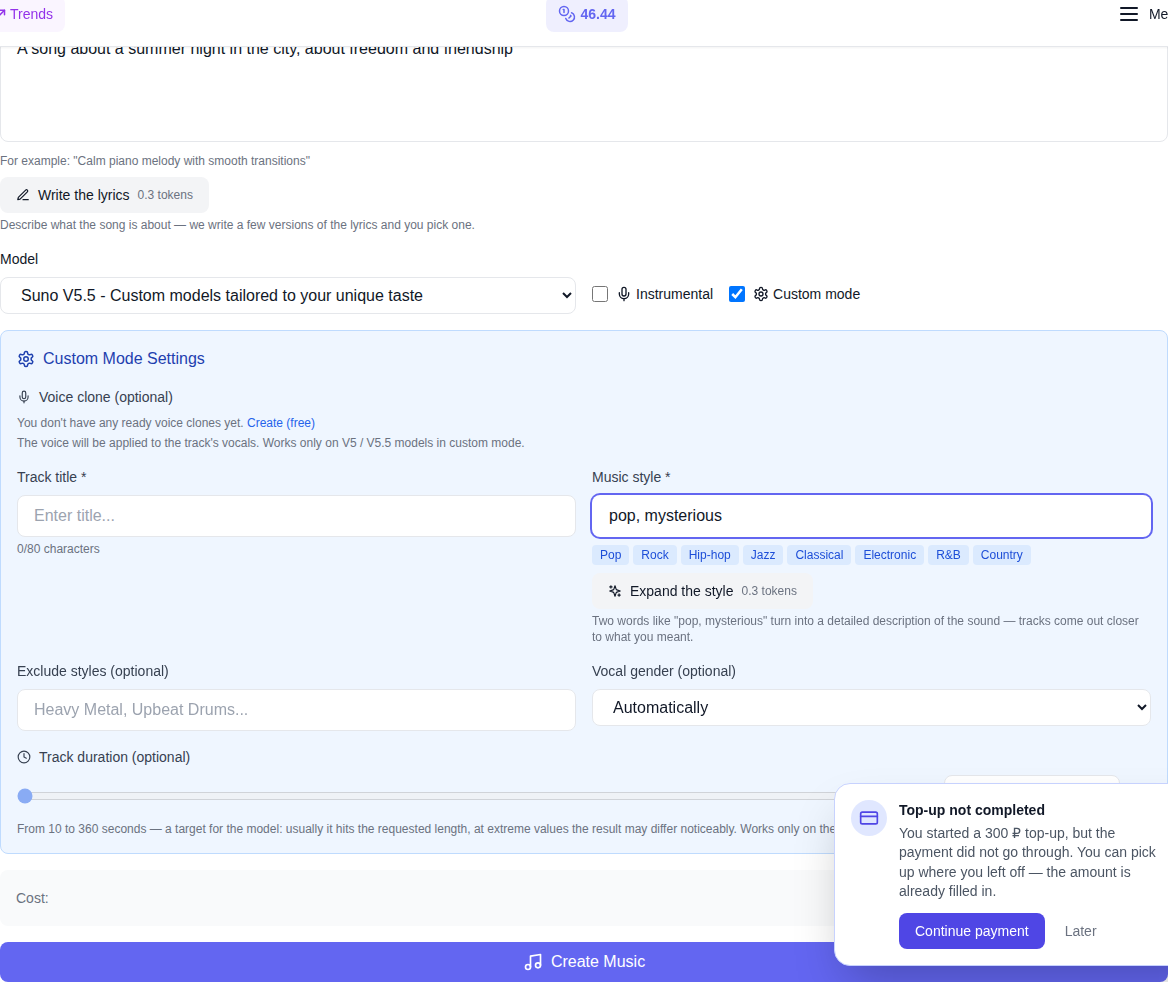
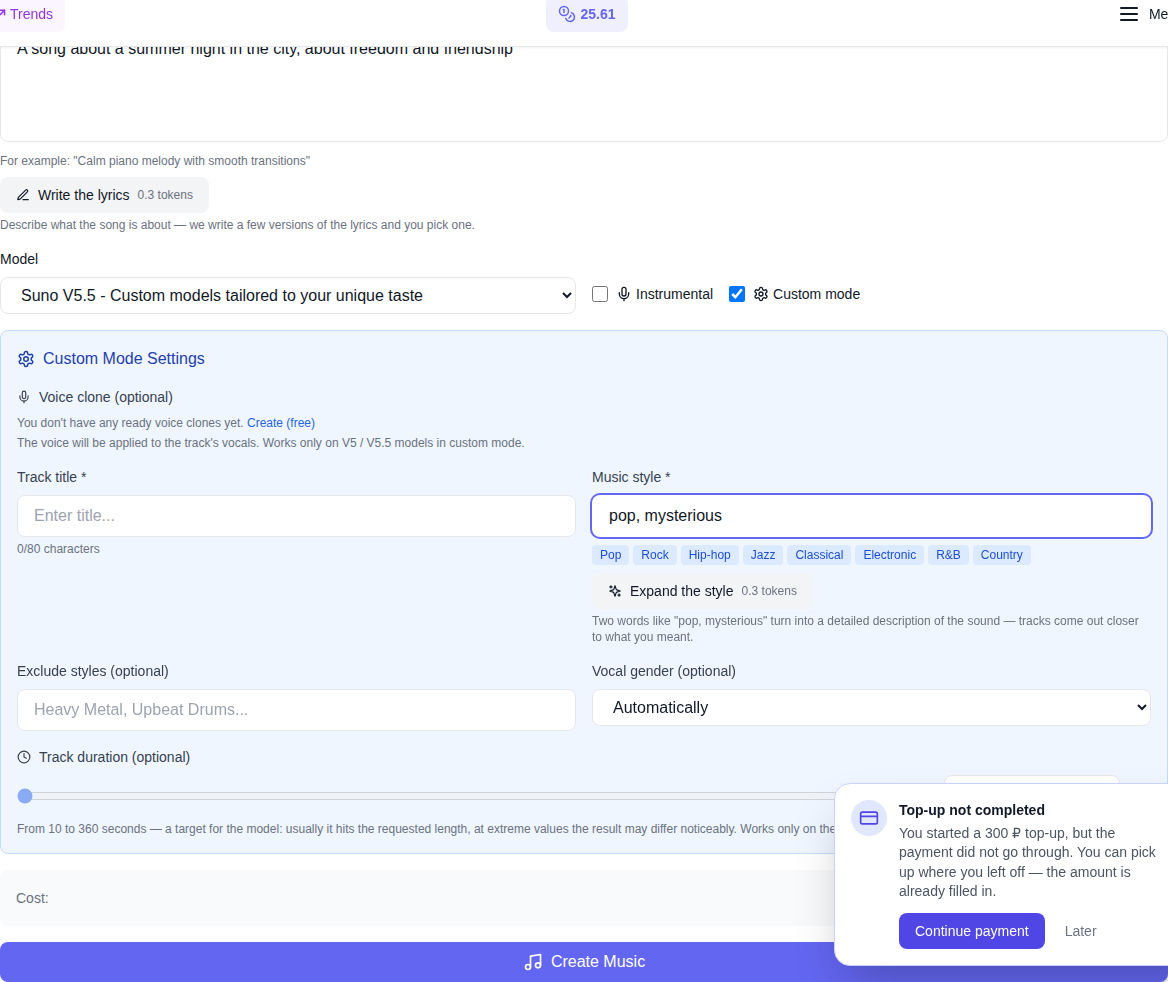
Open the section "Music" and write what the song is about. This is already enough - the model herself will come up with the melody, words, and style.
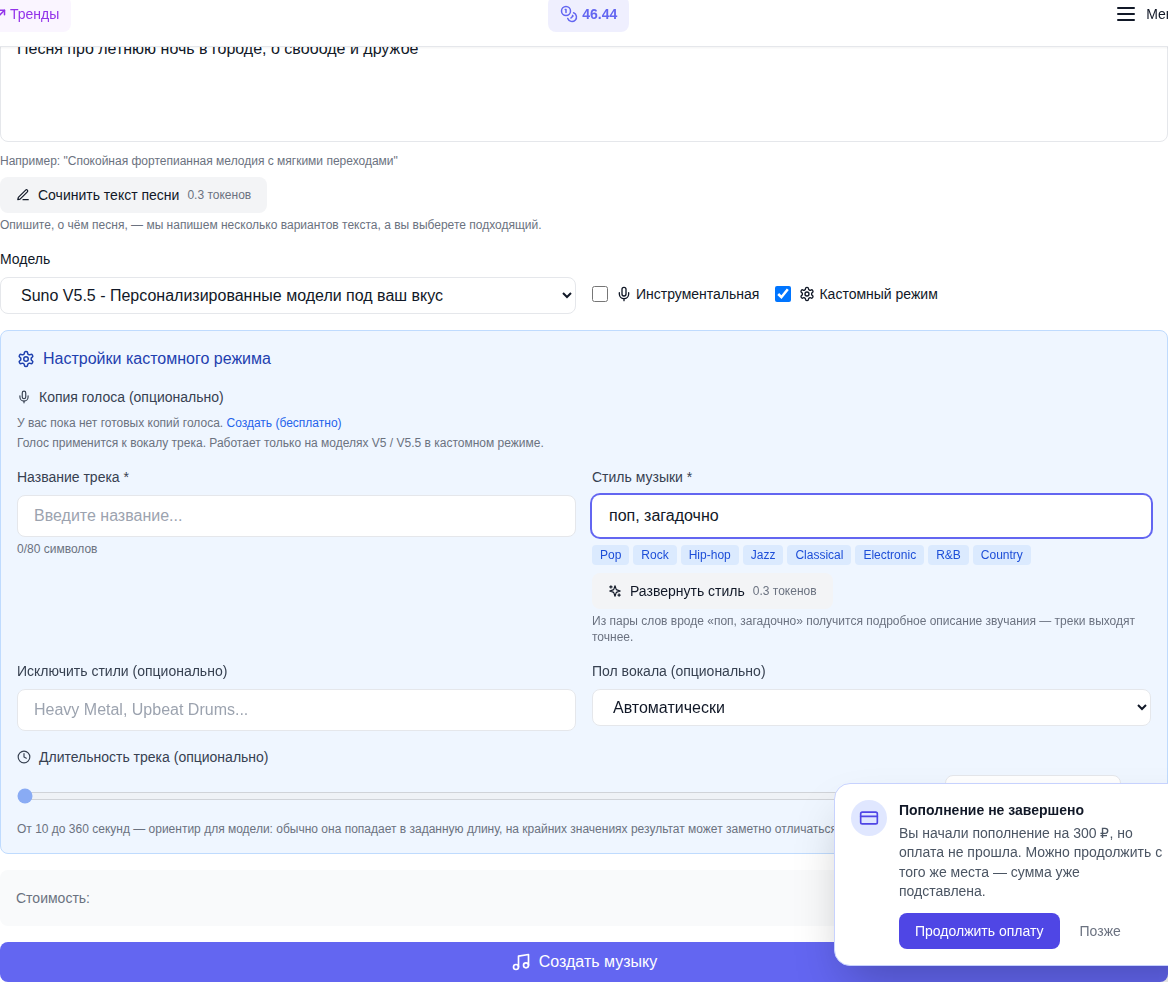
If you want control, turn it on custom mode — there you can set the name, style, gender of the vocal, exception styles, and on the V5.5 model also the duration of the track in seconds. An instrumental without a voice is one tick.
What else can our music do right now?

- Compose the lyrics of the song. Describe what the song is about - get several ready-made versions with verses and chorus; click, and the selected text appears in the field.
- Expand style. From “pop, mysterious” comes a detailed description of the sound - with instruments, tempo and character. The tracks after this are noticeably closer to what you had in mind.
- Extend track — add the ending or the second verse, keeping the melody.
- Add vocals to your instrumental (you can also upload your own file).
- Split tracks — pull out the voice separately from the minus: karaoke, remixes, mixing.
- Download to WAV - without loss of quality, for installation.
- Voice copy. You write down a short phrase and the songs are sung in your voice. It's free with us.
Clip from the track - in a couple of minutes
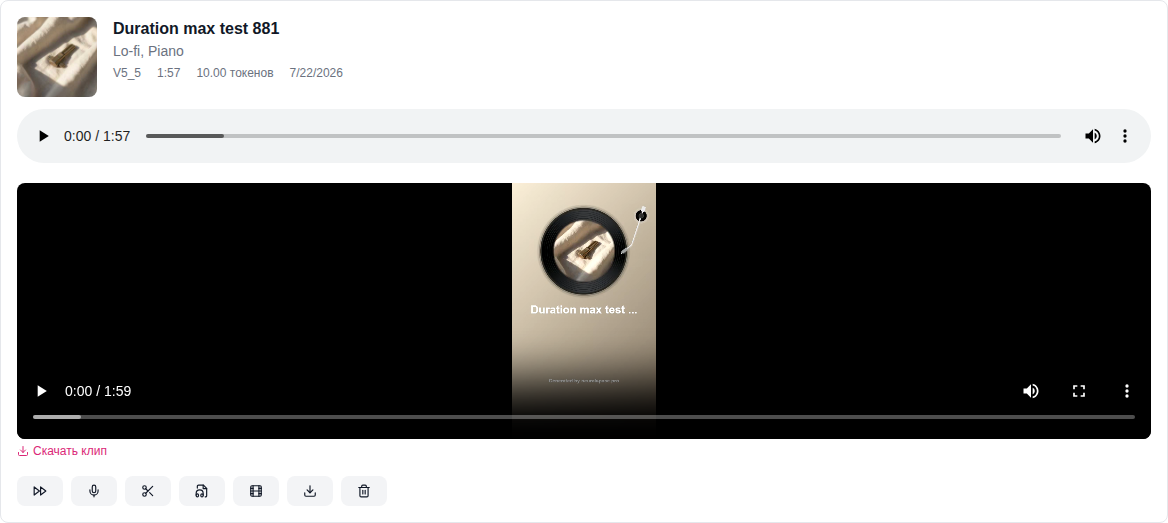
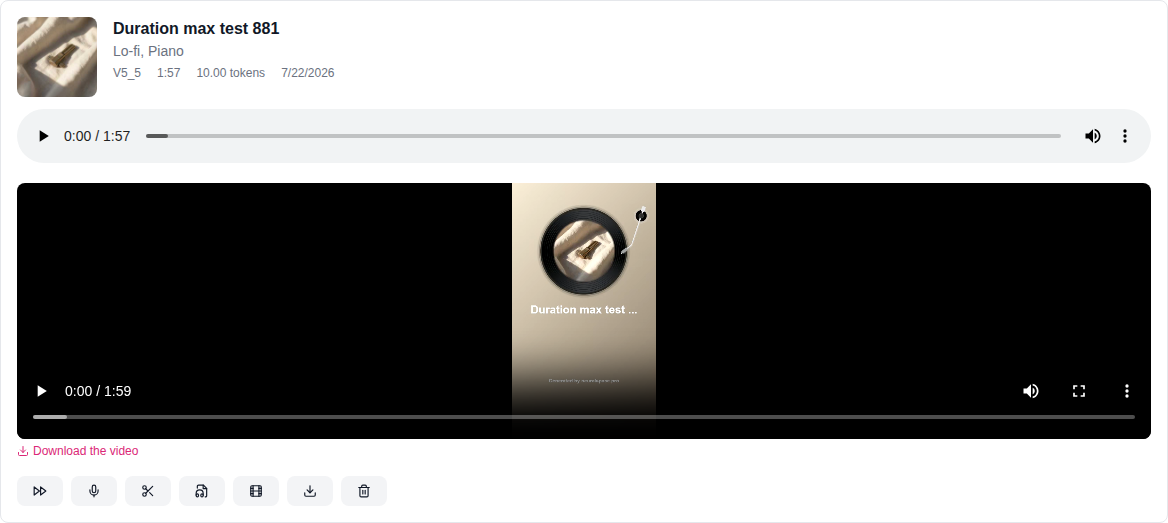
The finished track can be immediately turned into a vertical video with visualization: cover, title and running wave of sound. Such a file can already be posted on social networks - a separate video editor is not needed.
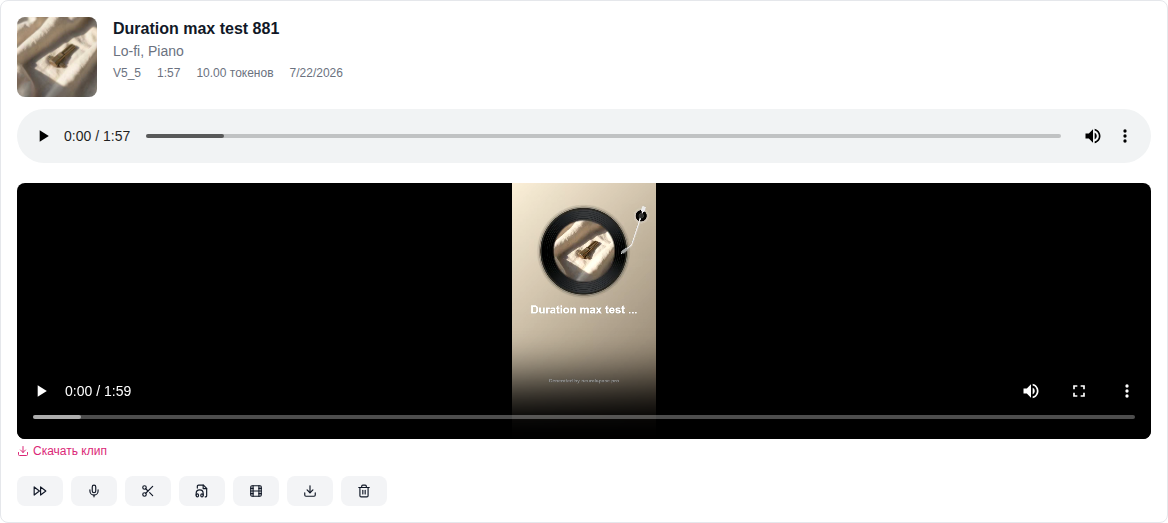
The button lives right on the track card in the generation history, next to the extension and division of tracks. The finished clip remains in your history and is downloaded with one click.
How much does it cost
The price is calculated in tokens, and the balance is replenished in dollars. Reference: track - about 10 tokens, video - 3.5, song lyrics or style spread - 0.3 tokens. Prices are recalculated at the current exchange rate, so the site always shows the exact amount directly in the form, under the create button.
Compare with a subscription: a $7 refill means several dozen tracks that won’t go anywhere in a month. And if you made three songs in a year, then you pay for three songs, and not for twelve months of waiting for inspiration.
Separately about payment - if you have already tried to renew Suno from Russia and ran into a card issue, look at the analysis "How to pay Suno from Russia": there about workarounds and their price.
How to get started
- Register for NeuralSpace — new users are awarded tokens for testing.
- Open section "Music" and describe the song in one sentence.
- In a couple of minutes, pick up the finished track - and then make a video out of it and post it wherever you want.
No subscription, no foreign card, no expiring credits - just try to write a song.






Frequently asked questions (FAQ)
Question: How to get the best result from a neural network?
Answer: Use detailed prompts (descriptions) in English, set the style and details of the scene.
Question: Can these materials be used for commercial purposes?
Answer: Yes, the generated content is entirely yours.