GPT-5.6, Grok 4.5 and Seedream 5 Pro: what they can do
Briefly about the main thing (BLUF)
We compare three new products NeuralSpace: GPT-5.6 with three modes instead of one button, Grok 4.5 with access to the fresh Internet and Seedream 5 Pro with pictures with visible texture. We calculate how much each answer actually costs, and where the models have a catch.
In recent days, three new models have arrived at NeuralSpace: GPT-5.6, Grok 4.5 And Seedream 5 Pro. All three are already working - not “soon”, not “in beta”. Below is what they can really do, how much one answer and one picture costs, and when to take which one.
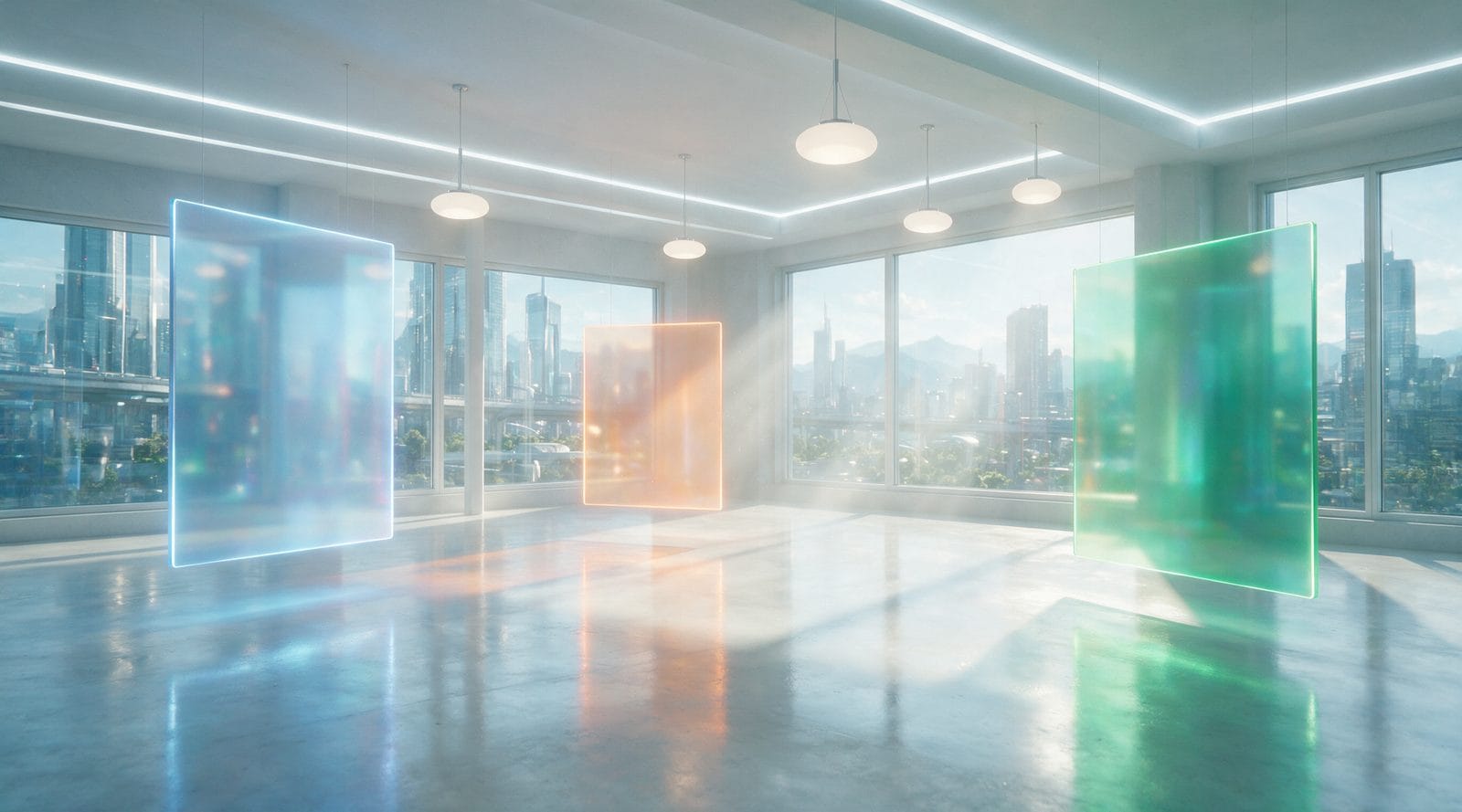
By the way, all illustrations in this article are drawn by Seedream 5 Pro. Directly on the website, for tokens from your regular balance.
GPT-5.6: three modes instead of one button
GPT-5.6 has three options in its interface − Max, Balanced And Fast. This is not cosmetic: they think differently and stand differently. Max handles complex logic and code, Fast responds almost instantly and is several times cheaper, Balanced is in the middle.
Plus a separate “level of reflection” slider and a “Internet search” checkbox. If you want it fast and cheap - low level. You need the model to sit and think about the problem - you raise it.
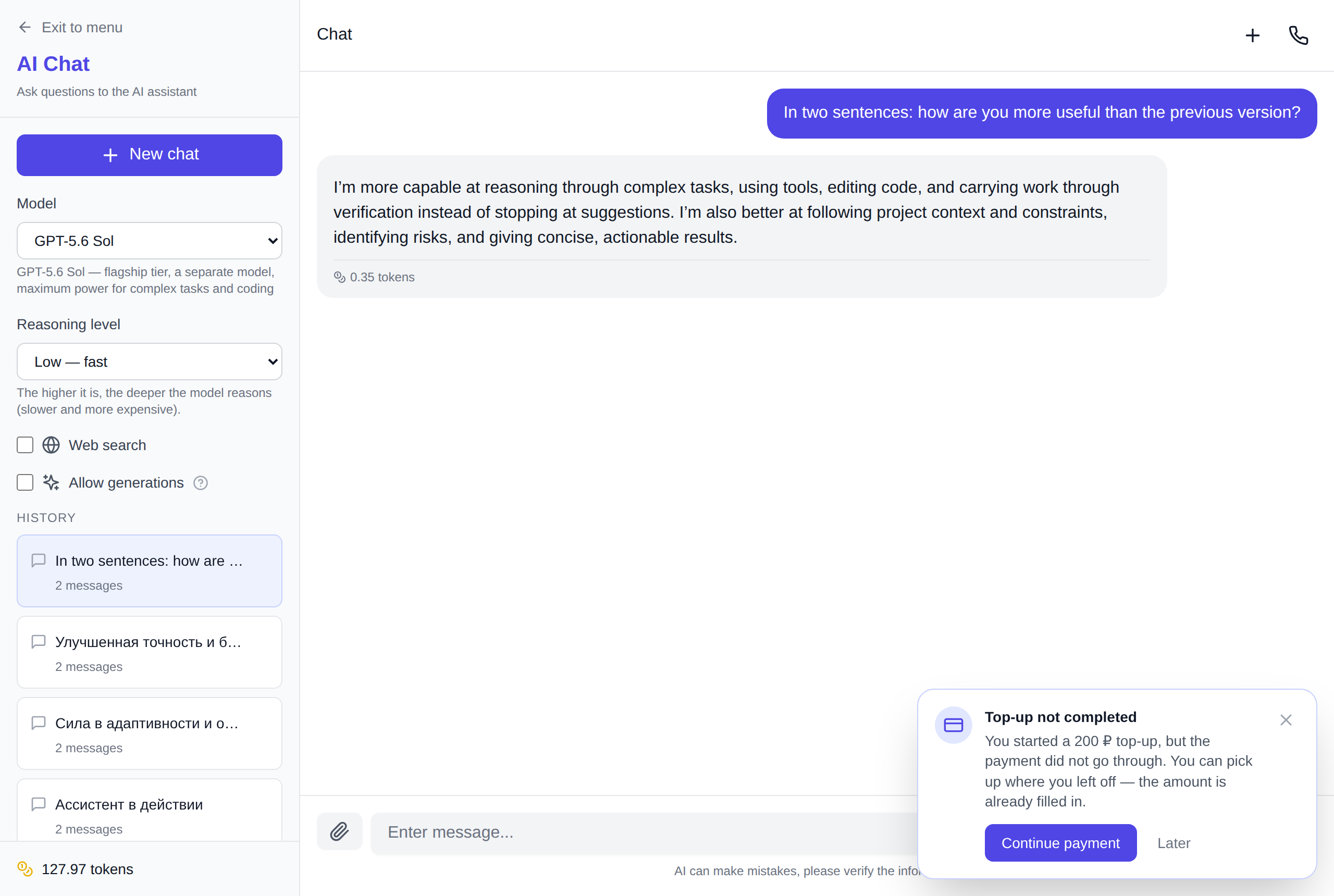
Here's an honest assessment: a common question in the flagship Max at a low level of thinking - 0.25 tokens. Not “about”, but exactly as much as the counter showed under the answer. Tokens are written off after the fact, and not in batches of 100 messages.
Grok 4.5 - when you need fresh internet
I keep Grok 4.5 from xAI for two things: when you need a fresh fact from the network and when you want not a “polished” answer, but a normal human one. She also has customizable depth of reflection and search.
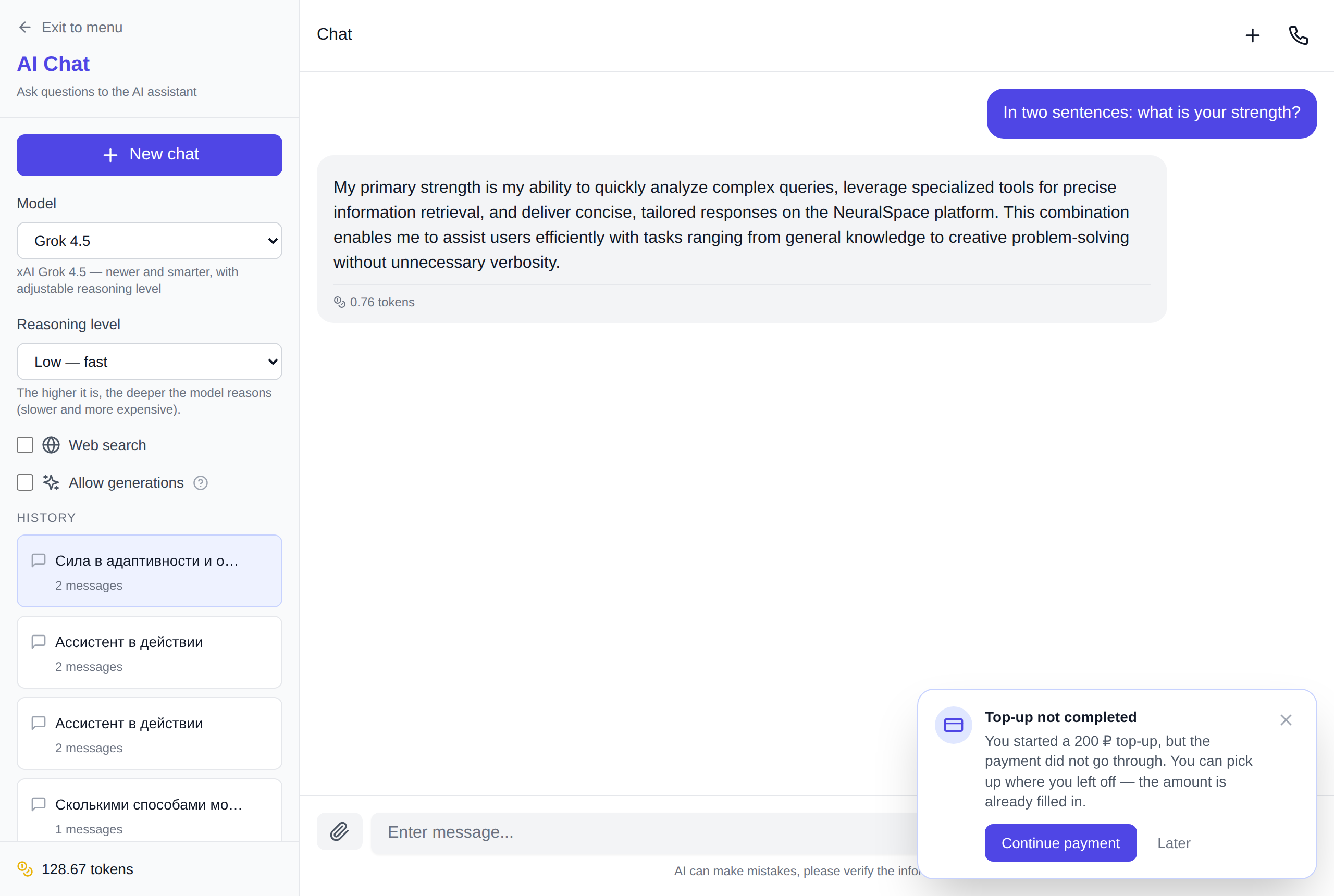
The same simple question cost 0.57 tokens. More expensive than GPT-5.6 Fast, cheaper than the flagship - that’s about the price it lives up to.
Both GPT-5.6 and Grok 4.5 are available not only in chat. They are in the section "Code", where the model writes the entire site or script, and in our API and MCP server, if you pull models from your code or agent.
Seedream 5 Pro: pictures that show texture
About the pictures. Seedream 5 Pro is about detail: drops on glass, wood grain, reflections. Not “draw a cat in anime style” (anything can do that), but when you need the frame to look filmed.

The generation form has three settings, exactly the same as the model itself: aspect ratio, quality (1K basic or 2K high) and file format - JPEG or PNG. Plus up to 10 reference images, if you need not from scratch, but “like this, but in a different way.”
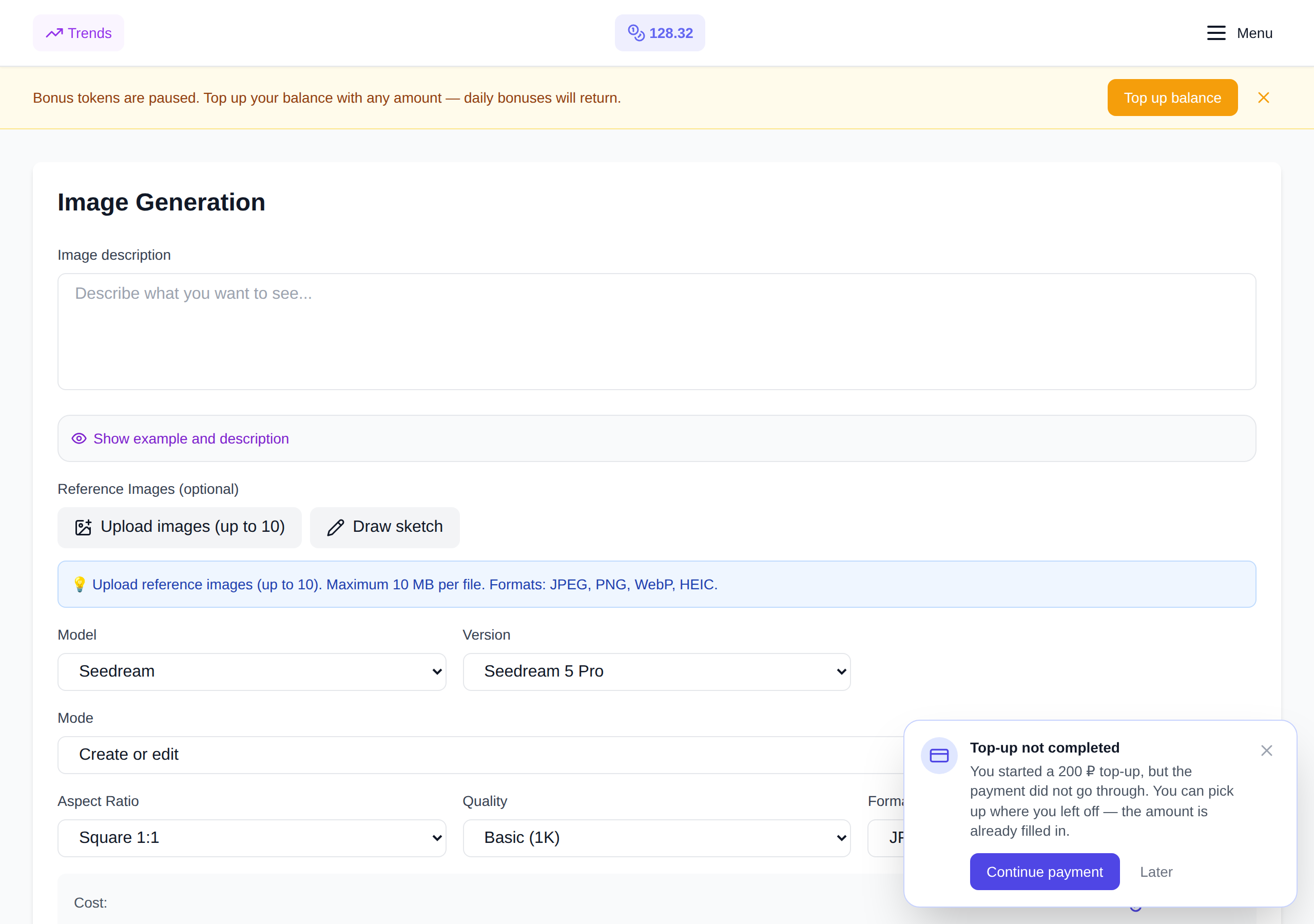
The price honestly depends on the quality: 5.5 tokens for 1K and 10.5 for 2K. Previously, the site always sent to 2K and charged the maximum - now you choose.
And he also lives nearby Seedream 5 Lite for 3 tokens. For previews and drafts, take it, don’t overpay.
Where's the catch?
It exists, and I will speak about it directly.
- Max is not always the best choice. For “reword the letter” it’s a cannon shot: take Fast, the price difference is about four times, but the result is the same.
- Not everyone needs 2K. For a post on a social network, 1K is plenty enough - and costs half as much.
- References Seedream does not read minds: if there is garbage at the entrance, there will be neat garbage at the exit.

How much does it really cost
Each account receives daily 7 free tokens. This is enough for exactly one picture Seedream 5 Pro in basic quality - and there will still be a couple of questions left in the chat. That is, you can try all three new products without paying anything at all.
Payment - with a Russian bank card, in rubles, without VPN and without dancing with foreign subscriptions. I discussed in detail how this works in the article about payment to Claude from Russia — with new models everything is exactly the same.
Open image generation or chat and simply select a new model from the list. If you don't have an account yet - registration takes a minute, and the starting tokens are already on your balance.
New mode Seedream 5 Pro: image decomposition into layers
Seedream 5 Pro can now take a finished picture and decompose it into separate visual parts: background, objects, shadows and decorative elements. Each resulting layer is saved as a separate image - it can be downloaded, corrected, or assembled into a new composition.

This is not a finished PSD with named groups: complex translucent edges sometimes require manual cleanup. But for product cards, posters and advertising layouts, the mode removes the longest grunt work.
Frequently asked questions (FAQ)
Question: How to get the best result from a neural network?
Answer: Use detailed prompts (descriptions) in English, set the style and details of the scene.
Question: Can these materials be used for commercial purposes?
Answer: Yes, the generated content is entirely yours.