Voice call to several AIs at once in one window: how to make “call Claude, GPT and DeepSeek” with interruption
Briefly about the main thing (BLUF)
It is inconvenient to compare the answers of models one by one, and “dictation” is not yet a conversation. We made a voice call where Claude, GPT and DeepSeek answer in the same window. We'll tell you how a call differs from a dictation, how the architecture works, and what mistakes you've made.
In most chats with AI, the voice looks like this: you dictate a message, wait, read the answer. This is not a conversation - this is a dictation. We are in NeuralSpace done in the section "Chat" full-fledged voice call: you speak, the model responds with a voice in real time, you can interrupt, and you can call any model - Claude, GPT, DeepSeek - in the same window. Understanding how it works and why is more difficult than it seems.
Why “dictation” ≠ conversation
A live conversation relies on two things that push-to-talk interfaces do not have:
- Low latency. A pause of 3-4 seconds between your remark and the answer kills the feeling of dialogue. The model should start responding almost immediately.
- Barge-in. In live speech, we constantly interrupt: “stop, that’s not it,” “in short,” “can you…”. If an assistant finishes his long thought, ignoring what you are already saying, this is not an interlocutor, this is an answering machine.
Both points are about the architecture of streams, and not about “connecting speech synthesis.”
Architecture

Full duplex path. The microphone streams continuously, recognition occurs in parallel with the playback of the answer. Key point: as soon as the speech detector catches that the user spoke while the model was responding, playback immediately stops, the unspoken answer is cut off, and what the model managed to say before the interruption is correctly put into context - so that she understands where she was interrupted.
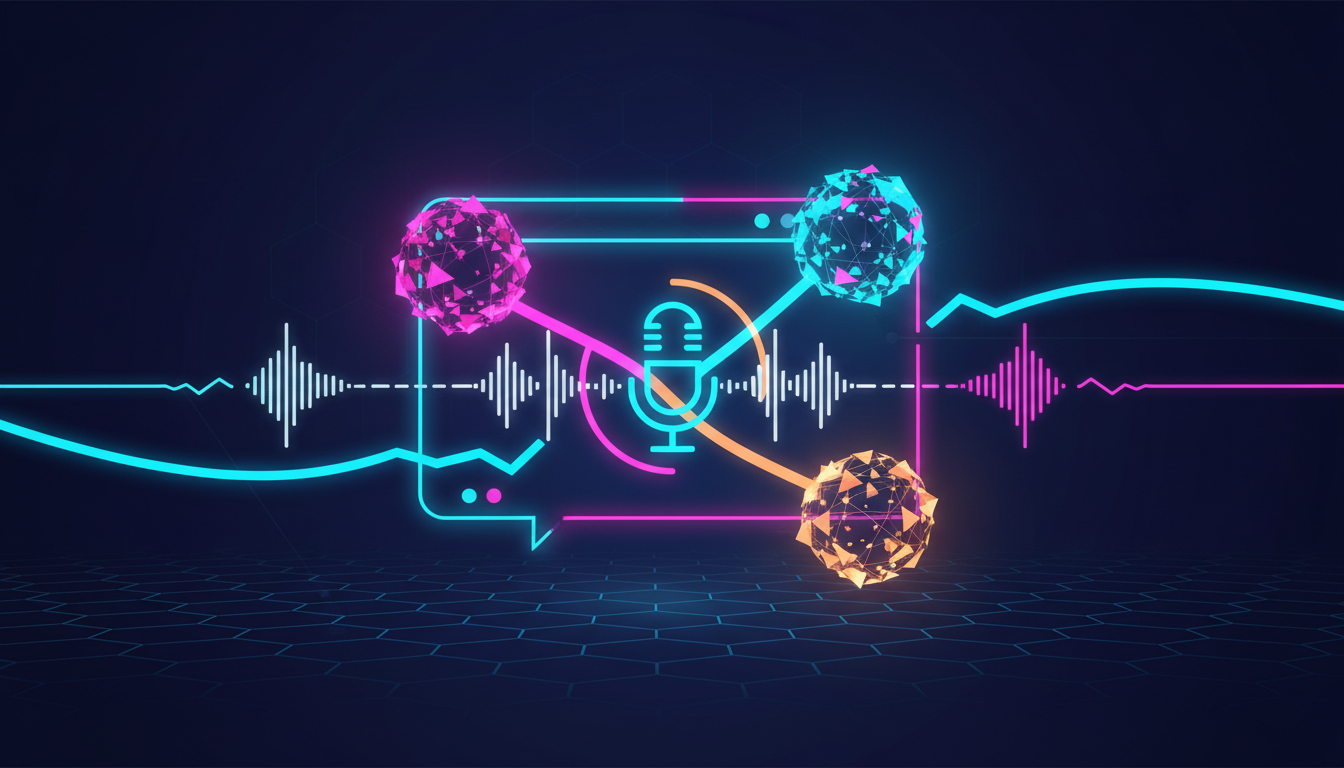
Model agnostic. The most interesting solution is a single voice layer on top of different models. The user switches the interlocutor in one window: now he is talking with Claude, in a minute - with GPT, then with DeepSeek. For this, the vocal tract (recognition + speech detection + interruption logic + synthesis) untied from a specific model: The model is the replaceable “brain” behind the shared voice interface. The path works with the abstract flow “replica → response token flow → voiceover” and does not know who is behind it.
Streaming the answer into voiceover. In order not to wait for the model to complete the entire answer, tokens go into synthesis as they are generated, in chunks along the boundaries of sentences. This gives a low delay and makes interrupting natural: we cut off exactly what has already been said.
Rake
- False alarm barge-in. Cough, background noise, “uh-huh” - the model stops talking at the wrong time. We had to calibrate the threshold of the speech detector to distinguish the real replica from the noise.
- Context after interruption. If you simply throw out an unspoken answer, the model “forgets” that it answered at all. We save the spoken part as its course in the dialogue - then “stop, but more about the second” works meaningfully.
- Switching the model in a live conversation. The history of the dialogue is common, but the models have different formats and “characters”. We're normalizing history so that the new model picks up the conversation rather than starting from scratch.
Why is this
Different models are strong in different ways: one is better at reasoning, another is more creative, another is faster and cheaper for chatter. A voice call with switching turns this into a natural scenario: discussed the idea with one, asked the second to criticize, and the third to give options. Everything is done by voice, in one window, with the ability to interrupt at any time. The same vocal tract lies under voice agent for websites — there he also presses buttons.
If you're building voice interfaces on top of language models, it's interesting to discuss how you solve barge-in and saving context when broken. Try calling: neuralspace.pro/chat.
Frequently asked questions (FAQ)
Question: How to get the best result from a neural network?
Answer: Use detailed prompts (descriptions) in English, set the style and details of the scene.
Question: Can these materials be used for commercial purposes?
Answer: Yes, the generated content is entirely yours.