Generating images and pictures using a neural network in NeuralSpace: how to create art in a minute
Briefly about the main thing (BLUF)
You can generate a picture using a neural network using an ordinary Russian request - in a few seconds and for pennies. We show what generation models are available in NeuralSpace, how to go from phrase to art step by step, how much an image costs and which queries work better.
I needed a cover for an article. Previously, it was an hour on photo stocks, then 20 minutes on Canva. Now - I described the picture in two sentences, after 15 seconds I received four options. Generation of images by a neural network is perhaps the most “understandable” feature of AI for those who are far from technology. IN NeuralSpace All leading models are collected - from photorealistic to artistic.
What models are there?
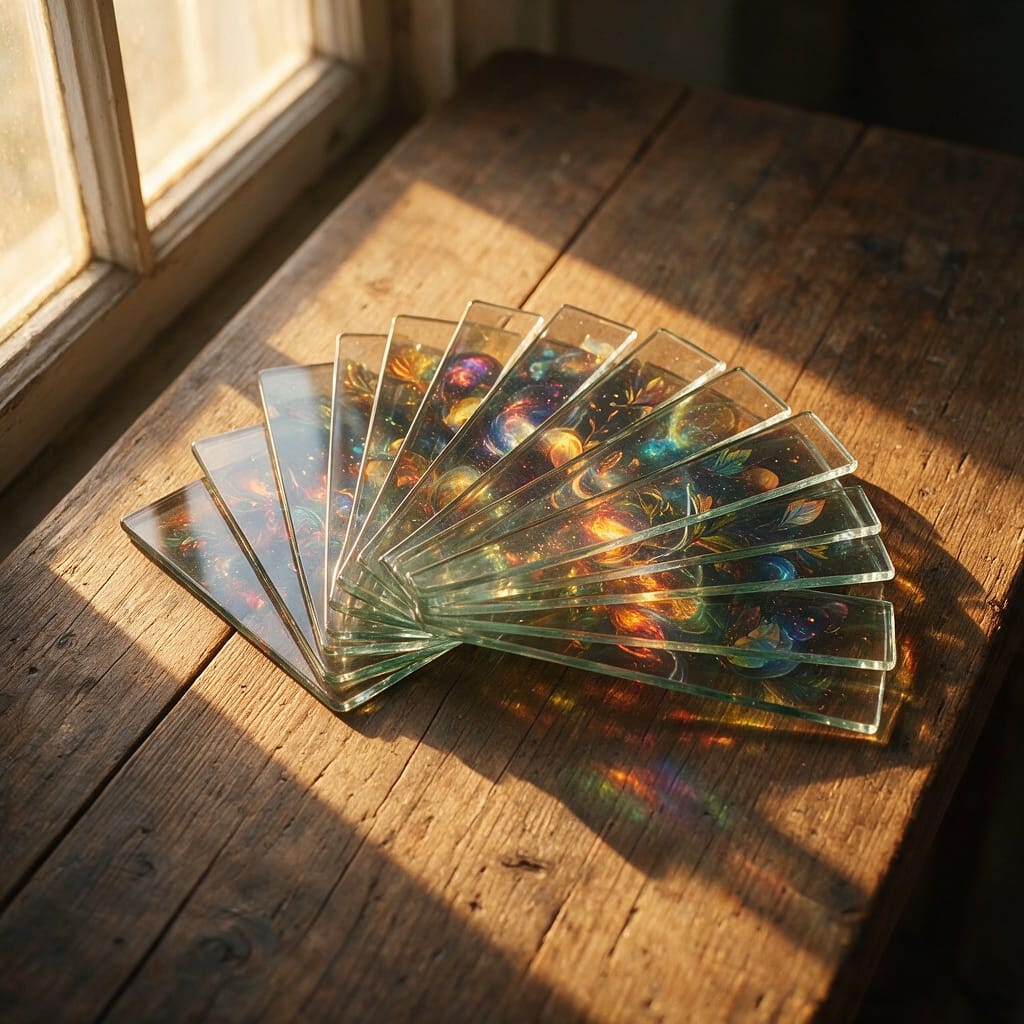
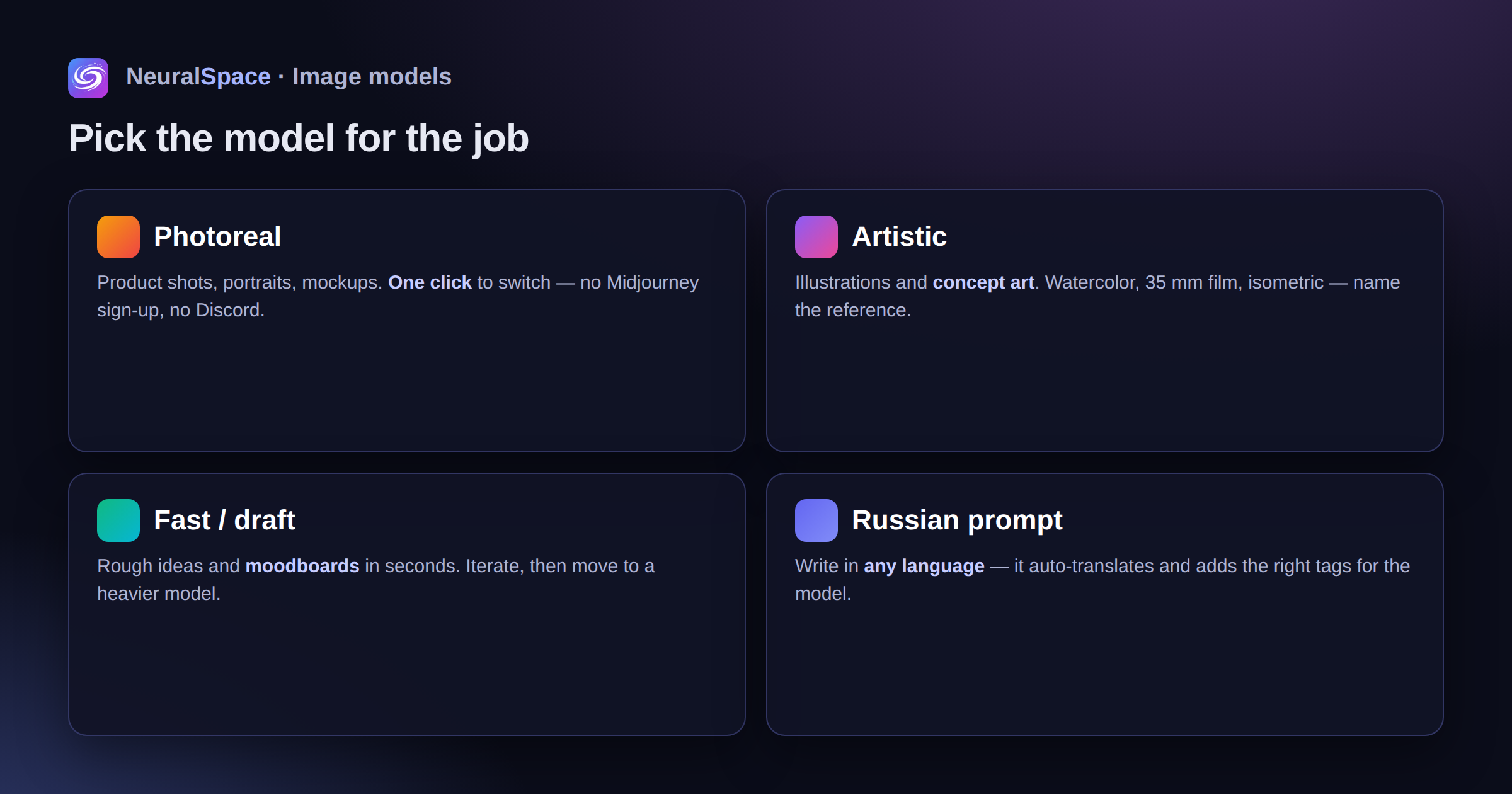
Photorealistic - for product shots and portraits. Artistic - for illustrations and concept art. Quick ones - for rough ideas and mood boards. Switch between them - one click in the section Images. No registration on Midjourney, no Discord, no VPN.
Russian request - and it works
The main pain point for Russian-speaking users is that models understand English better. NeuralSpace automatically translates and refines the request - you write in Russian, the neural network receives the correct description in English with the necessary tags. The quality is comparable to manual request engineering. I checked - the difference is minimal.
Step by step
You open "Images", choose a model, describe the scene (what’s in the picture, style, light), indicate the format and number of options. 10-30 seconds - done. Download or send for revision.
Requests - briefly
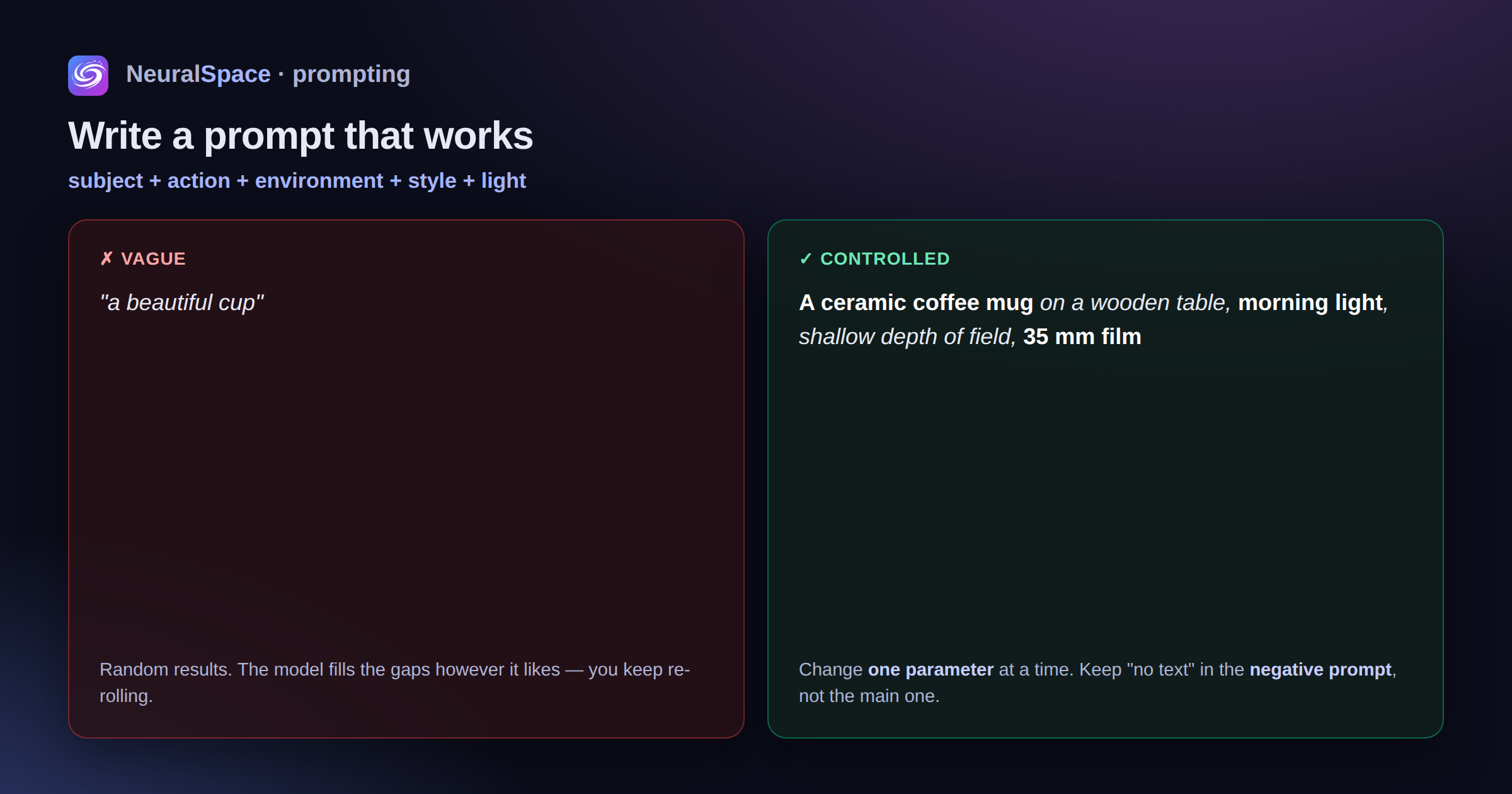
Formula: “subject + action + environment + style + light.” Add a reference: “watercolor”, “35 mm film”, “isometric”. Do not write “no text” in the main request - there is a negative prompt for this. And most importantly: if the result is not the same, change one parameter at a time, and don’t rewrite everything. Look for ideas in Trends.
Price
Included in a single subscription with chat, voice And video. Payment is simple, no VPN. Token packages or unlimited for teams.
What is it used for?
Article covers, social media banners, presentation illustrations, avatars, concept art, YouTube previews, mockups. And the finished picture can be immediately bring to life in video or make the basis for AI character.
Honest minus: small details and text on the picture are still a lottery. We have to regenerate. But for 90% of tasks it’s enough the first or second time.
Register — the first pictures are free.
Frequently asked questions (FAQ)
Question: How to get the best result from a neural network?
Answer: Use detailed prompts (descriptions) in English, set the style and details of the scene.
Question: Can these materials be used for commercial purposes?
Answer: Yes, the generated content is entirely yours.