Brighten Dark Photos Online — Free in Your Browser
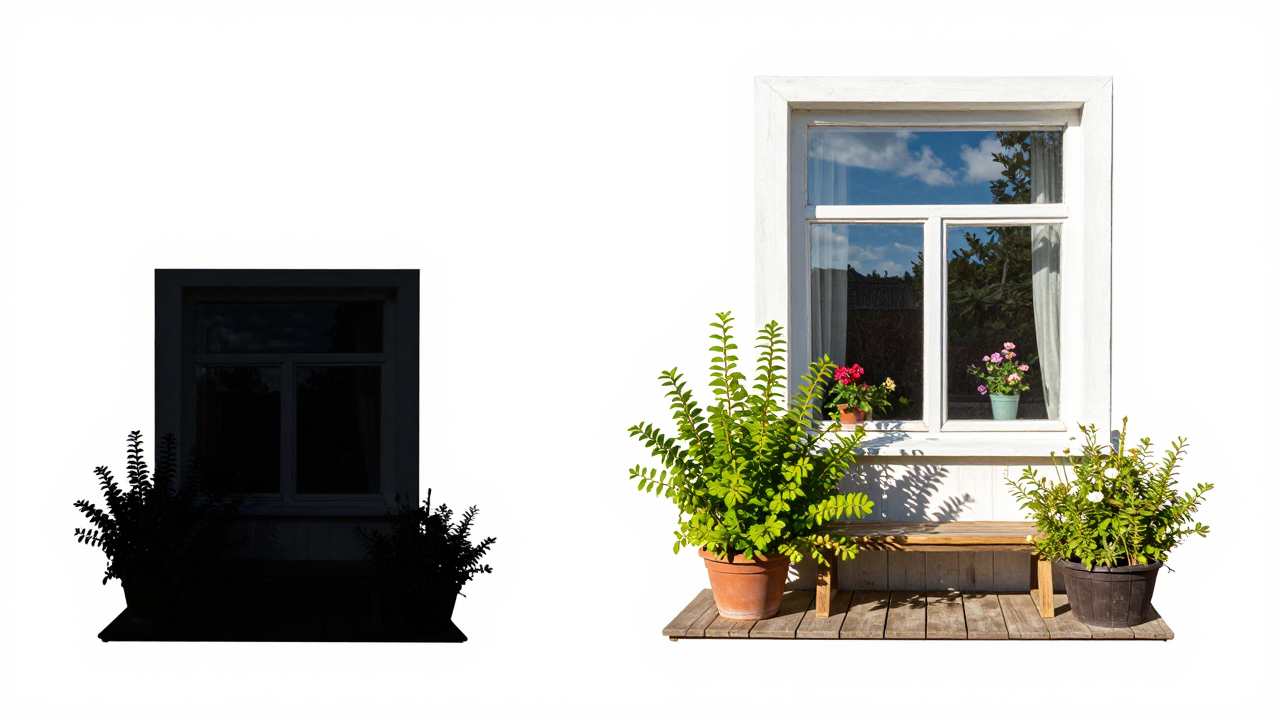
You can now brighten an underexposed photo right in your browser: the Brighten Dark Photos (free) tool has arrived in the Images section. It lifts shadows, preserves bright areas and suppresses noise — completely on your device, with no upload and no tokens spent.
Why it is free
Brightening is usually delegated to generative models: they download hundreds of megabytes of weights and require a capable accelerator. This tool takes a different path — it estimates the illumination of the frame (much like the classic Retinex idea: a blurred maximum of the color channels), then divides every pixel by that estimate raised to an exponent. It is pure pixel math: no weights to download, no network requests. Our server merely delivers the page code — there are no backend calculations, so no tokens are charged and usage is completely unlimited.
That brings two practical benefits. First, the tool opens instantly: there is nothing to download and nothing to wait for. Second, it works on phones and modest laptops: no WebGPU or modern video card required.
And, of course, complete privacy: your photo never leaves your device.
How to brighten a dark photo: step by step
- Open the Images section and select Brighten Dark Photos (free) in the model list — the tool sits at the bottom alongside other free tools.
- Upload a dark photo: click the drop zone or drag and drop your file into the browser. Supported formats include JPG, PNG, WebP, and other standard image types.
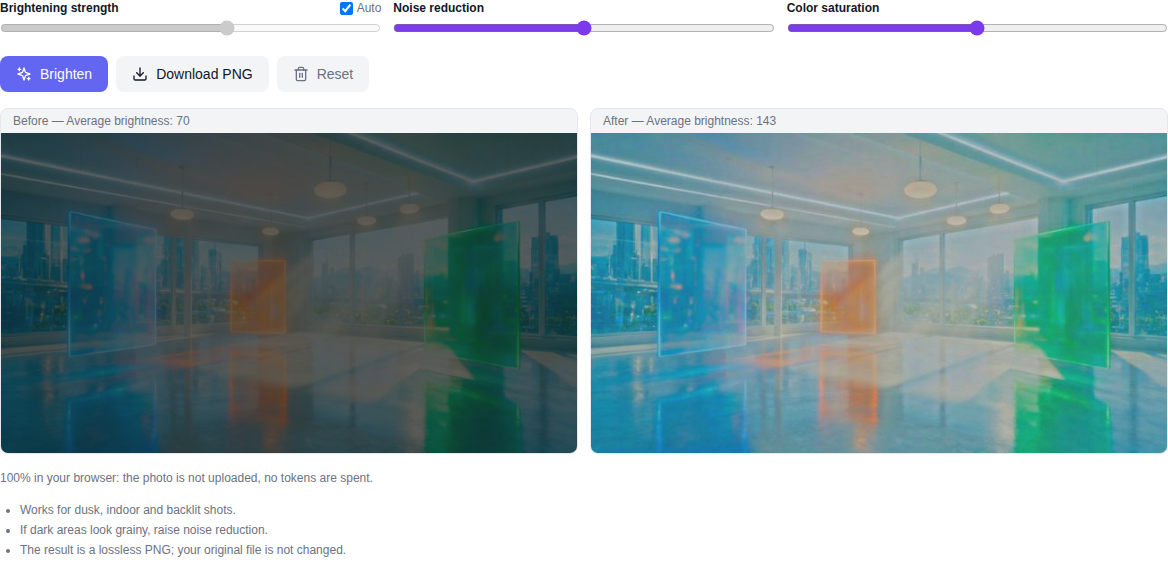
- Set the parameters. Brightening strength is chosen automatically by default: the darker the frame, the stronger it is. You can switch off auto mode and set the strength manually.
- Reduce noise if it shows: the noise slider smooths grain precisely in the places where brightening was strongest.
- Adjust saturation if colors washed out after brightening: the slider ranges from half to one and a half.
- Click the brighten button. The tool shows the original and the result side by side and prints the average brightness of both as numbers — it is easy to confirm the frame actually got brighter.
- Download the result with the "Download PNG" button — the file keeps your original name with a "-bright" suffix.
What the algorithm actually does
- Illumination estimate: a full-size light map built as a blurred maximum of the color channels; deep shadows are boosted more, already-bright areas almost untouched.
- Highlight protection: regions that were already bright are softly compressed with a shoulder — no blown-out, detail-free highlights appear.
- Noise reduction by location: smoothing is applied only where the gain was strong, so sharp edges and textures survive.
- Auto strength: darkness of the source is re-estimated for every new photo — you do not have to tweak anything by hand.
What the tool does not do
Being honest about limits: this is algorithmic brightening, not generative AI. The tool lifts what was captured, it does not invent what was never recorded: details that fell completely into black cannot be restored — there is simply no data there. Noise is suppressed carefully but not magically: heavily grainy old photos will still keep a soft texture rather than a perfectly smooth result.
One more practical limit: processing runs at up to 4096 pixels on the long side. Larger photos are pre-scaled to this size, and that is exactly the resolution of the processed result and the downloaded PNG.
Best photos to use
The tool works best on underexposed but informative frames: low-light portraits, interiors, product shelves, evening streets, and screenshots or document photos taken without flash. Photos with areas that fell completely into black can still be brightened, but those "black pits" stay black — there is no data in them.
Who is this for
This tool is useful for photographers, marketplace sellers, content creators, and anyone whose phone produces dark night shots. If you need other free tools, the Images section also has photo colorization, object removal, and PBR material from a photo — all running locally in your browser.
Frequently Asked Questions
Is this really free? Yes. No tokens are charged and no paid API is used — all computation runs locally in your browser.
Is my photo sent to a server? No. The file remains strictly on your computer, ensuring full privacy.
Is this a generative AI model? No. It is estimate-based brightening: pixels are amplified according to a light map of the frame, facial features and textures are not redrawn.
Why is there no model to download on first run? Because the tool has no weights at all — brightening is done with pixel math in your browser, nothing needs to be downloaded.
What resolution is the download? The PNG is saved at the processing resolution: photos up to 4096 pixels on the long side keep their original size, larger ones are scaled down to that limit.
Does it work on a phone? Yes. The processing is plain pixel math and needs no accelerators: it runs in a mobile browser even without WebGL.