Wan 2.6: One AI Video Generator for Text, Image and Video Input
Wan 2.6 is a versatile AI video generator that accepts three kinds of input: plain text, a still image, or an existing video. One model covers inventing a clip from a written idea, bringing a photo to life, and building on footage you already have. Output goes up to 1080p, duration is adjustable, and a multi-shot mode produces edited-looking sequences.
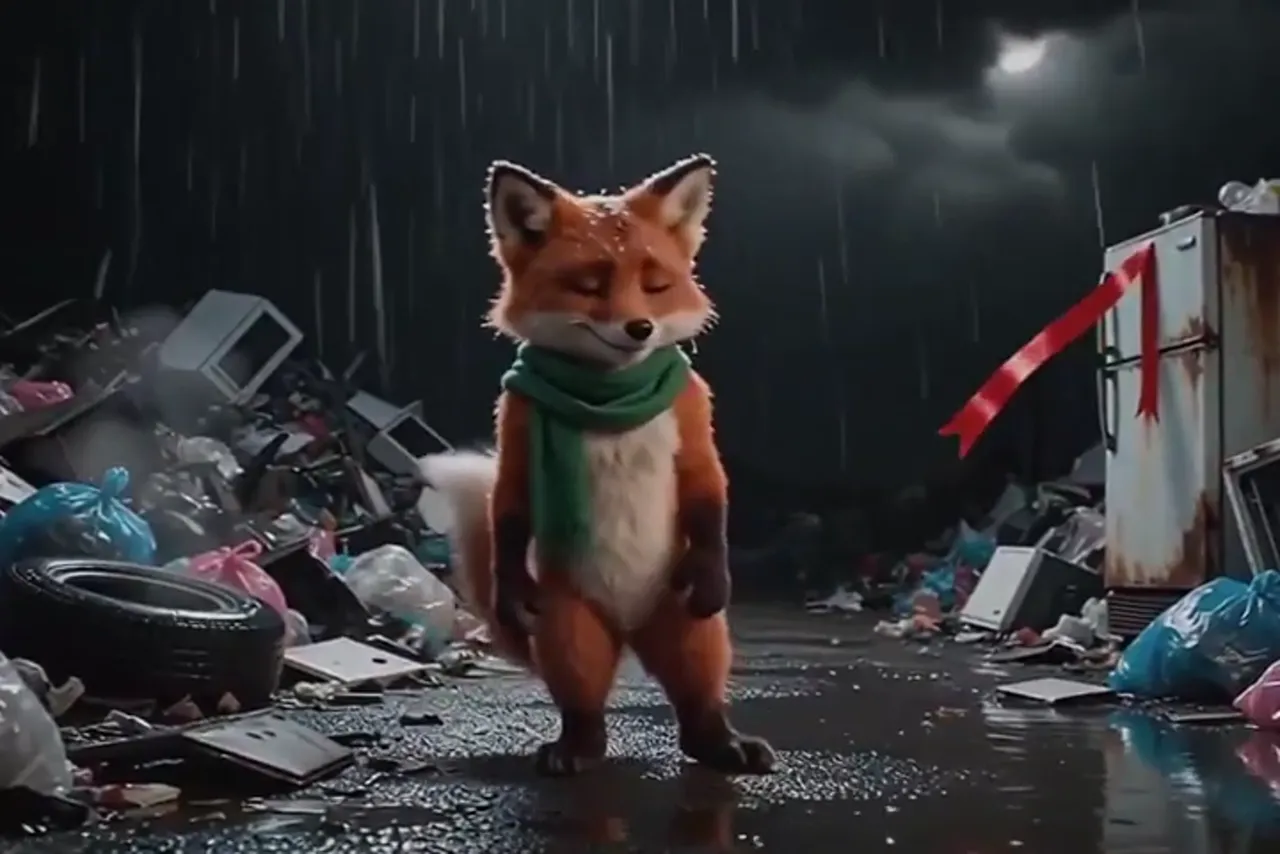
Three inputs, one workflow
Most video models specialize: text-to-video here, image animation there. Wan 2.6 folds these modes into a single tool, which saves more friction than it sounds. You never have to remember which model accepts what or shuttle files between pages — drop in whatever material you have and describe the outcome you want.
The flexible input shines in chained workflows. Generate a frame in an image model, animate it here. Get a clip you like, feed it back as the base for the next scene. That pipeline lets you assemble a whole story without ever leaving one generation page.
Making video from a text prompt
The classic mode: describe a scene in words and receive moving footage. The model handles detailed prompts covering setting, characters, camera behavior, and mood. A drone gliding over an autumn forest at dawn with mist between the trees — a sentence like that is enough to produce a coherent clip from nothing.
Good prompts are specific about motion, not just appearance. Say what happens, not only what is visible: who walks where, how the camera moves, what changes between the first and last second. Static descriptions yield static shots; verbs of motion make the scene breathe.
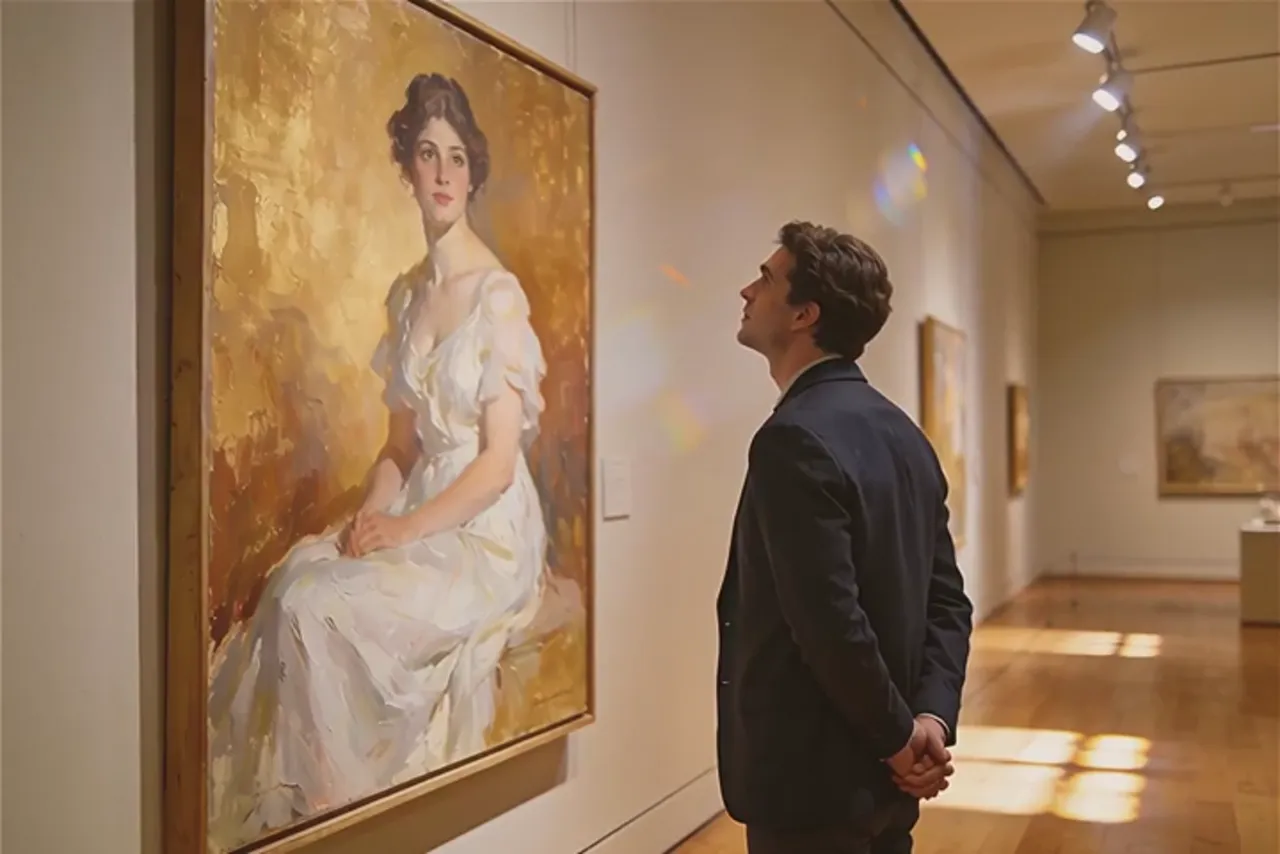
Animating photos and extending footage
With an image as input, a frozen frame becomes a living scene. A portrait blinks and turns, clouds drift across a landscape, a product rotates for the camera. The photo locks composition and appearance while the prompt directs the motion, making results far more predictable than pure text generation.
Video input unlocks the third path: existing footage becomes the seed for something new. Continue the action, alter what happens in frame, reinterpret the scene entirely. Between the three modes, any asset lying around — a snapshot, a sentence, an old clip — can start a project.
Resolution, duration and multi-shot mode
The settings panel lets you choose resolution up to 1080p and set the clip length. For drafts and idea testing, smaller settings render faster and cost less; once a version clicks, regenerate it at full quality. Pricing follows duration and the resolution you select.
The multi-shot toggle is worth exploring. By default the model produces one continuous take; switched on, it delivers a sequence of changing camera angles that feels like an edited montage. You get cinematic rhythm without touching an editor — the scene cuts itself.
Where Wan 2.6 fits best
It excels at fast content from whatever is at hand: product-card videos built from catalog photos, short social clips from a written concept, animated intros grown out of static cover art. Because the input is universal, there is almost no asset that cannot serve as a starting point.
Every generation is saved to your history, where you can download it, extend the clip, grab the last frame for the next iteration, or rerun with a refined prompt. That loop — generate, review, adjust — converges on a usable result quickly, even for someone new to AI video.
Häufige Fragen
What inputs does Wan 2.6 accept?
Three kinds: a text description alone, an image plus a prompt, or a video used as the base. The model adapts to whichever you provide, so anything from a single sentence to finished footage can kick off a generation.
What does multi-shot mode do?
Instead of one continuous take, the model builds the clip from several changing camera angles, like a pre-edited scene. It suits story-driven and promotional videos where cuts between shots create pace.
What quality will I get?
Resolution is selectable up to 1080p. A practical habit is drafting at lower settings for speed, then regenerating the winning version at maximum quality. Cost depends on clip length and the resolution you pick.